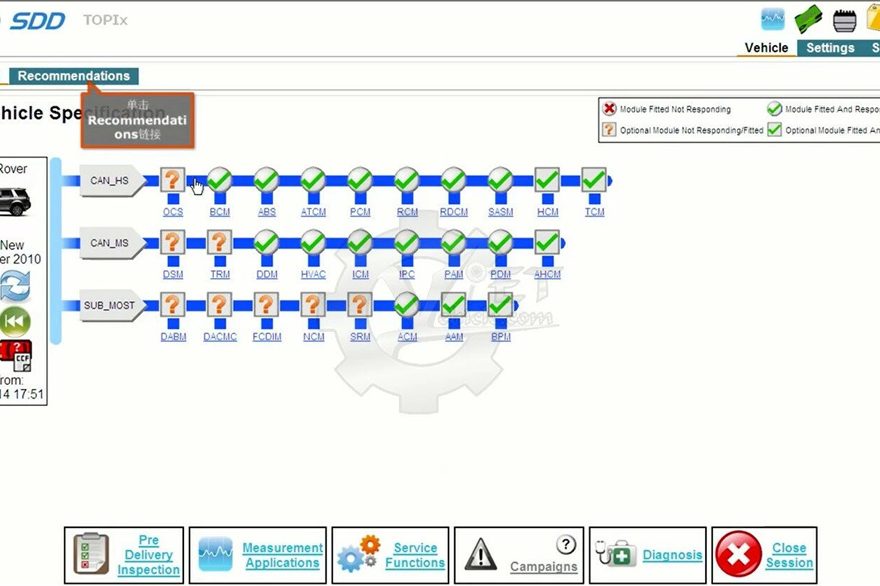
JLR SDD Software has been updated to version V168. To continue downloading files and working seamlessly, all users must update to this latest version.
To update, follow these steps:
- Visit this page.
- Click on SDD Manual Software Download.
Once downloaded, run the installer. The program will automatically remove the older V164 version and set up V168 for immediate use.