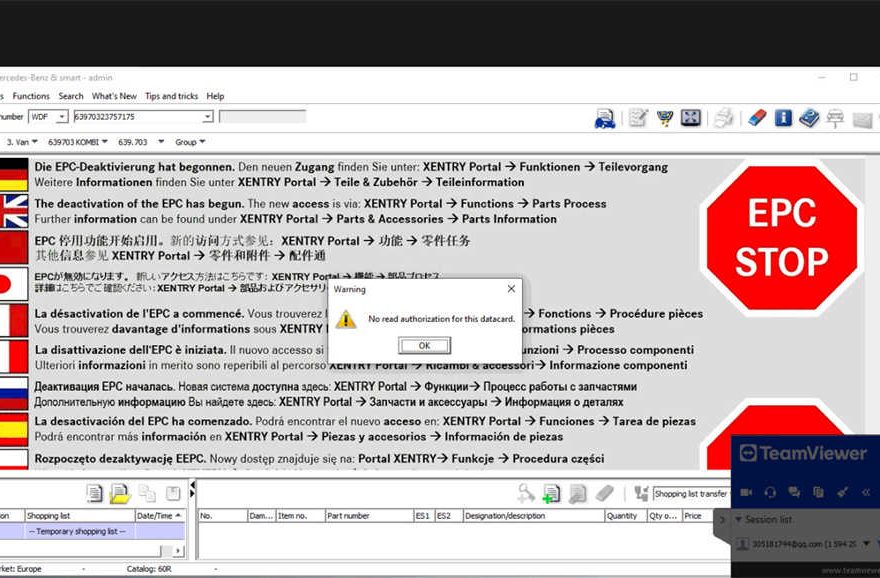
This EPC Software FAQ answers the most common questions users encounter when installing and using EPC, XENTRY, WIS, and ASRA software.
If your EPC software shows missing modules, cannot read data cards, or behaves abnormally, this guide will help you fix it quickly.
Frequently Asked Questions (FAQ)
❓ Why does my EPC software only have ASRA and no XENTRY for cars?
✅ Answer
This happens when XENTRY Truck (Commercial Vehicle system) is installed instead of XENTRY Car (Passenger Vehicle system).
There are two separate XENTRY systems:
- XENTRY Truck → for trucks, buses, commercial vehicles
- XENTRY Car → for passenger cars
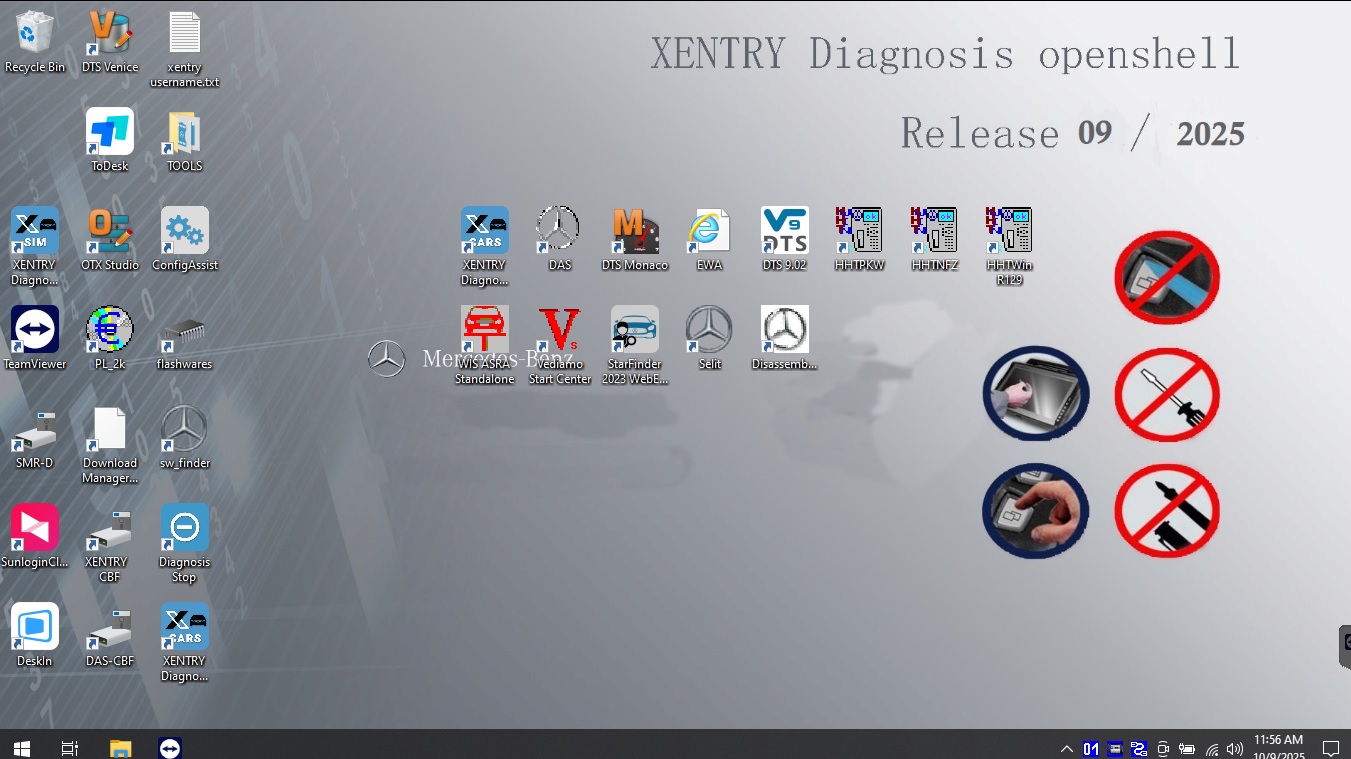
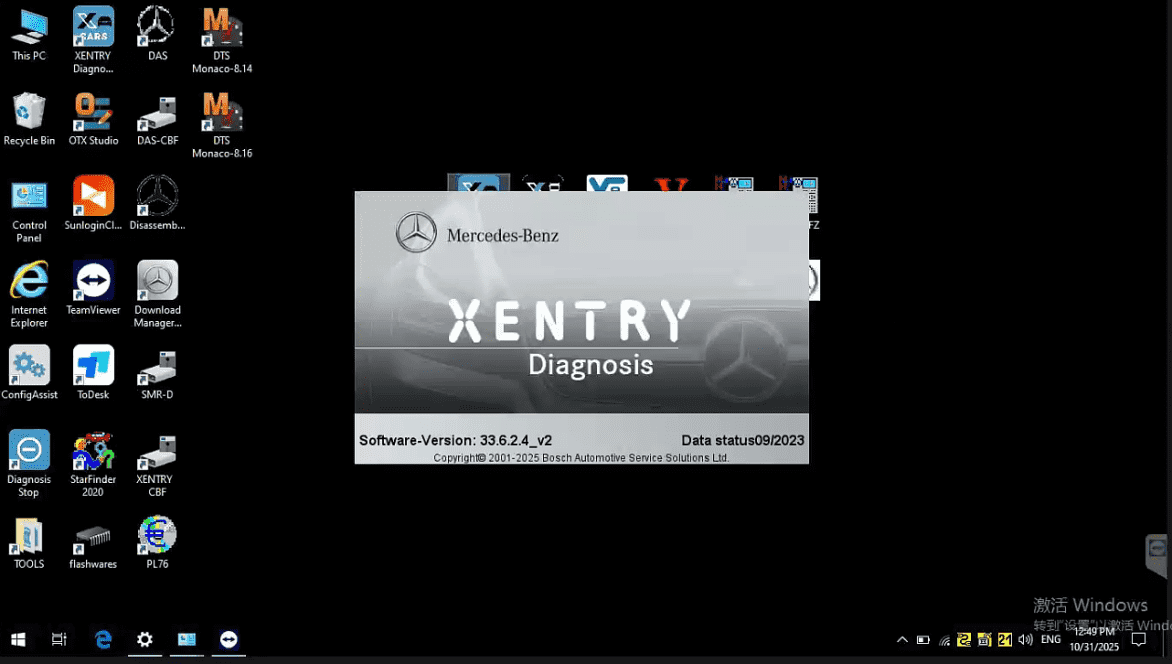
If your system is Truck-based, XENTRY Car functions will not appear.
🔧 How to Fix
- Confirm whether your vehicle is a car or truck
- Request a system change to XENTRY Car if needed
- Reinstall the correct system version
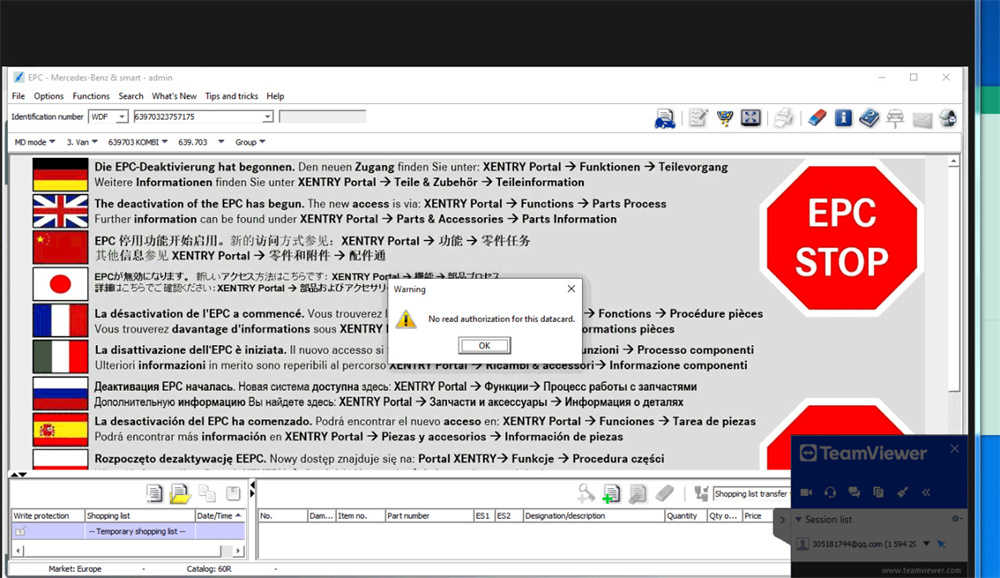
❓ Why can’t I open WIS or EPC, or why is there no data displayed?
✅ Answer
WIS and EPC are time-dependent applications. If your computer system date is incorrect, the database may fail to load.
🔧 Correct Usage Steps
- Before opening WIS or EPC
- Set Windows system date to year 2023
- Open WIS / EPC and use normally
- Before running XENTRY diagnosis
- Change system date back to current date
⚠️ Important:
Do not run XENTRY diagnostics with an outdated system date.
❓ Why can’t EPC read the data card even after setup?
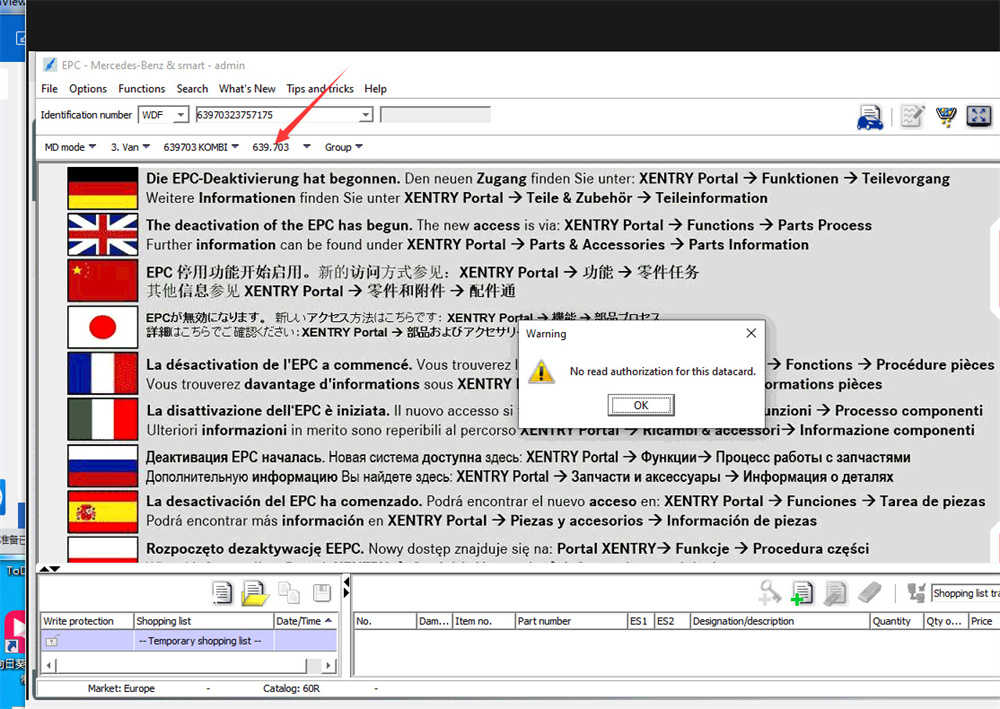
✅ Answer
In most cases, this issue is caused by:
- Incorrect vehicle option selection
- Invalid or incomplete VIN number
- Wrong EPC workflow
The EPC software itself is working, but incorrect selection prevents data loading.
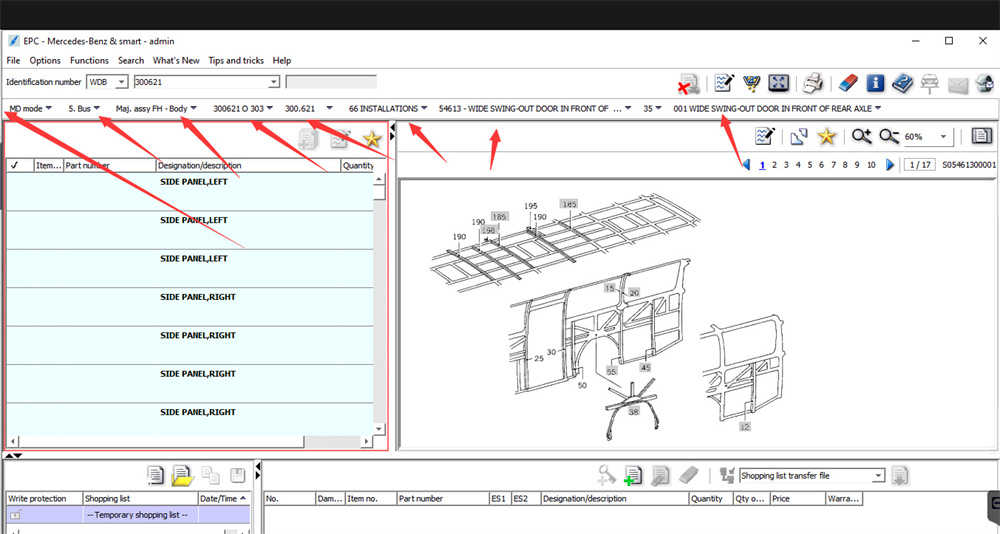
🔧 How to Fix
- Enter a valid and complete VIN
- Follow the official EPC selection steps
- Do not manually guess options
- Select vehicle data exactly as instructed
❌ Incorrect: Random or manual option selection
✅ Correct: Follow the EPC workflow step by step
❓ Is this an EPC software bug?
✅ Answer
No.
In nearly all reported cases, EPC issues are caused by:
- System mismatch (Car vs Truck)
- Incorrect system date
- Wrong VIN or option selection
The software is running normally, but configuration errors prevent correct usage.
❓ Can I use XENTRY, EPC, and WIS at the same time?
✅ Answer
Yes, but you must switch system dates correctly:
| Software | Required System Date |
|---|---|
| WIS / EPC | 2023 |
| XENTRY Diagnosis | Current date |
Failure to adjust the date properly may cause:
- Missing data
- License errors
- Diagnostic failures
❓ What should I check before ordering EPC or XENTRY software?
✅ Answer
Before ordering, always confirm:
- Vehicle type: Car or Truck
- Required software: XENTRY / EPC / WIS / ASRA
- VIN availability
- Operating system compatibility
This avoids incorrect installations and delays.
❓ What if EPC still doesn’t work after following all steps?
✅ Answer
If issues persist, professional support is recommended.
📧 Email: sales@obd2tool.com
🌐 Website: https://www.obd2tool.com/
Our engineers can:
- Verify system configuration
- Check VIN and option paths
- Provide remote technical support
🔑 EPC Software Best Practices (Quick Checklist)
✔ Confirm Car vs Truck system
✔ Use correct Windows system date
✔ Enter valid VIN
✔ Follow EPC workflow exactly
✔ Avoid manual option guessing
📌 Summary
Most EPC, XENTRY, and WIS issues are setup-related, not software defects.
By selecting the correct system, adjusting the system date properly, and following EPC selection steps exactly, the software will function normally.