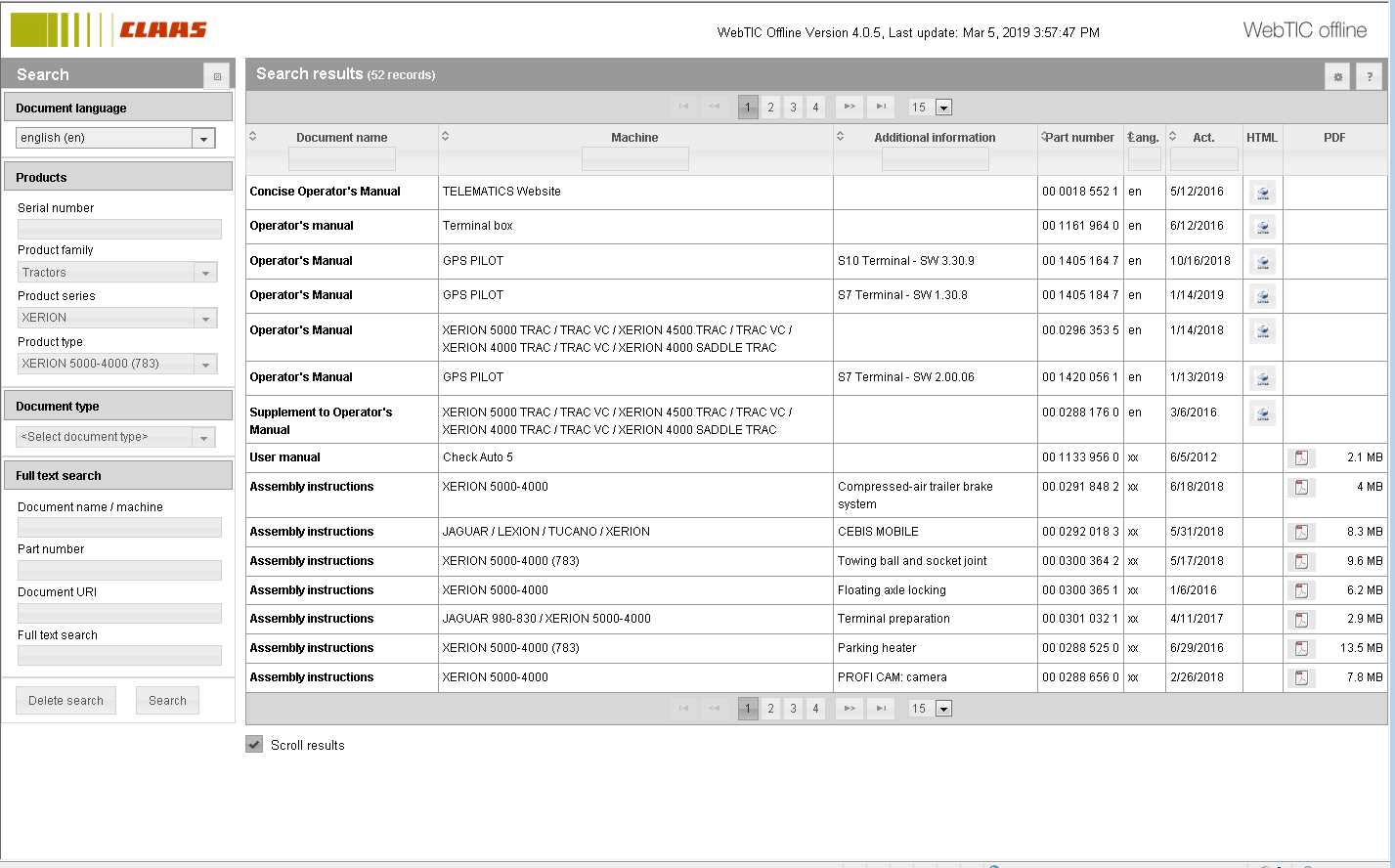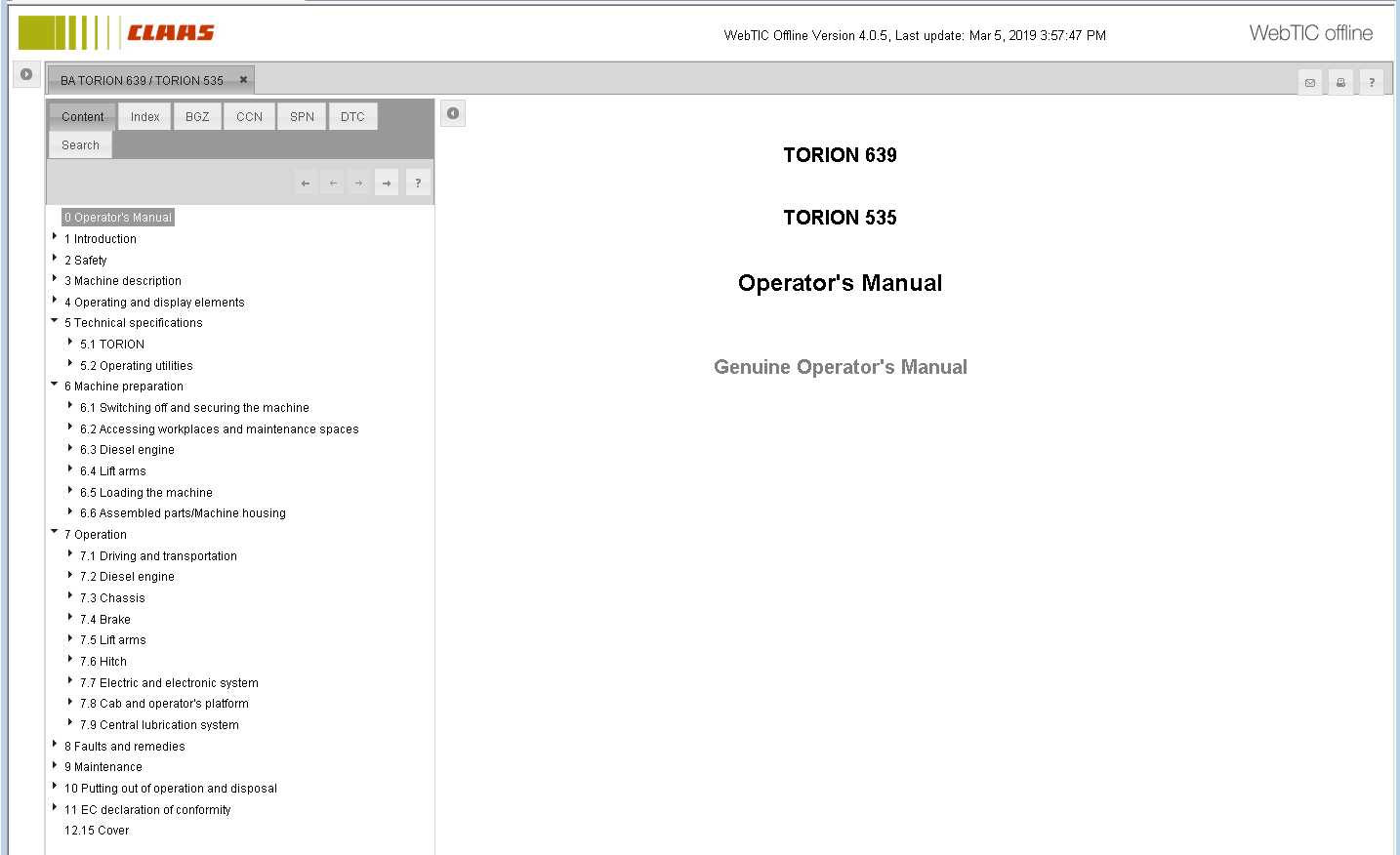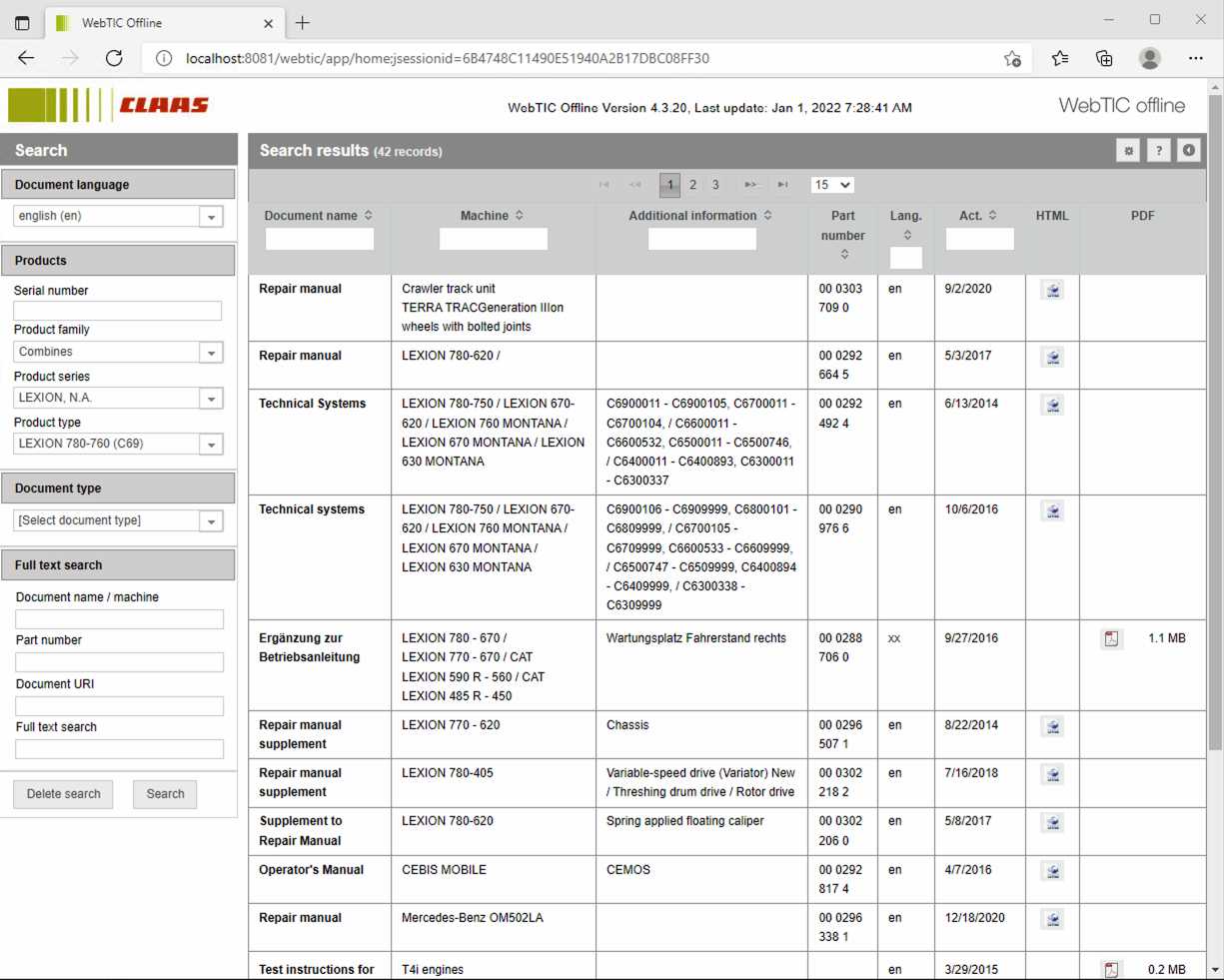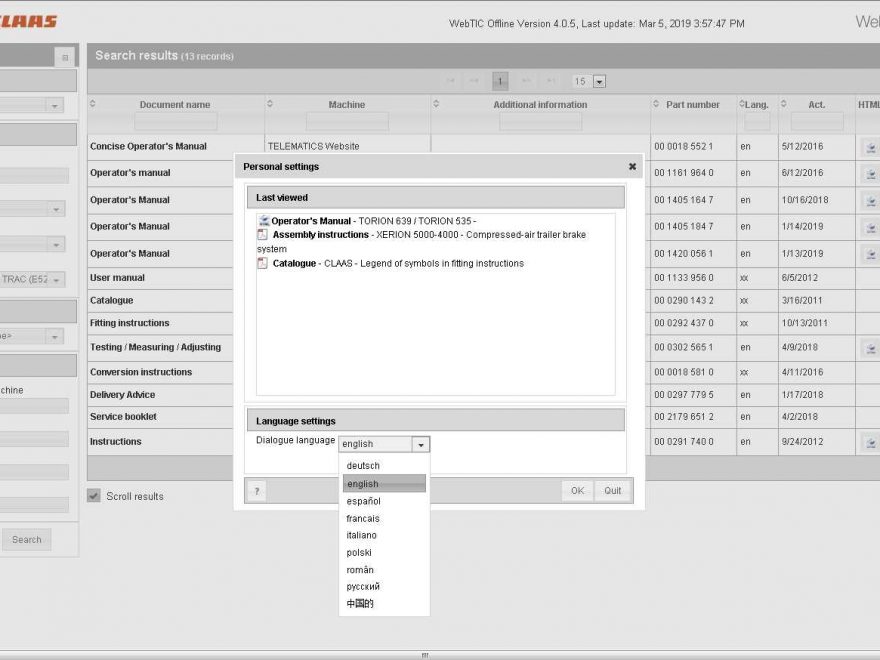
If you work on CLAAS agricultural machinery, you know how much time gets wasted hunting for the right manual, wiring diagram, or parts document online.
CLAAS WebTIC 02/2026 Offline puts the CLAAS technical information library directly on your computer, so you can open documents anytime—even without internet. It’s a fast, practical solution for workshops, farms, and mobile service technicians.
What Is CLAAS WebTIC Offline?
WebTIC Offline is CLAAS technical documentation software that gives you quick access to machine service information, including manuals, fitting instructions, repair documentation, and technical system documents—stored locally on your PC.
Once installed, you can search and open documents in seconds, even when you’re in the field or inside a shop with unstable connection.
Related Product
What Documents Are Included?
Depending on the machine, WebTIC includes multiple document types, such as:
-
Fitting instructions
-
Operator’s manuals
-
Repair manuals
-
Time schedules / labor time information
-
Technical system documents
-
Training documents
-
Conversion instructions
-
Assembly instructions
-
Miscellaneous technical files
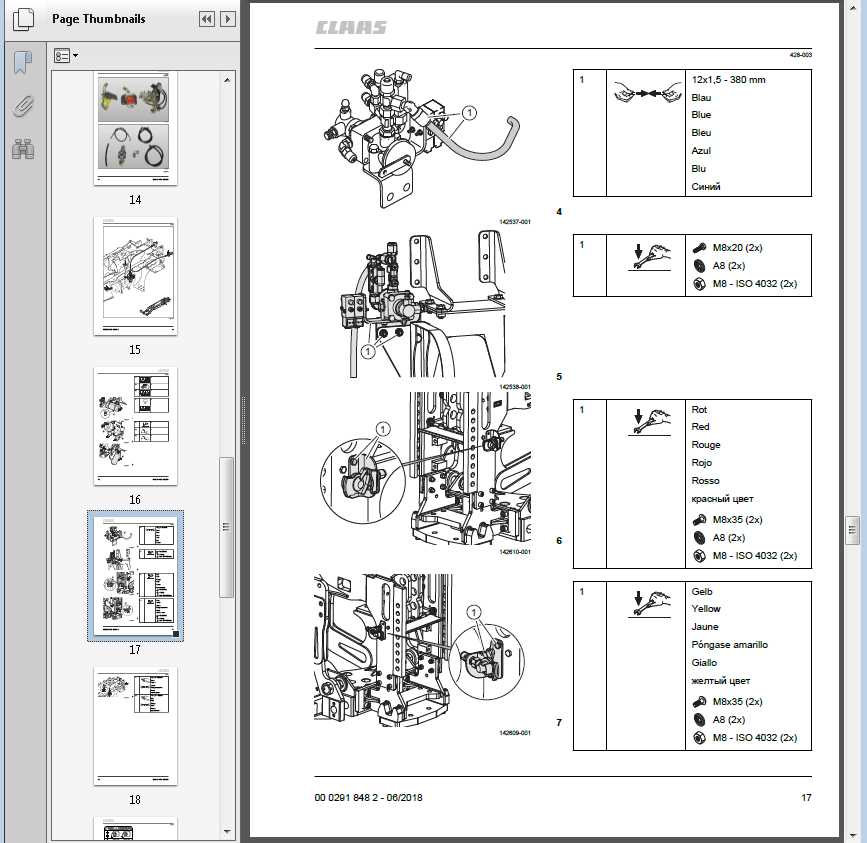
You also get illustrations and diagrams, making it easier to identify components, confirm installation positions, and follow removal/replacement steps correctly.
Why CLAAS Owners & Workshops Use It
CLAAS WebTIC is especially useful for electronic-equipped machines, because it helps you:
-
Perform maintenance and repair with clear step-by-step instructions
-
Locate parts/components using diagrams
-
Reduce troubleshooting time
-
Support calibration, assembly, and disassembly work
-
Work offline when internet is unavailable
In short: it’s a professional assistant for repair + diagnostics + documentation lookup.
System Notes (File Size & Installation)
-
Data size: about 93.3 GB
-
Designed for PC use
-
Supports full installation on a hard drive (recommended for faster access)
Supported CLAAS Machine Categories (Overview)
The database covers a wide range of CLAAS equipment families, including:
-
Combines (LEXION, TUCANO, AVERO, DOMINATOR, MEGA, MEDION, COMMANDOR, headers, cutterbars, etc.)
-
Forage harvesters (JAGUAR + headers/pickups)
-
Tractors (XERION, AXION, ARION, AXOS, ATOS, ELIOS, NEXOS, plus historic lines)
-
Balers (QUADRANT, ROLLANT, VARIANT, MARKANT)
-
Mowers (DISCO, CORTO, COUGAR, UNIFARM, WM)
-
Tedders (VOLTO)
-
Swathers / rakes (LINER)
-
Loader wagons (CARGOS, QUANTUM, SPRINT)
-
Telehandlers (SCORPION, TARGO, RANGER)
-
Wheel loaders (TORION)
-
EASY systems (Steering systems, sensors, telematics, yield mapping)
-
Miscellaneous / trade goods
(Your exact coverage depends on the specific WebTIC dataset/version.)
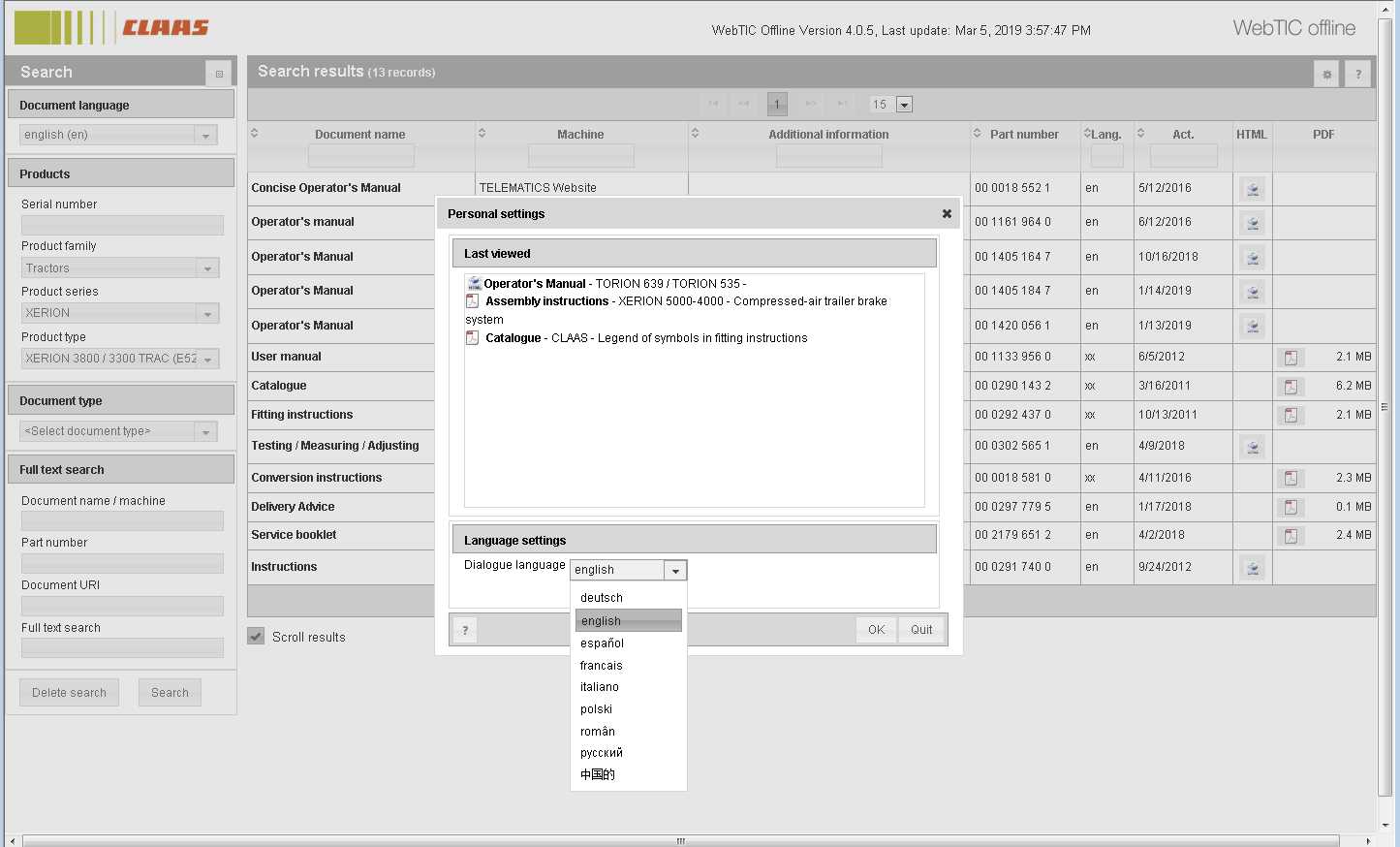
How to Search Documents in WebTIC Offline
WebTIC supports multiple search options so you can find the right file quickly:
-
Document name / Machine
Search by model name or keywords (example: “LEXION 770” or “hydraulic pump”). -
Part number
Enter a part number to find related documents and references. -
Document URI
Useful if you already have the document address/reference. -
Full-text search
Search across document contents (great for fault descriptions, procedures, and keywords).
Click Search to display results based on your selected search method.
Screenshots for CLAAS WebTIC Offline 07.2025 Service Information Database