Problem Description
Issue:
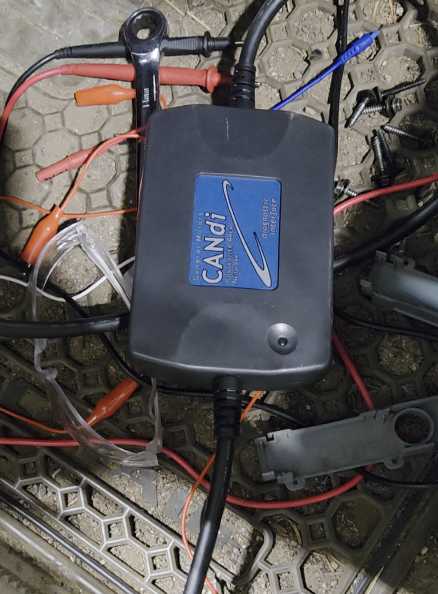
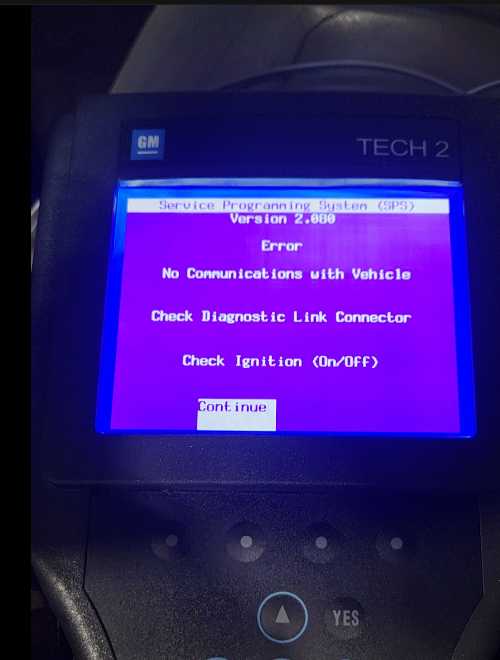
The CANDI module stops working when connecting the Tech2 diagnostic tool to the vehicle. The diagnostic session cannot be established normally.
This issue is commonly reported when the Tech2 is powered incorrectly during vehicle diagnosis.
Solution & Professional Recommendation
Important:
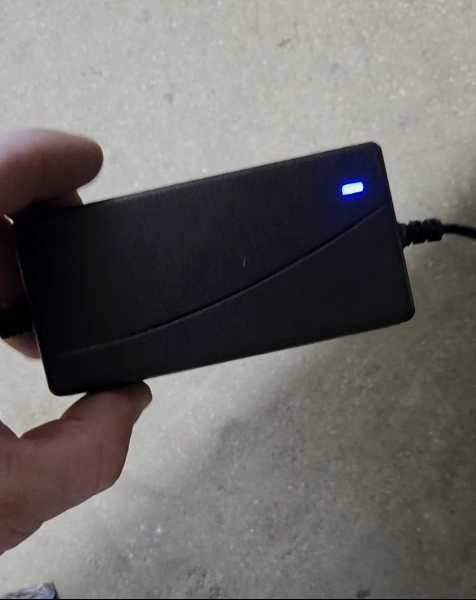
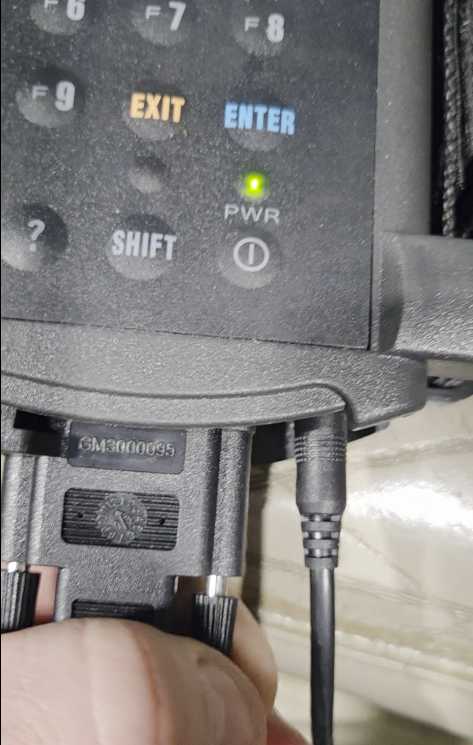
When connecting the Tech2 to a vehicle for diagnosis, do not connect an external 12V charger at the same time.
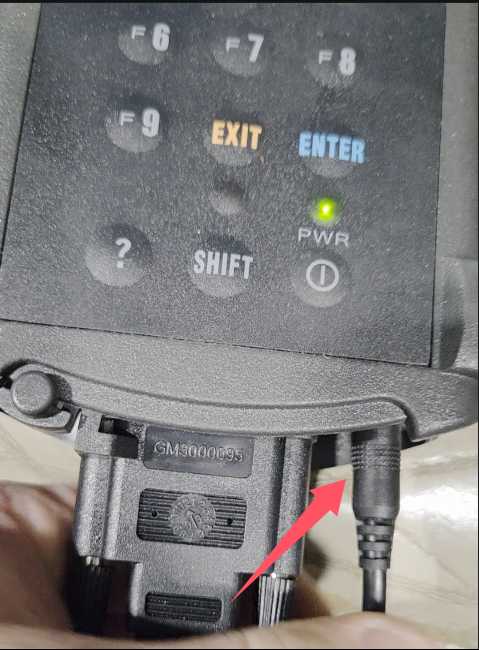
Why this matters:
- The vehicle already supplies power directly to the Tech2 and CANDI module through the diagnostic port
- Using an additional 12V power source may cause voltage conflict or communication failure
- This can lead to the CANDI module not being detected or appearing to malfunction
Correct Usage Guidelines
✔ Connect the Tech2 directly to the vehicle’s diagnostic port
✔ Ensure the vehicle ignition is in the correct position (ON / Engine OFF if required)
❌ Do not connect an external 12V charger during diagnosis
After following these steps, reconnect the Tech2 and test the CANDI module again.
Need Further Assistance?
If the CANDI module still does not work after removing the external power source, the issue may be related to cable condition, firmware version, or hardware compatibility.
👉 Contact our technical support team https://www.obd2tool.com for professional diagnosis and solutions.