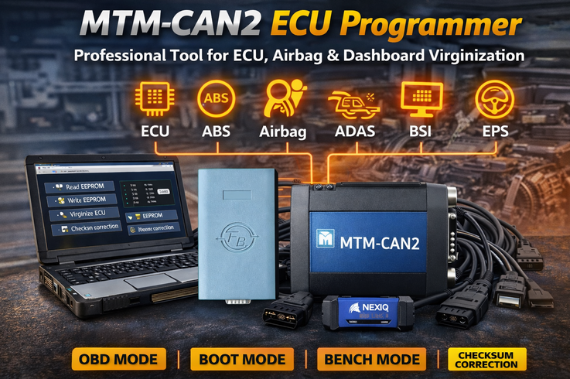
Modern vehicles rely on complex electronic control units (ECUs) to manage engine performance, safety systems, and vehicle electronics. When repairing or replacing these components, technicians often need specialized tools to read, write, and reset ECU data.
The MTM-CAN2 ECU Programmer is a powerful hardware and software solution designed for automotive professionals who need reliable ECU programming and control unit reset capabilities. It supports multiple connection modes and provides advanced functions such as EEPROM reading/writing, microcontroller programming, and checksum correction.
This article introduces the features, capabilities, and supported systems of the MTM-CAN2 ECU Programmer.
What Is the MTM-CAN2 ECU Programmer?
The MTM-CAN2 is a standalone ECU programming tool that allows technicians to read and write EEPROM and microcontroller data through multiple connection methods, including:
- OBD Mode
- Boot Mode
- Bench Mode
It is widely used for ECU virginization, configuration, and repair, especially for Marelli ECUs and other automotive control units.
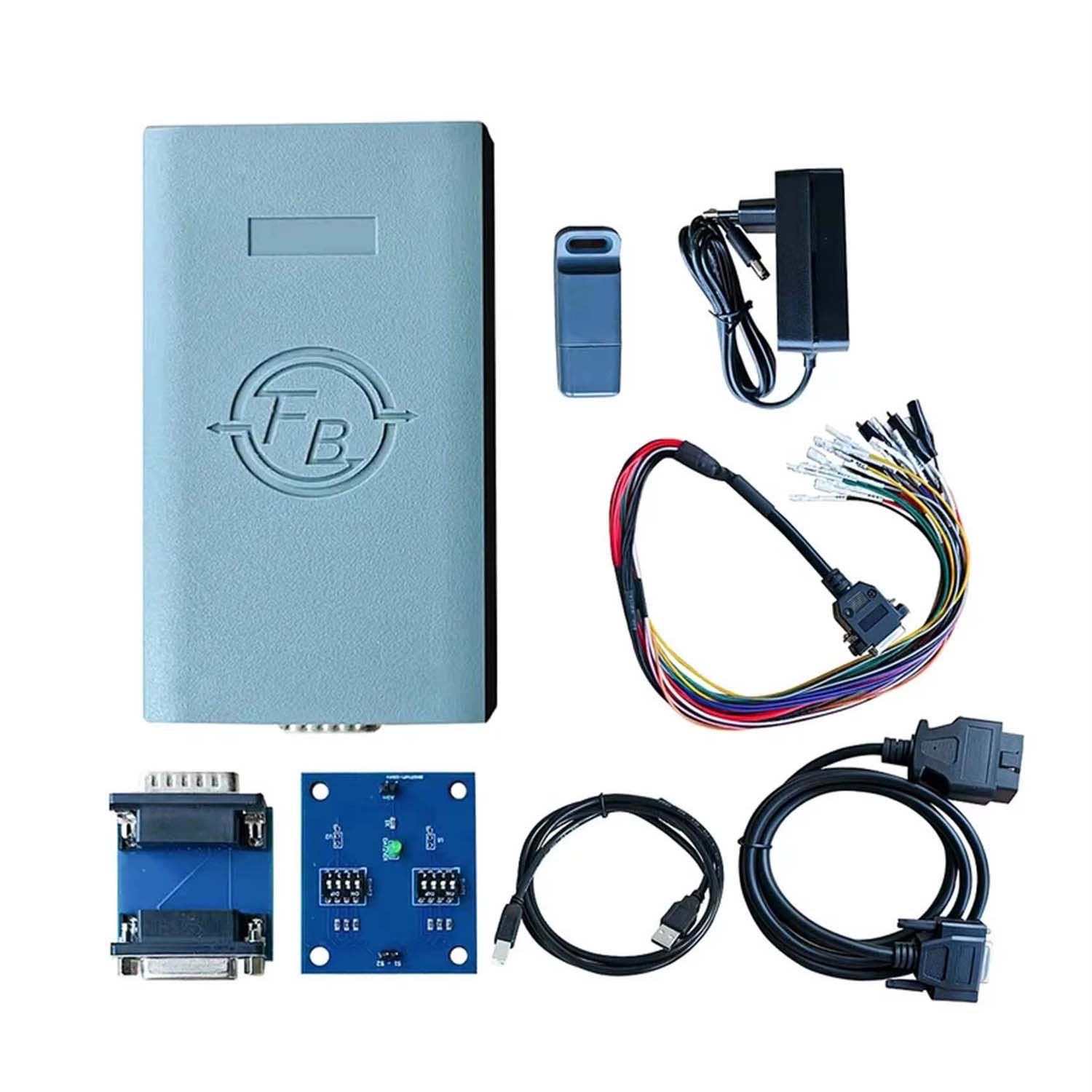
Software Version
- Version: V1.0.0.0
- Works online
- No annual subscription fee
Because it operates as a standalone master tool, users do not need additional devices or paid yearly licenses.
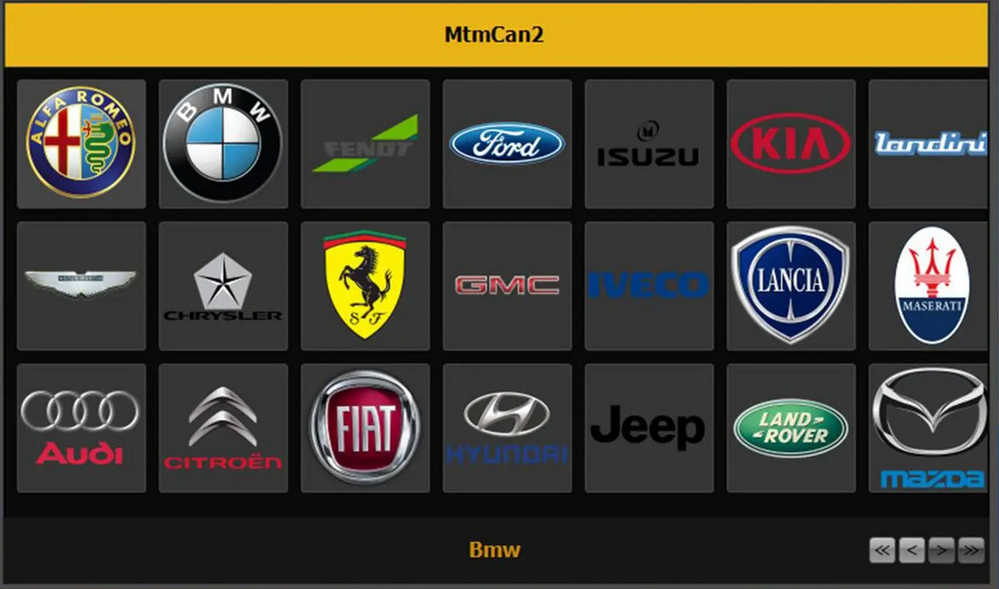
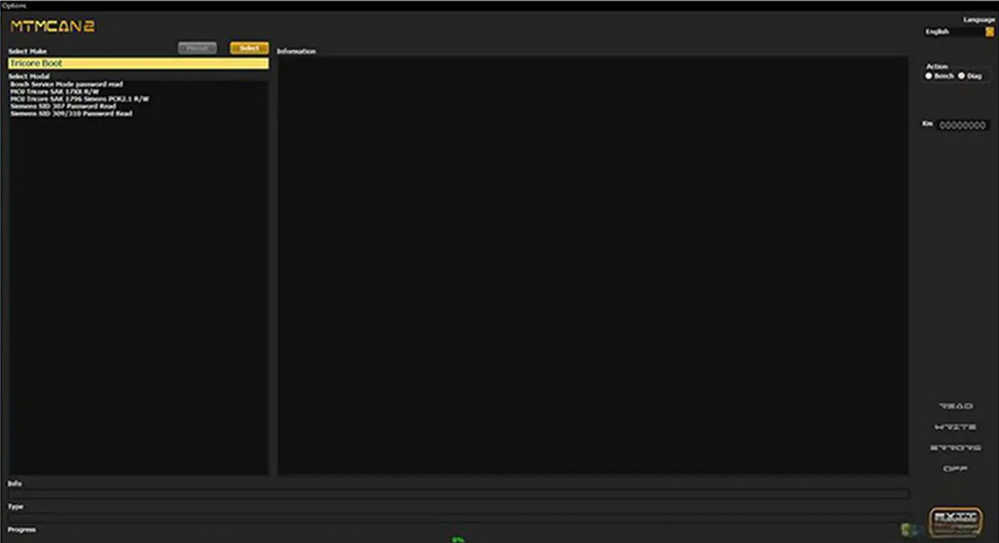
Key Features of MTM-CAN2 ECU Programmer
1. Standalone Master Tool
The MTM-CAN2 works independently as a master programming device. There is no yearly subscription, making it a cost-effective solution for workshops and technicians.
2. Multiple Connection Modes
The tool supports three diagnostic communication modes:
- OBD Mode – connect directly through the vehicle diagnostic port
- Boot Mode – direct ECU communication for advanced programming
- Bench Mode – ECU programming outside the vehicle
This flexibility allows technicians to work with a wide range of ECUs.
3. Marelli ECU Virginization
One of the most valuable features of MTM-CAN2 is its ability to virginize Marelli ECUs, restoring them to their original factory state so they can be reused or reprogrammed.
4. Advanced Control Unit Support
MTM-CAN2 supports several important automotive control modules including:
- ECU (Engine Control Unit)
- ABS
- Airbag
- ADAS
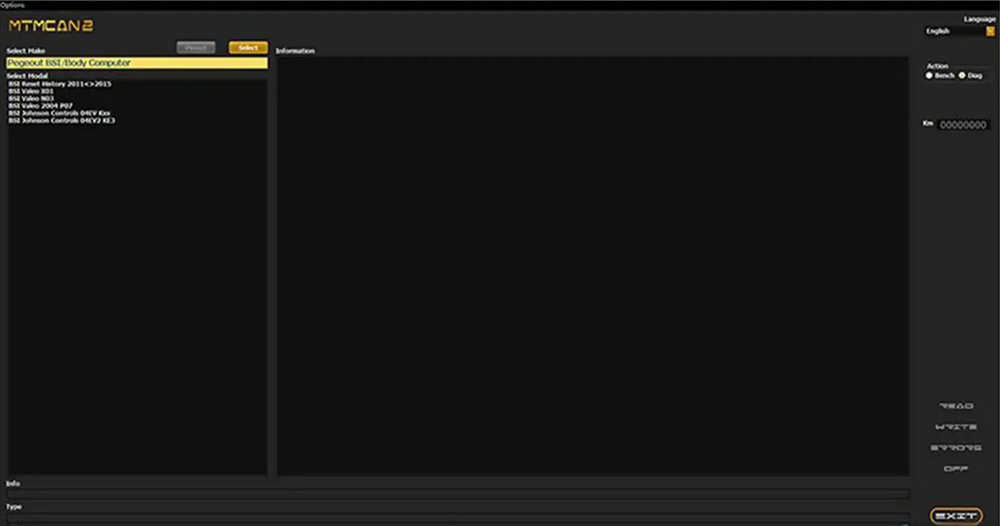
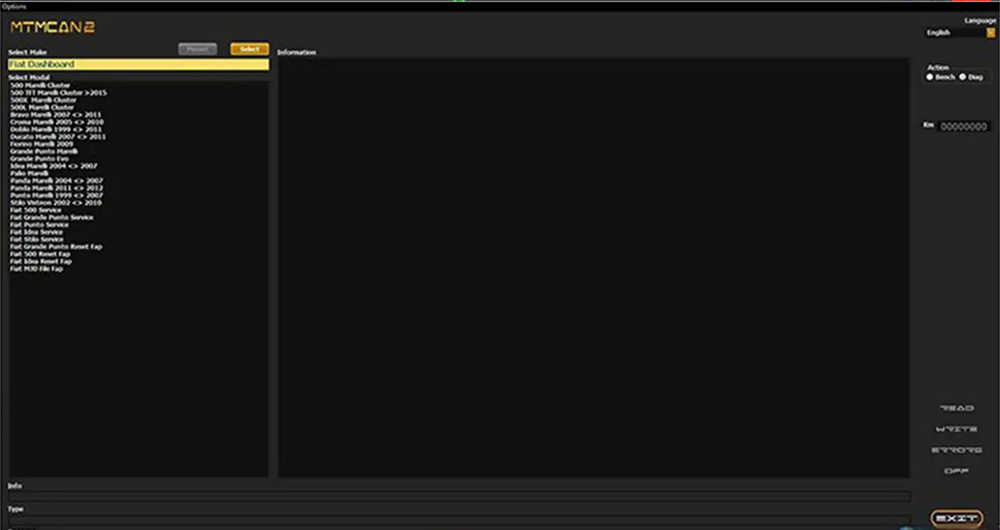
- Dashboard / Instrument Cluster
- Body Control Module (BSI)
- EPS (Electronic Power Steering)
5. Checksum Correction
The tool automatically performs checksum correction before writing data, ensuring the integrity and reliability of ECU files.
6. Durable Hardware Design
The device features a metal + ABS housing, providing durability for daily use in professional workshops.
Supported Control Units and Functions
The MTM-CAN2 ECU Programmer can perform a variety of operations depending on the module being accessed.
ABS Control Unit
Allows technicians to restore the ABS module to its original state. Connection is performed using pinout wiring.
Airbag Control Unit
Supports airbag module reset and restoration, enabling the unit to return to its factory configuration.
ADAS Control Unit
The tool allows ADAS module initialization and reset through pinout connection.
Body Control Module / BSI
Supports reading and writing BSI or body control unit data through direct pinout connection.
Dashboard / Instrument Cluster
Provides functions for:
- Reading EEPROM data
- Writing EEPROM data
- Dashboard configuration
Connection can be made via OBD port or pinout.
EPS (Electronic Power Steering)
Allows technicians to read and configure steering column data, using either OBD connection or pinout wiring.
ECU Programming via Bench Mode
Engine ECUs can be removed and connected directly to the MTM-CAN2 front port for bench programming.
ECU Programming via OBD or Boot Mode
The ECU package allows:
- Reading ECU data
- Writing ECU data
- Boot mode programming
Robust and User-Friendly Design
The MTM-CAN2 ECU Programmer is built for reliability and ease of use.
Key design advantages include:
- Durable metal and ABS housing
- Stable hardware architecture
- Standalone operation without external equipment
- No need for constant software updates
This makes it suitable for both professional automotive technicians and advanced DIY users.
Why Choose MTM-CAN2 ECU Programmer?
The MTM-CAN2 stands out as a versatile ECU programming tool thanks to its wide control unit compatibility and advanced programming capabilities.
Main Advantages
- Standalone master device
- No yearly subscription
- Supports OBD, Boot, and Bench modes
- EEPROM and microcontroller programming
- Marelli ECU virginization
- Automatic checksum correction
- Durable workshop-grade hardware
For workshops specializing in ECU repair, module reset, and electronic diagnostics, the MTM-CAN2 is a powerful and cost-effective tool.
FAQ – MTM-CAN2 ECU Programmer
1. What is the MTM-CAN2 ECU Programmer?
The MTM-CAN2 ECU Programmer is a professional automotive tool used to read and write EEPROM and microcontroller data in vehicle control units. It supports multiple programming modes such as OBD, Boot, and Bench mode, making it suitable for ECU repair, configuration, and module virginization.
2. What control units are supported by MTM-CAN2?
MTM-CAN2 supports several automotive control modules, including:
-
ECU (Engine Control Unit)
-
ABS control unit
-
Airbag module
-
ADAS control unit
-
Body control module / BSI
-
Dashboard / Instrument cluster
-
EPS (Electronic Power Steering)
These modules can be accessed through OBD, Boot, or pinout connections depending on the system.
3. Can MTM-CAN2 virginize ECUs?
Yes. One of the main features of MTM-CAN2 is ECU virginization, especially for Marelli ECUs. Virginizing an ECU restores it to its factory state so it can be reused or programmed in another vehicle.
4. Does MTM-CAN2 require a yearly subscription?
No. The MTM-CAN2 is a standalone master tool, which means it works independently and does not require an annual subscription fee.
5. What connection modes does MTM-CAN2 support?
The MTM-CAN2 supports three main connection modes:
-
OBD Mode – connect directly through the vehicle OBD port
-
Boot Mode – used for deeper ECU programming
-
Bench Mode – used when the ECU is removed from the vehicle
These connection options provide flexibility for different repair scenarios.
6. Does MTM-CAN2 support checksum correction?
Yes. The tool performs automatic checksum correction before writing ECU data, ensuring that the ECU file remains valid and preventing data corruption during programming.