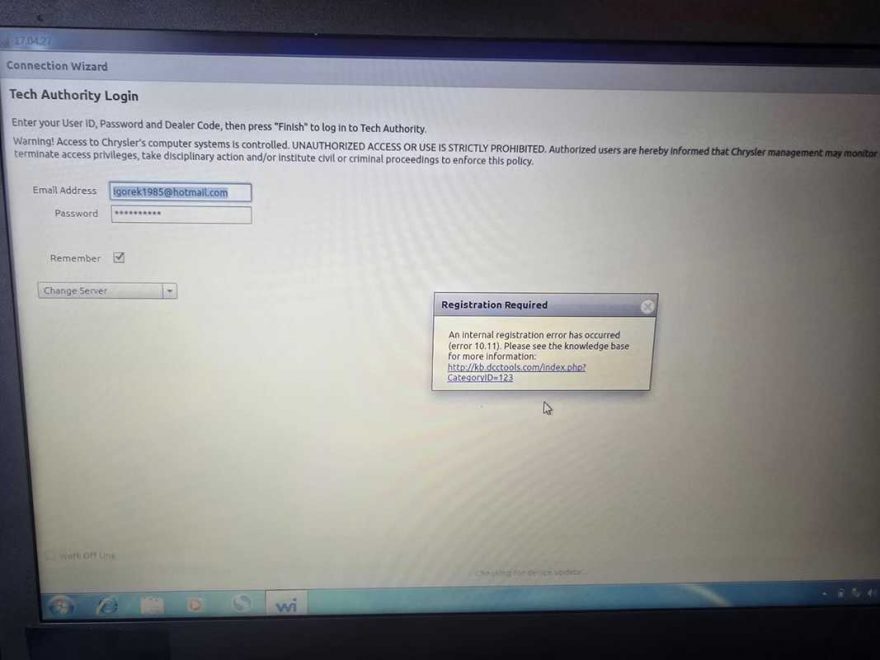
Customer Issue: WiTech MicroPod 2 Not Working After Purchase
A customer contacted us with the following problem:
“Hello, I bought WiTech MicroPod 2 V17.04.27 from you, but it doesn’t work. It looks like a fault.”
At first glance, this type of issue can be caused by software, account authorization, or system-related restrictions rather than the diagnostic hardware itself.
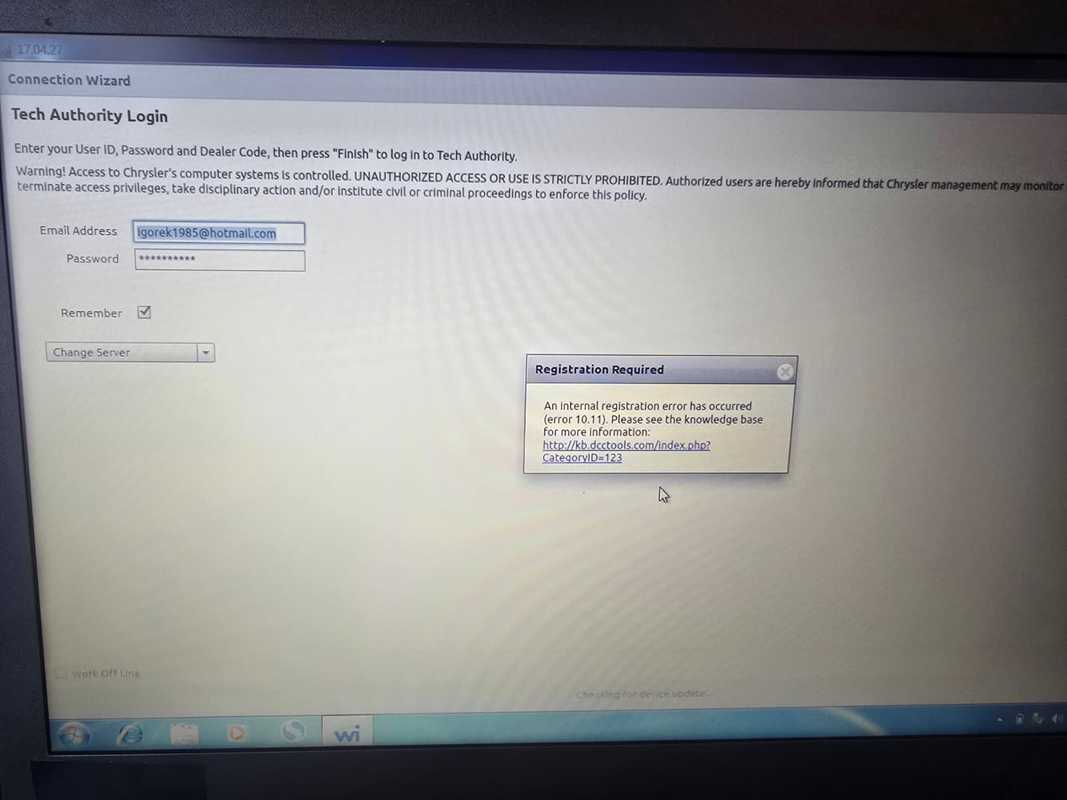
OBD2Tool Reply:
do you have online account to login ?
Please make sure your account is valid, then close the prompt page and click next to see what information is prompted.
Customer Feedback:
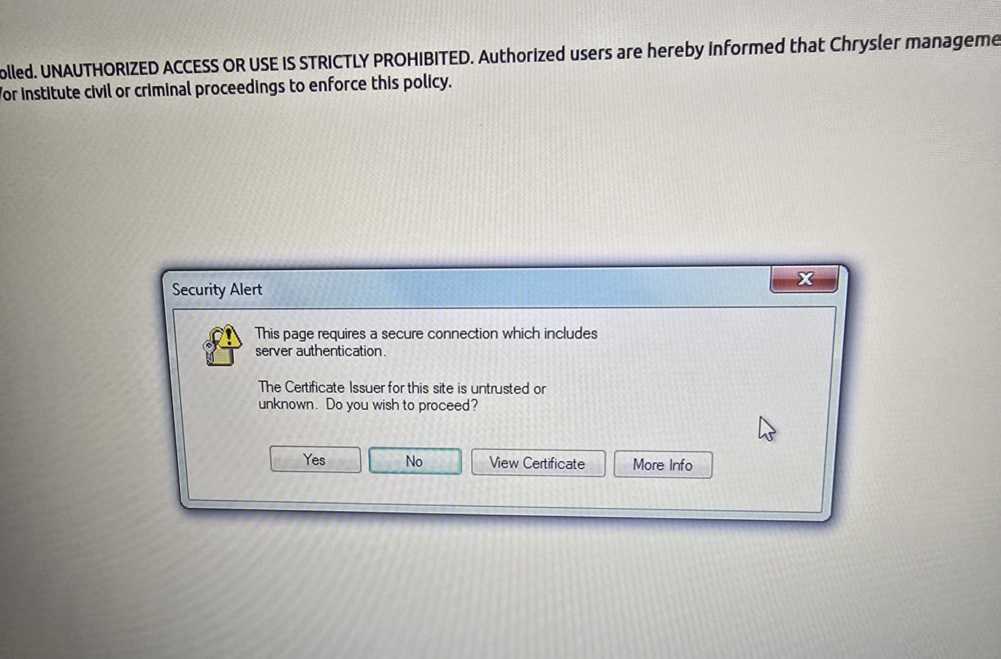
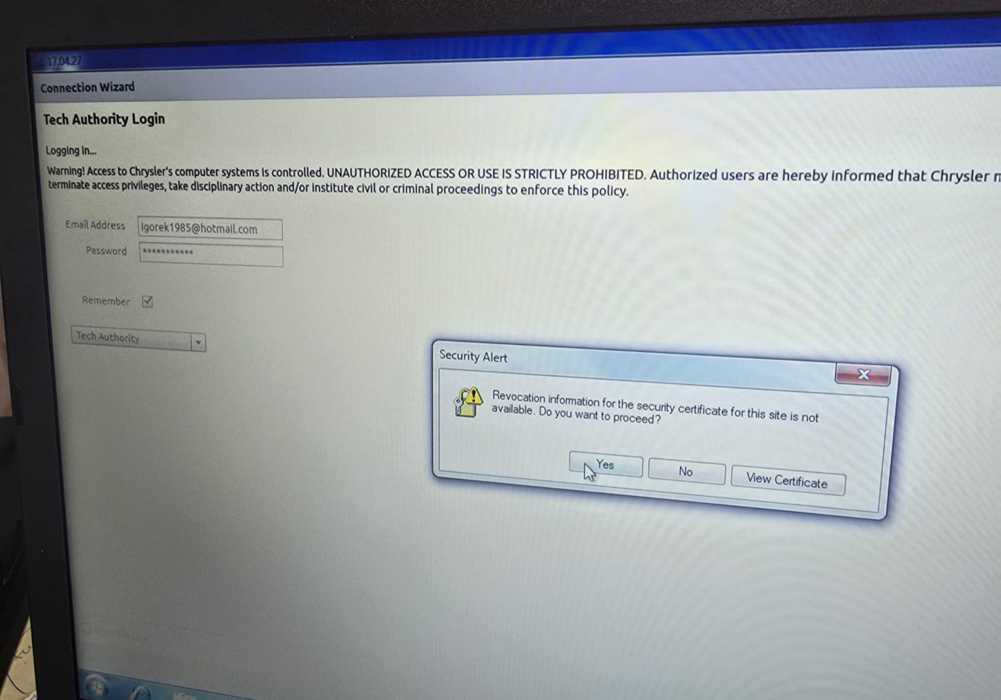
Yes, my account work good, here are some pictures
Looks like something wrong with certificate,how can we register that on mopar ?

OBD2Tool Reply:
No need to register again.
Engineer said to try reinstalling the software on another computer and logging into your account again.
If the software is reinstalled on another computer and successfully logged in, it means that this computer can no longer use the software.
Common WiTech Problems This Solution Fixes
WiTech certificate error
WiTech login works but cannot continue
Mopar authorization failure
WiTech MicroPod 2 “not working”
Chrysler WiTech online account blocked
If you need Chrysler WiTech Diagnostic Tool
Contact obd2tool.com to confirm the correct version for your vehicle models