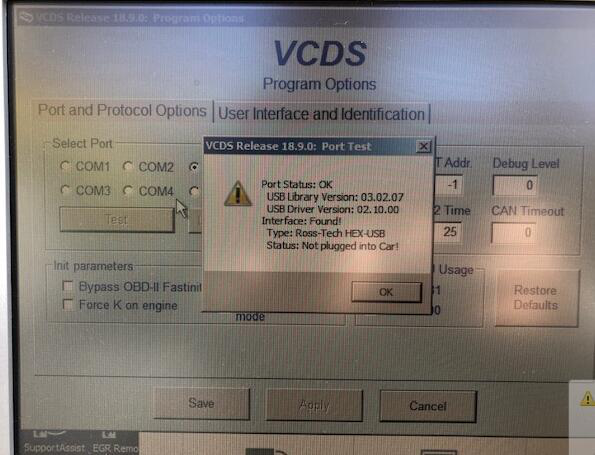
Customers often contact us to reflect that the software of VAG COM 26.3 VCDS 26.3 is installed,,when the software is opened, and the hardware cannot be connected.
How to install and active VAG COM 26.3 Video Download
After installing the Vag26.3 software, customers often double-click the icon on the desktop to run the Vag26.03 software. as follows:
Connect the hardware of Vag26.3 to the computer and double click:

Run the Vag26.3 software, the screen prompts that the hardware cannot be found, as shown below:
The above problem occurs mainly because the customer did not follow the instructions. The correct operation method is as follows:
You need to open the VCDS loader and then open the vag26.3 software inside.
Double click:


Click the start vCDS button below and run the vag26.3 software. You will find your vag hardware.

Find the vag26.3 hardware, as shown below:
