Introduction
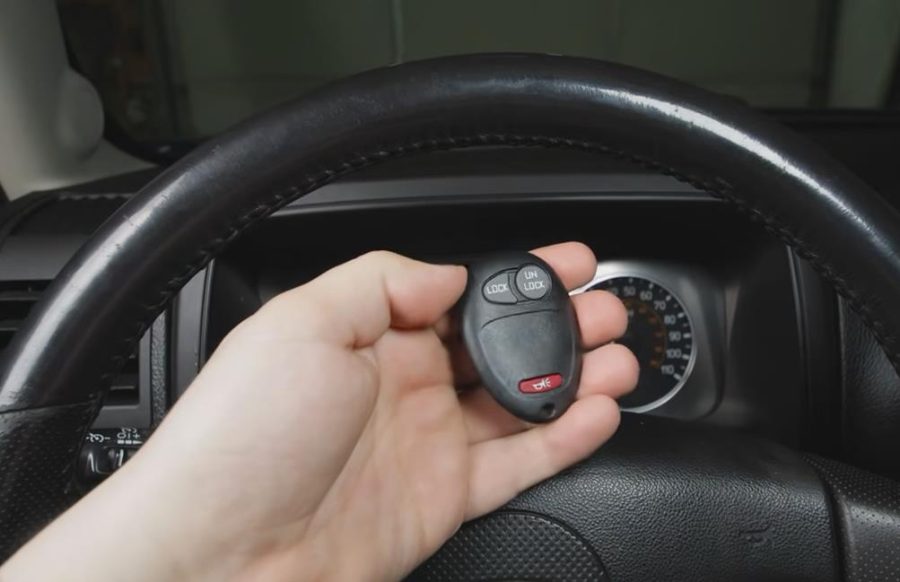
If you need to add a spare key fob or replace a lost or damaged remote for a Hummer H3 or Hummer H3T, the programming process cannot be completed by simply pressing buttons inside the vehicle.
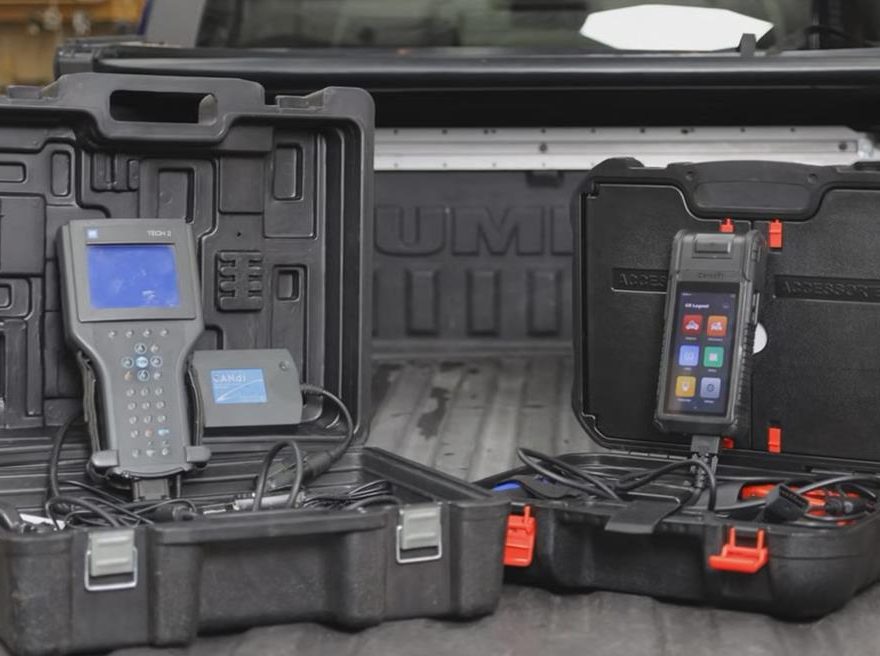
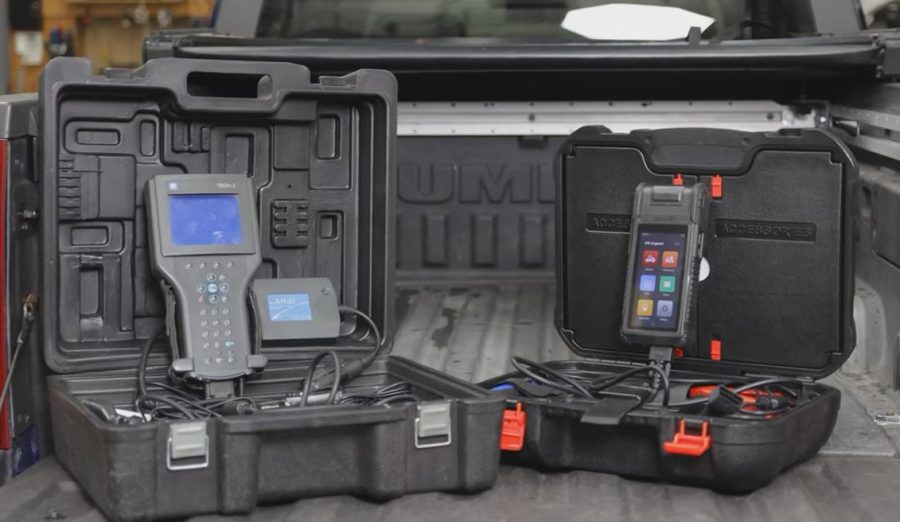
For these vehicles, key fob programming normally requires a compatible diagnostic scan tool, such as a GM Tech 2 or a modern diagnostic scanner with GM Body Control Module special functions.
This guide explains when programming is needed, what tools are required, what to check before buying a replacement key fob, and how to program the remote step by step.
Important: This guide is intended for vehicle owners, repair shops, and locksmiths working on authorized vehicles only. Do not use diagnostic tools to access or modify any vehicle without permission.
Compatible Vehicles
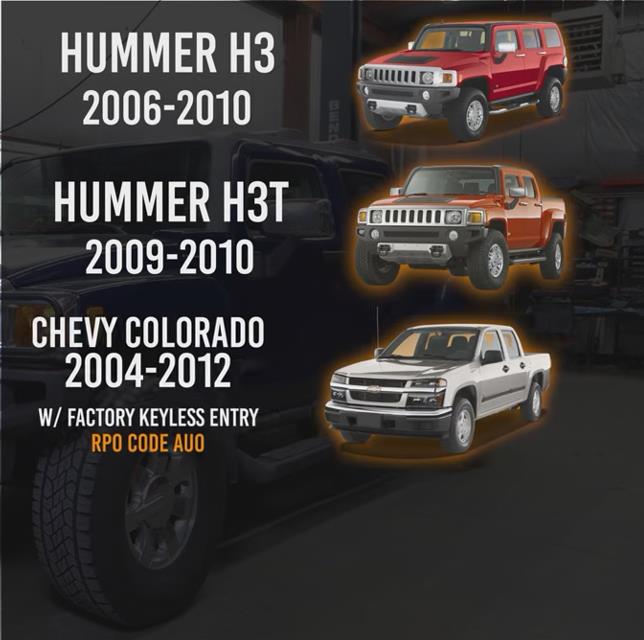
This procedure applies mainly to:
- Hummer H3
- Hummer H3T
- Chevrolet Colorado with factory keyless entry
- GMC Canyon with factory keyless entry
For Chevrolet Colorado and GMC Canyon owners, the vehicle must have factory remote keyless entry. You can check the glove box RPO sticker for the code AU0, which indicates factory keyless entry.
If the vehicle was not equipped with factory keyless entry, programming a remote may not work without additional hardware or configuration.
When Do You Need Key Fob Programming?
You need to program the key fob if:
- You are adding a spare remote.
- Your original key fob is missing.
- Your old remote is broken and needs to be replaced.
- You bought a new replacement Hummer H3 key fob.
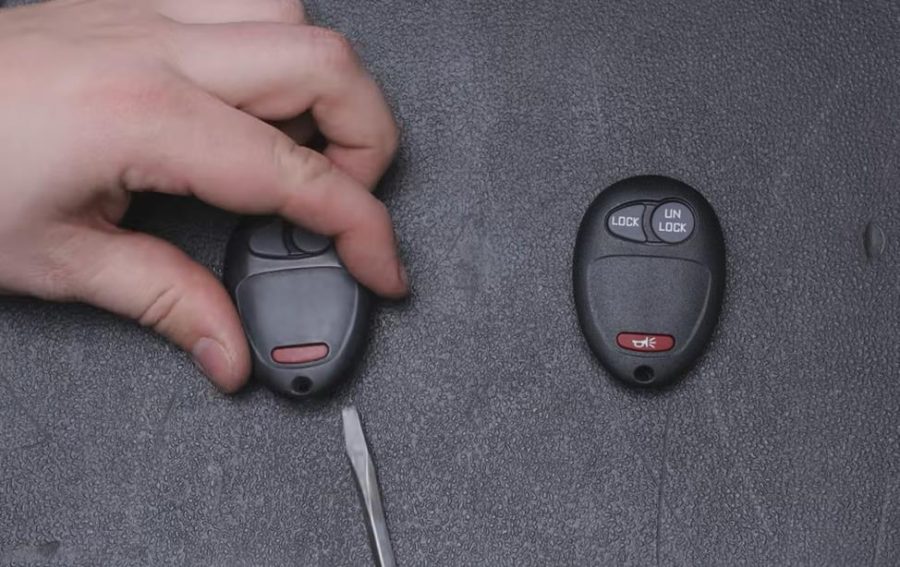
You may not need programming if only the plastic case or rubber buttons are worn out. In that case, you can often move the existing circuit board into a replacement shell.
Tools Needed
To program the remote, you need a diagnostic scan tool that can access the GM Body Control Module and perform key fob programming.
Recommended options include:
- GM Tech 2 scanner
- Compatible Android-based diagnostic scanner with GM special functions
- Professional locksmith or dealership diagnostic equipment
A basic OBD2 code reader or Bluetooth scanner usually cannot perform this function because it does not support BCM special functions.
Recommended product link placement:
Add a product link after this section using anchor text such as:
GM Tech 2 Scanner for GM Key Fob Programming
Example sentence:
For GM vehicles such as Hummer H3, Chevrolet Colorado, GMC Canyon, and other supported GM models, a GM Tech 2 Scanner is commonly used for BCM special functions, including key fob programming.
Before Buying a Replacement Key Fob
Before programming, make sure the replacement key fob matches your vehicle.
Check these details:
1. FCC ID
The FCC ID on the replacement fob must match the correct Hummer H3 remote type.
2. Part Number
Do not assume all GM remotes are interchangeable. A Silverado remote, for example, may look similar but may use a different FCC ID.
3. Region
US-spec and European/Japanese-spec Hummer H3 models may use different remote frequencies as well as part numbers.
4. Number of Remotes
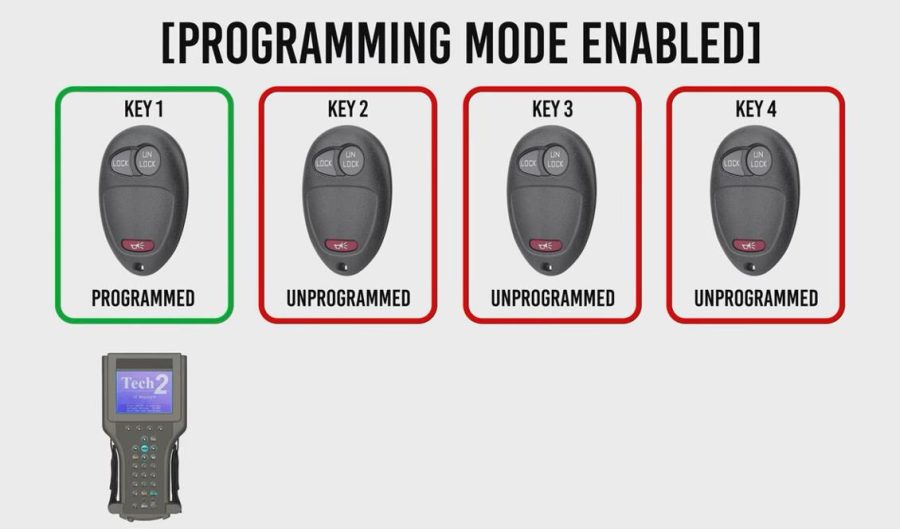
The Hummer H3 can store up to four key fobs. During programming, all remotes must be programmed simultaneously. If you program only the new remote, the old remote may be erased.
Important Note About PassKey III
Most US-spec Hummer H3 keys do not use a transponder chip in the key blade. However, some non-US models may use GM PassKey III.
If your key has markings such as PK3 or 3+, it may contain a security chip. In that case, remote key fob programming and immobilizer key programming are different procedures.
If you are unsure, contact a locksmith or professional technician before replacing a combined flip key.
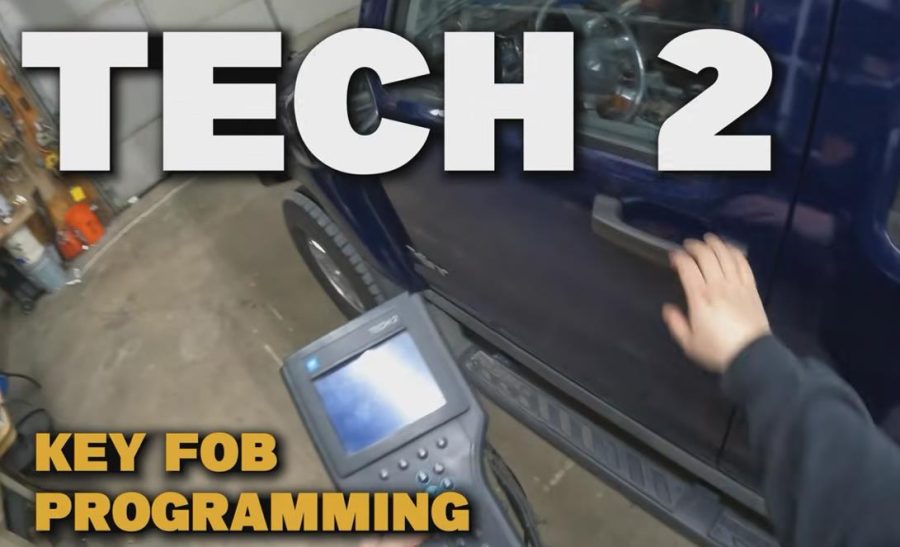
How to Program a Hummer H3 Key Fob with GM Tech 2
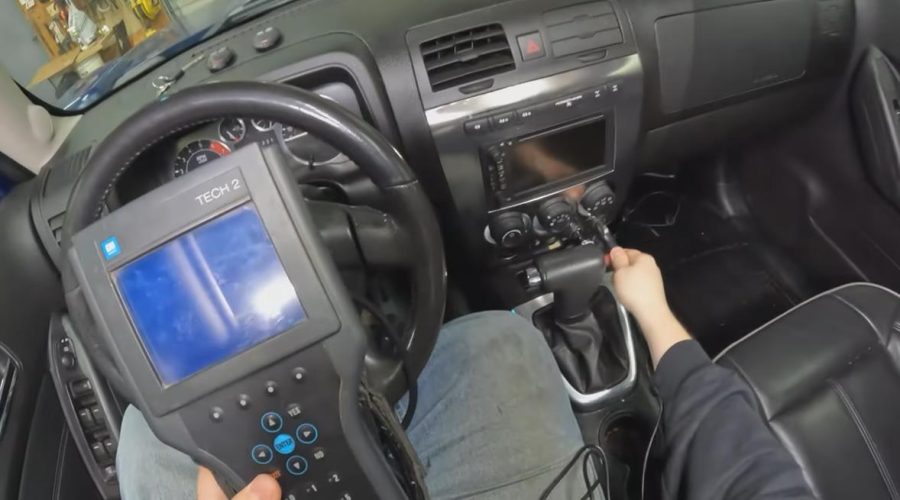
Step 1: Connect the GM Tech 2
Connect the Tech 2 power cable first, then connect the OBD2 cable to the vehicle diagnostic port.
Insert the key into the ignition, but do not turn the ignition on unless the tool asks you to do so.
Step 2: Enter Vehicle Diagnostics
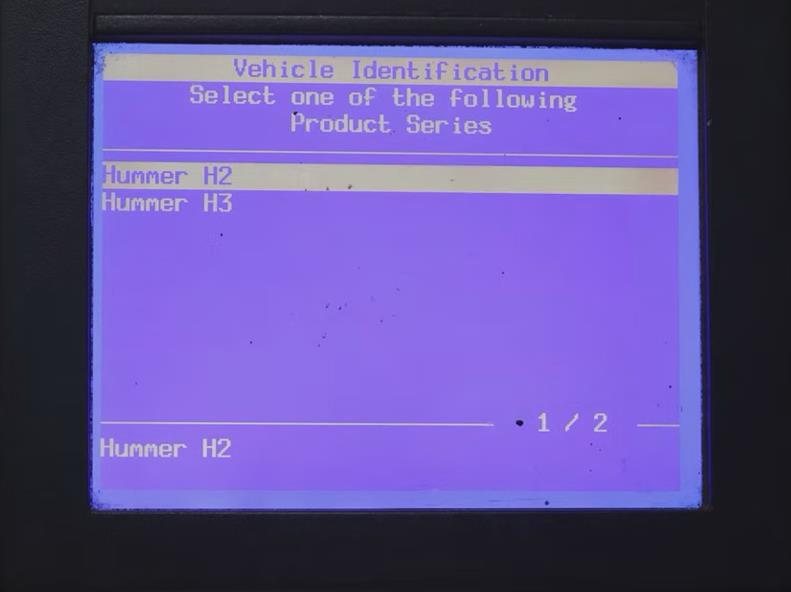
On the Tech 2 menu, select:
Diagnostics → Model Year → Hummer → H3
Then choose the correct vehicle configuration, such as engine, transmission, and vehicle type.
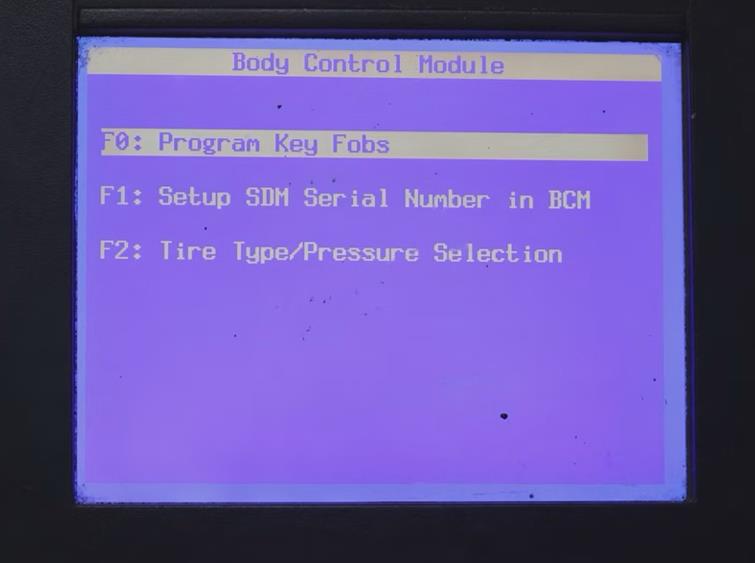
Step 3: Enter BCM Setup
Go to:
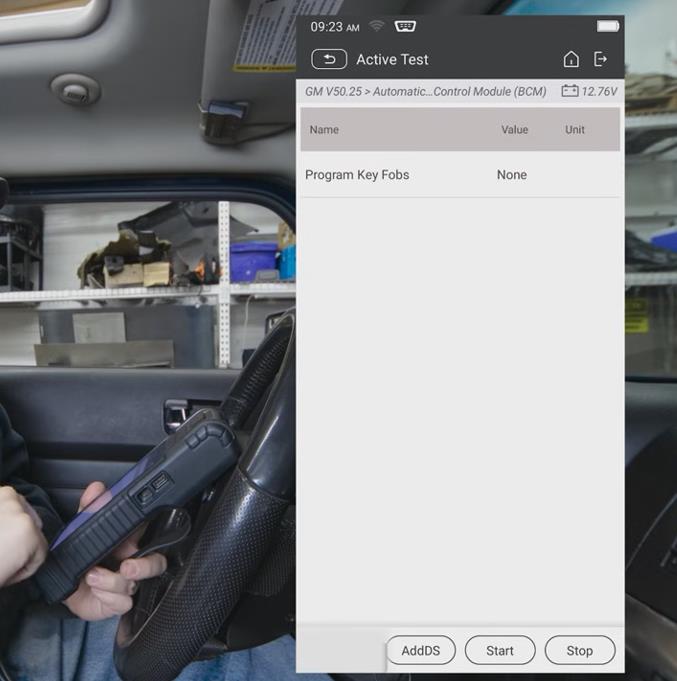
Vehicle Control Systems → Body Control Module → Module Setup → Program Key Fobs
The scanner will ask you to keep the ignition off. Make sure the key is inserted, but the ignition remains in the lock/off position.
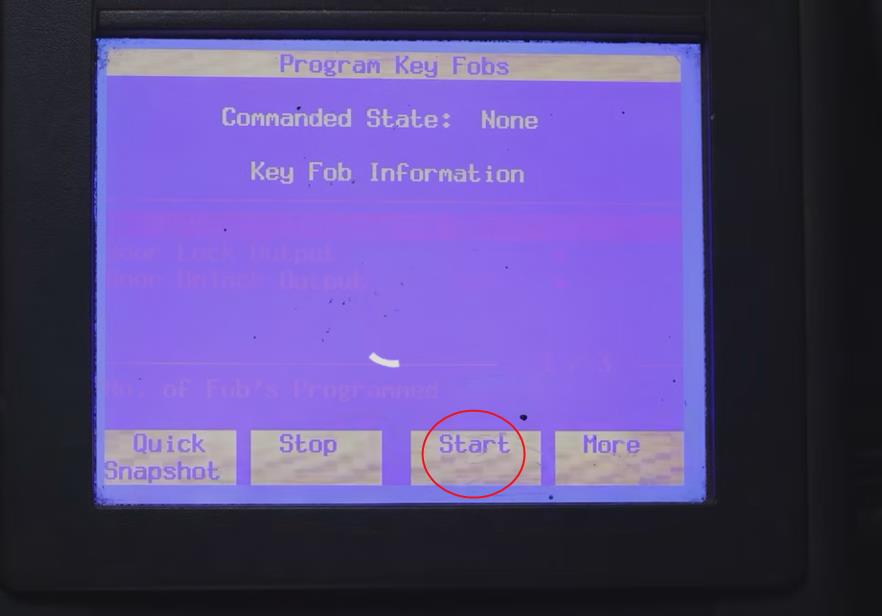
Step 4: Start Programming
Select Start Programming on the scanner.
Press and hold the Lock and Unlock buttons on the first key fob simultaneously. Hold them for several seconds until the scanner confirms that the fob has been programmed.
Repeat the same process for every remote you want to use.
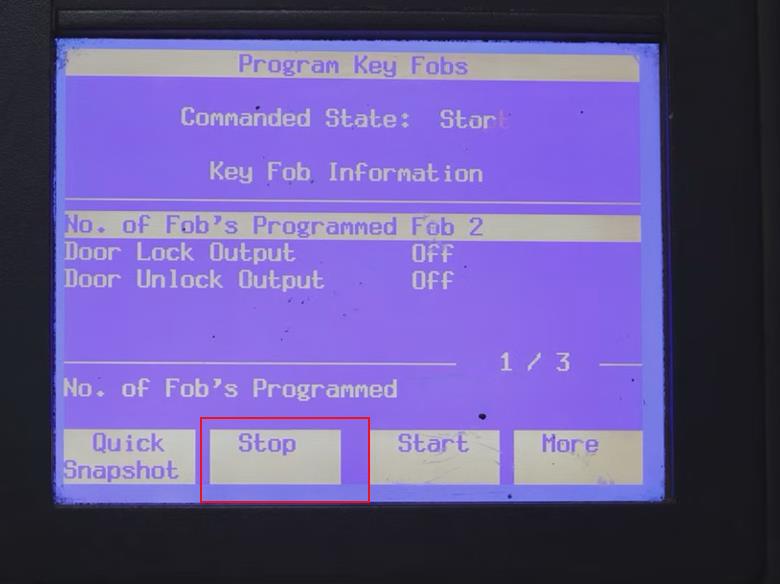
Step 5: Stop Programming
After all remotes are programmed, select Stop on the scanner.
Exit the menu, turn off the scanner, and unplug the tool.
Step 6: Test the Key Fobs
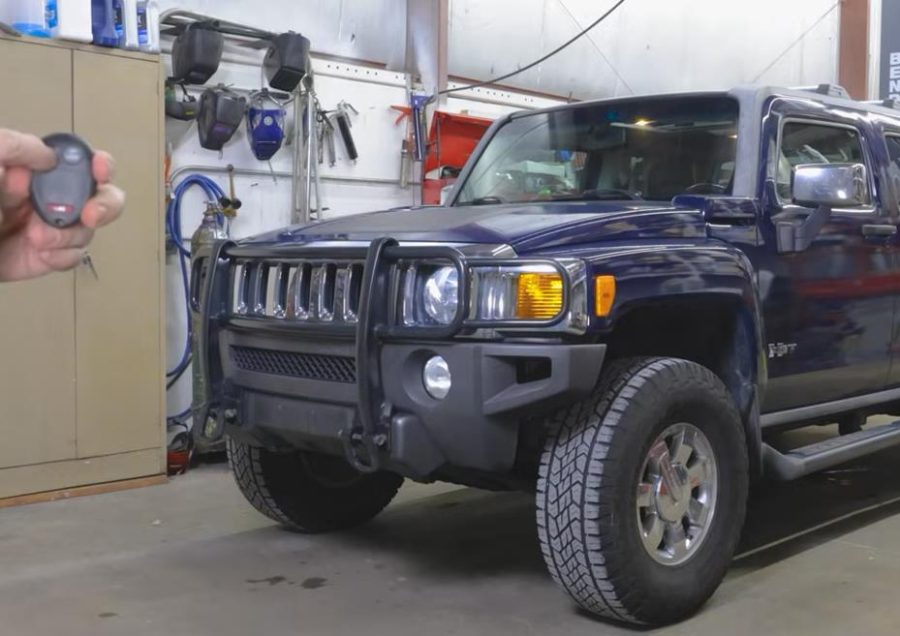
Test each remote by pressing:
Make sure every programmed key fob works correctly before finishing the job.
How to Program a Hummer H3 Key Fob with an Android Scanner
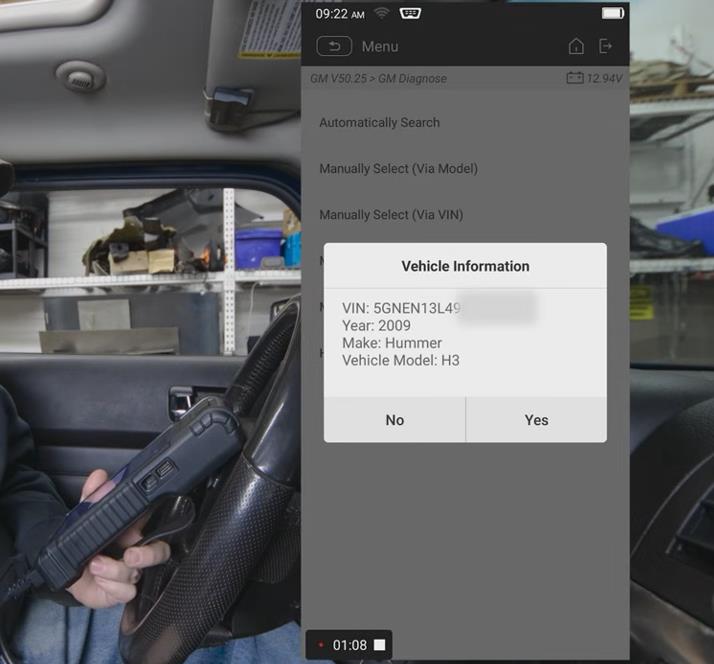
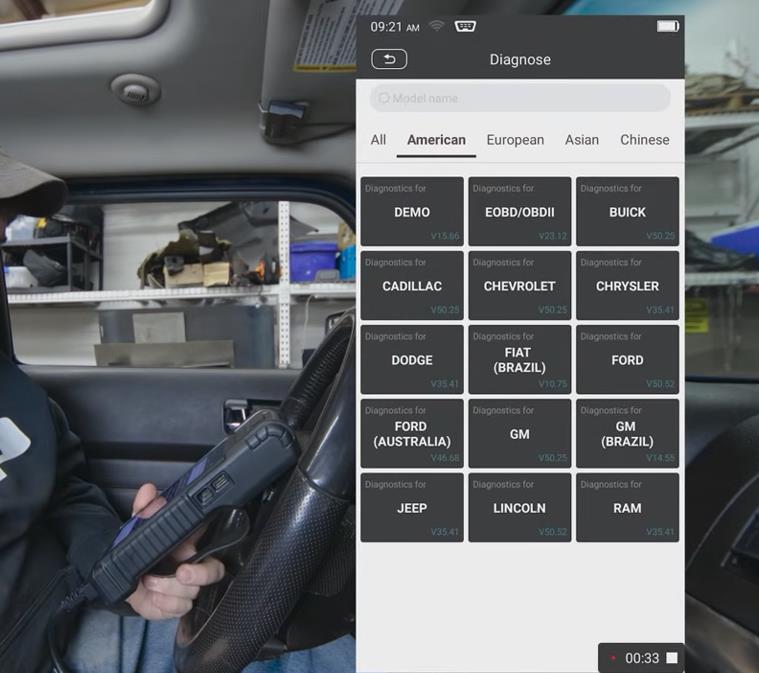
Some modern Android diagnostic scanners can also program Hummer H3 key fobs if they support GM BCM special functions.
The menu path may vary by scanner brand, but the general process is:
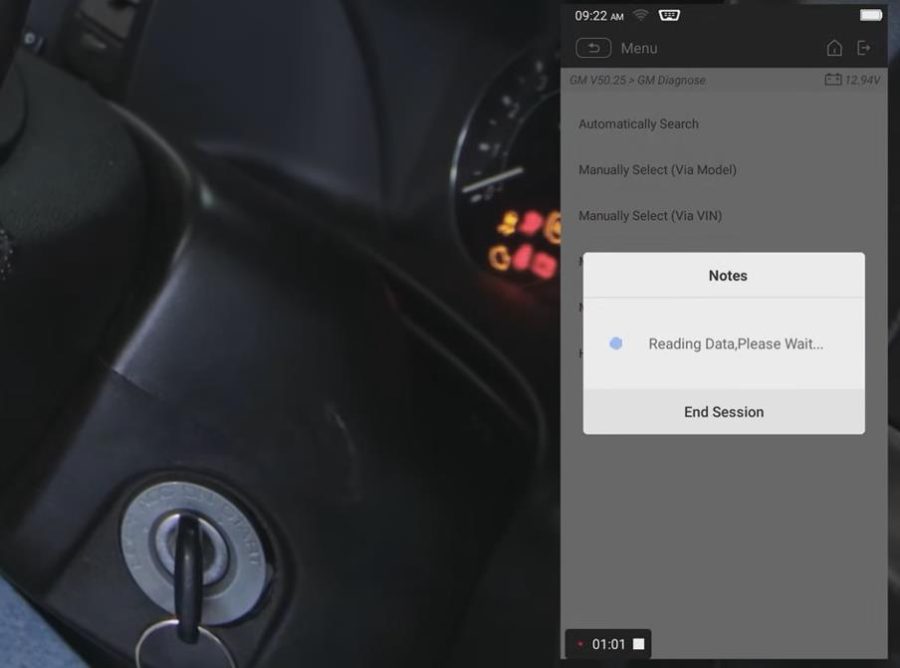
- Connect the scanner to the OBD2 port.
- Select American GM or GM from the vehicle menu.
- Read the VIN automatically, or manually select the vehicle.
- Enter System Selection.
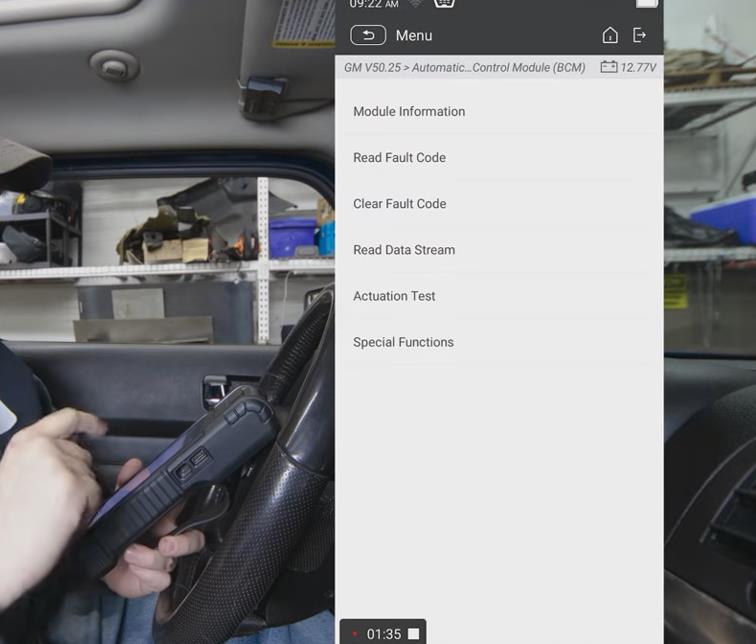
- Select BCM.
- Go to Special Functions.
- Select Program Key Fobs.
- Turn the ignition off when prompted.
- Press and hold the Lock and Unlock buttons on each remote.
- Stop programming and test all remotes.
A useful tip is to roll down the window during programming. Since you will be locking and unlocking the vehicle, this can help prevent accidentally locking yourself out.
How to Change Hummer H3 Remote Keyless Entry Feedback
The Hummer H3 also lets you adjust how the vehicle responds when you lock or unlock it.
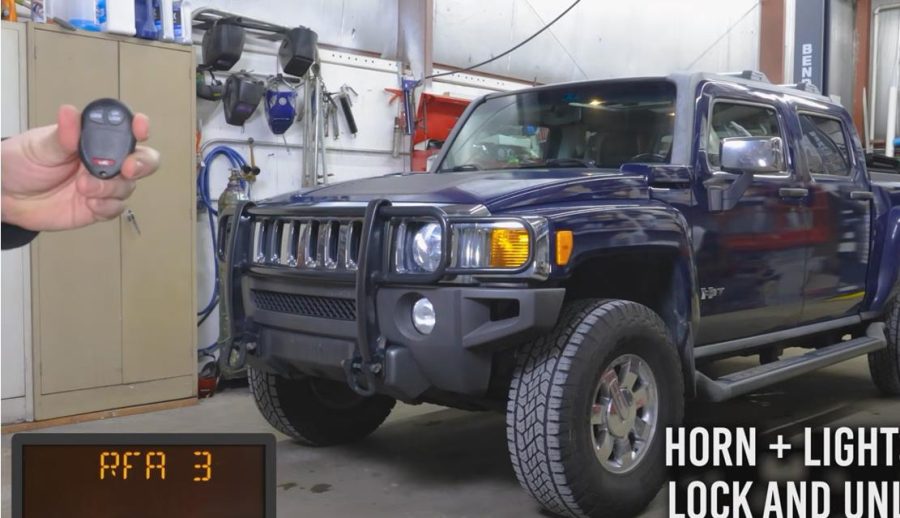
You can adjust whether the lights flash, the horn honks, or both.
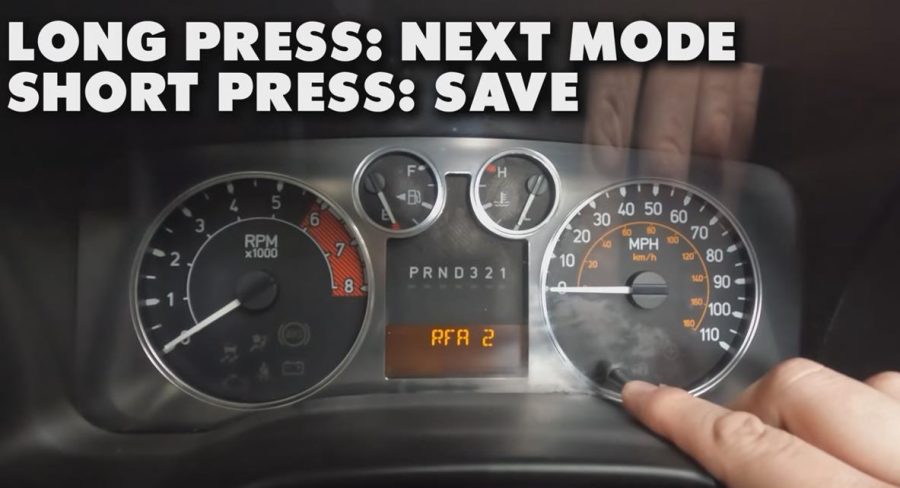
General feedback modes may include:
- RFA1: Lights flash during lock/unlock
- RFA2: Horn and lights when locking
- RFA3: Horn and lights when locking and unlocking
- RFA4: Stealth mode with no horn or light feedback
To access the feedback setting, insert the key without turning the ignition on, then press the Lock and Unlock buttons on the remote simultaneously.
Use the reset stem to move between options and save the preferred mode.
Common Problems and Tips
The New Key Fob Will Not Program
Check whether the FCC ID and part number are correct. A similar-looking GM remote may not work if it uses a different frequency or FCC ID.
The Old Remote Stopped Working After Programming
This usually happens because all remotes must be programmed during the same session. Re-enter programming mode and program all remotes together.
The Scanner Cannot Find the Function.
Use a scanner that supports GM BCM special functions. A basic OBD2 reader cannot program key fobs.
The Colorado or Canyon Remote Will Not Work
Check the glove box RPO sticker for AU0. If the vehicle does not have factory keyless entry, the remote may not be supported.
Final Thoughts
Programming a Hummer H3 key fob is a quick process once you have the right scanner and remote.
The most important points are to confirm that the vehicle has factory keyless entry, buy the correct FCC ID remote, and program all remotes during the same session.
For repair shops, locksmiths, and GM vehicle owners, a GM Tech 2 scanner is a useful device for key fob programming and other GM Body Control Module functions.
Here is a clearer Q&A format for your FAQ section. Based on your uploaded Hummer H3 key fob programming content.
FAQ
Q: Can I program a Hummer H3 key fob without a scanner?
A: Usually no. The Hummer H3 normally requires a compatible diagnostic scanner to program key fobs. Unlike some older GM vehicles, it does not usually support simple button-sequence self-programming.
Q: How many key fobs can be programmed to a Hummer H3?
A: A Hummer H3 can store up to four key fobs. During programming, all remotes should be programmed in the same session. If you only program one remote, the previously programmed remotes may stop working.
Q: Can a basic OBD2 scanner program a Hummer H3 remote?
A: No. A basic OBD2 code reader usually only reads and clears engine fault codes. To program a Hummer H3 remote, you need a scanner that supports GM Body Control Module, or BCM, special functions.
Q: Do I need to program the key if I only replace the plastic shell?
A: No. If the existing circuit board still works, you can usually move it into a new replacement shell without programming the remote again.
Q: Why does my Colorado or Canyon key fob not work?
A: The vehicle may not have factory keyless entry. For Chevrolet Colorado or GMC Canyon models, check the glove box RPO sticker for code AU0. This code indicates factory remote keyless entry.
Q: Is GM Tech 2 suitable for programming the Hummer H3 key fob?
A: Yes. GM Tech 2 is commonly used for GM Body Control Module functions, including remote key fob programming on supported GM vehicles such as the Hummer H3.