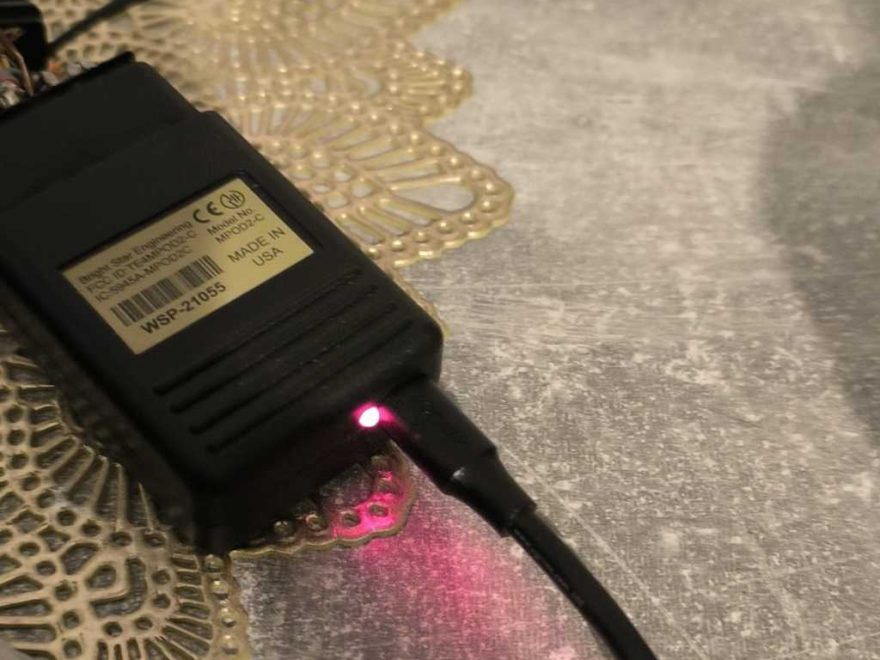
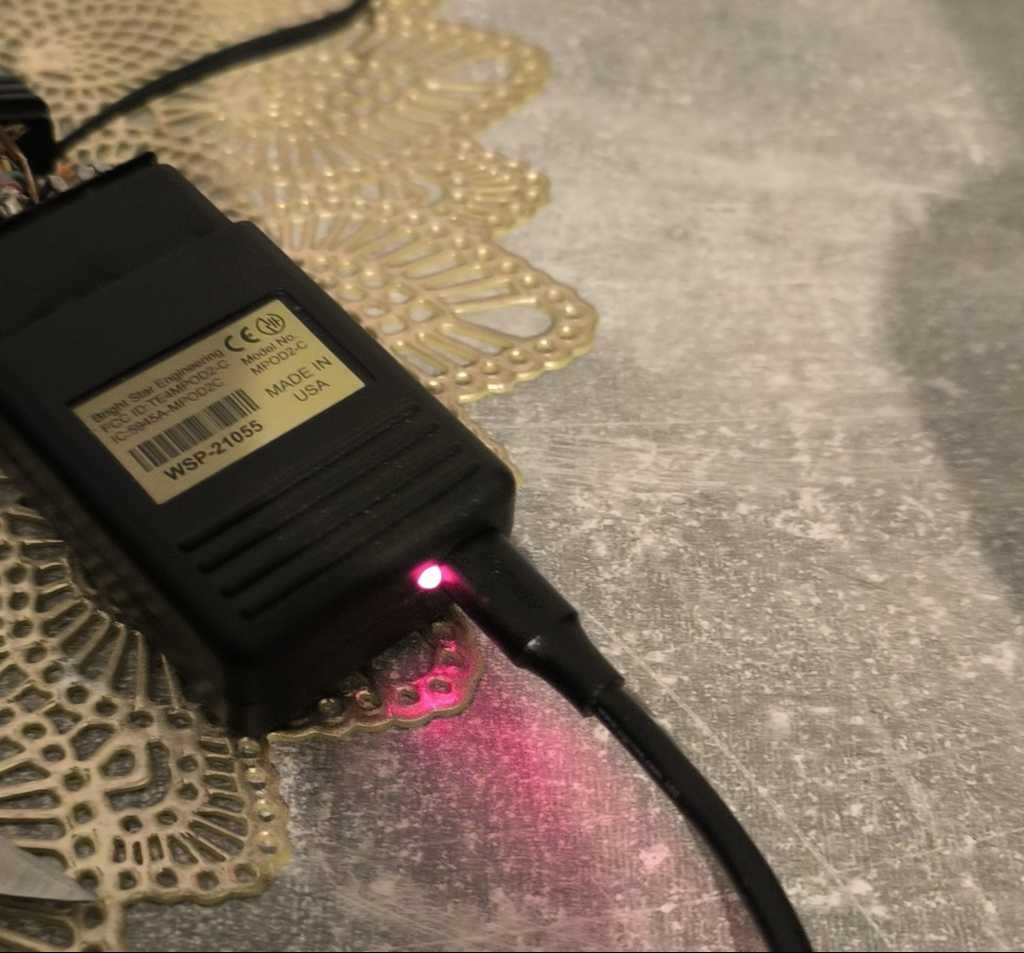
If your Chrysler diagnostic tool flashing red lights during testing and the software displays communication or device errors, the issue may be related to the tool’s firmware. Understanding the reasons behind the Chrysler tool flashing red lights can aid in troubleshooting.
A customer recently reported the following issue:
“I bought a Chrysler tool, but during testing, the light kept flashing red. The software also showed errors.”
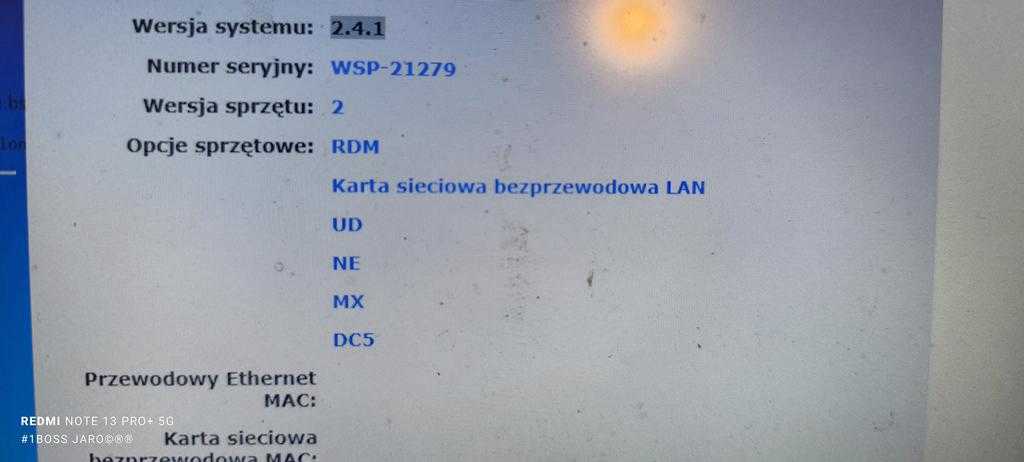
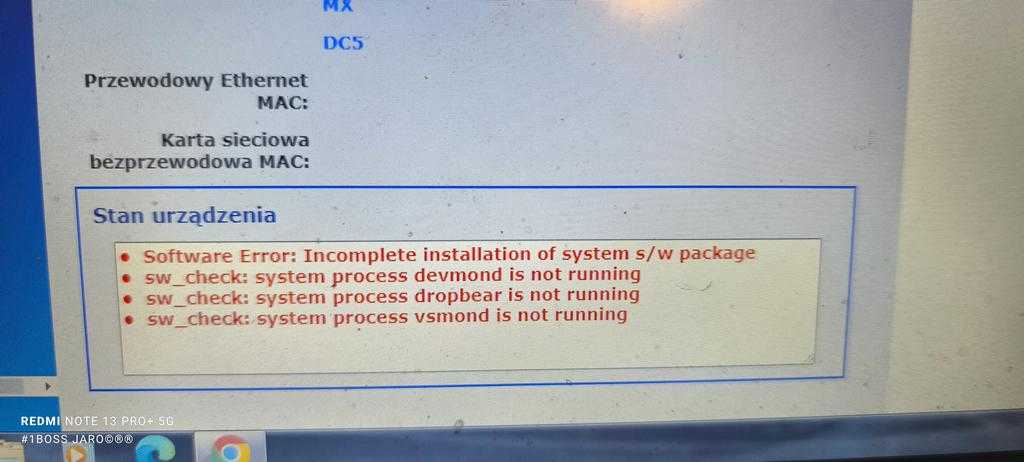
Our engineer confirmed the cause after review.
It’s crucial to address the Chrysler tool flashing red lights promptly to avoid further complications.
Understanding why the Chrysler tool flashing red lights may occur can help prevent future issues.
Problem Description
The Chrysler diagnostic tool may display the following symptoms:
- The indicator light keeps flashing red.
- The software may report errors and fail to communicate properly with the device.
- Check if the tool fails to communicate normally.
- Confirm if diagnostic software recognises the device correctly.
These symptoms typically indicate damaged device firmware.
Main Cause: Firmware Upgrade Was Clicked by Mistake
Our engineer determined that the flashing red light indicates the firmware upgrade function was activated, which damaged the Chrysler diagnostic tool.
Many diagnostic tools require specific firmware versions to match the installed software.. Incorrect, interrupted, or unauthorised firmware upgrades can cause the tool to malfunction. Please note that the red flashing light indicates that the device’s firmware is no longer normal.
Solution: Return the Tool for Repair
If your Chrysler tool flashes red after a firmware upgrade, reinstalling software usually won’t fix it.
- Stop using the tool immediately.
- Avoid clicking Firmware Upgrade again.
- Refrain from repeatedly plugging and unplugging the device.
- Contact the seller or technical support.
- Return the tool for repair.
Our engineer confirmed this issue needs hardware or firmware repair.
Important Notice Before Using Chrysler Diagnostic Tools
To avoid this, do not click the firmware upgrade unless the seller tells you to.
- Do not update the tool with unknown software.
- Use only the program that came with your tool.
- Ensure the USB connection stays stable during testing.
- Always contact technical support before making any changes to the firmware settings.
Incorrect firmware operation can damage the tool and cause the red light problem.
Final Conclusion
If your Chrysler tool flashes red and shows errors, the likely cause is that the firmware upgrade option was clicked, which damaged the firmware.
In this case, reinstalling software may not help. Return the device for repair.
For further technical support, please contact us directly:mail: sales@obd2tool.com
Website: https://www.obd2tool.com/
FAQ
Why is my Chrysler diagnostic tool flashing red lights?
The flashing red light usually indicates the firmware is damaged, often due to accidentally clicking the firmware upgrade.
Can I fix the flashing red light by reinstalling the software?
No. If the firmware is damaged, just reinstalling the software may not work.
Should I click firmware upgrade on my Chrysler tool?
No. Do not click Firmware Upgrade unless told by the seller or engineer.
What should I do if the Chrysler tool shows software errors?
Stop using the tool and call support. If the red light flashes, it may need repair.
Can this problem be prevented?
Yes. Use the correct software, avoid firmware upgrades, and ask support before changing settings.