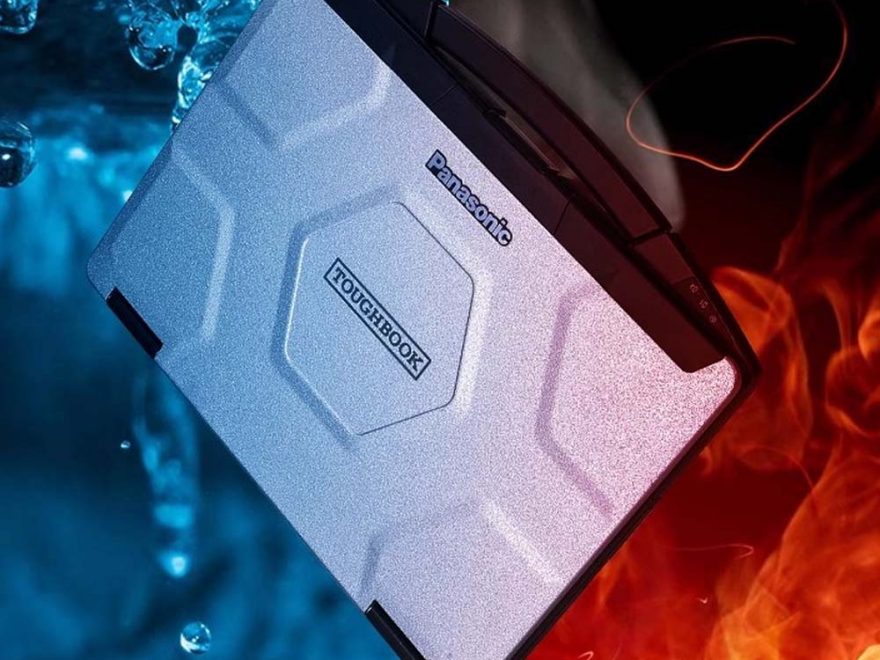
For workshops, mobile technicians, truck repair shops, and heavy equipment service providers, a stable diagnostic laptop is just as important as the diagnostic interface itself. The Panasonic Toughbook CF54 is a durable, workshop-friendly laptop that can be configured with different diagnostic software packages for passenger cars, commercial vehicles, agricultural machinery, construction equipment, and heavy-duty trucks.
This product offers a used Panasonic CF54 laptop in more than 90% new condition, with optional SSD configurations and preinstalled diagnostic software for brands such as Mercedes-Benz, BMW, Porsche, GM, John Deere, CNH, Caterpillar, Volvo, Volkswagen/Audi, and more.
Panasonic CF54 Laptop With MB STAR/ BMW IOCM/ Piwis/ GM MDI/ JPRO/ John deere/ CHN/ CAT/ VOCOM/ VAS6154 Latest software
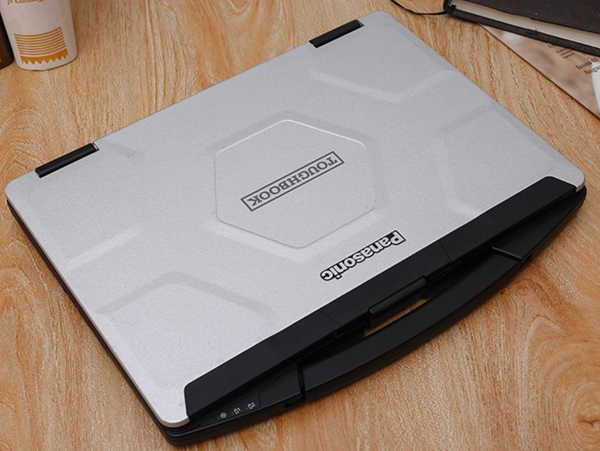
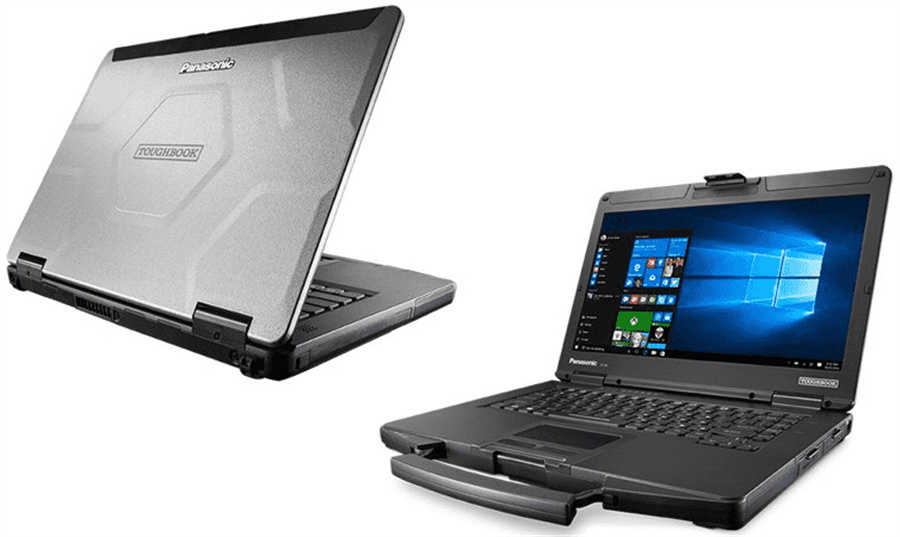
Panasonic CF54 Laptop Basic Specifications
The Panasonic CF54 is widely used in repair environments because of its strong build quality and reliable performance.
Laptop specifications:
- Model: Panasonic CF54
- Processor: Intel Core i5-5300
- Memory: 8GB RAM
- Screen Size: 14 inches
- Condition: Used, more than 90% new
- Operating System: Depends on selected software package
- Storage: Available with 512GB SSD or 1TB SSD depending on configuration
This makes it suitable for daily diagnostic work, software installation, coding, programming support, repair manuals, and workshop service tasks.
Available Software Configurations
You can choose the Panasonic CF54 laptop with or without diagnostic software, depending on your workshop needs.
Configuration 1: Panasonic CF54 Laptop Without Software
This option is suitable for users who already have their own diagnostic software or want to install software manually.
Includes:
- Panasonic CF54 laptop only
- No HDD included
- No diagnostic software preinstalled
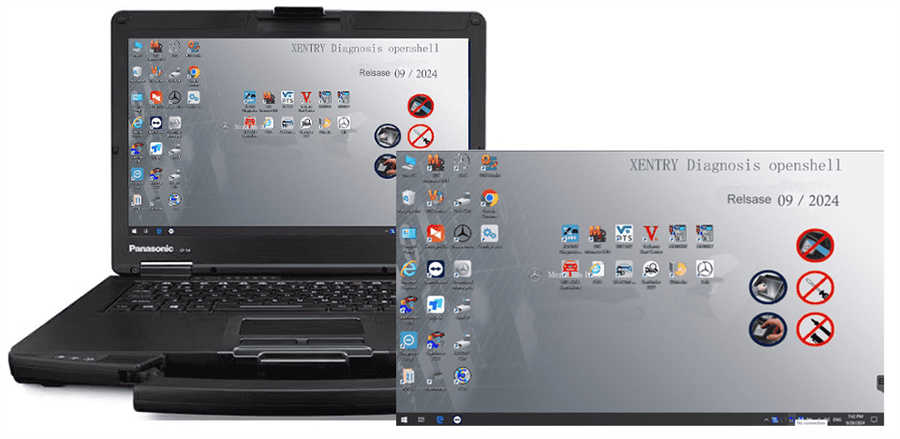
Configuration 2: Panasonic CF54 with MB STAR C4/C5 Software
This configuration is designed for Mercedes-Benz diagnostic work and supports MB STAR C4/C5 interfaces.
Main software includes:
- DAS 2026.03 for cars
- DAS 2023.09 for trucks
- Xentry software for Mercedes-Benz vehicles
- WIS Workshop Information System
- EPC Electronic Parts Catalog
- ST Finder
- STARUTILITIES
- HHT software for older vehicles
- Vediamo V5.01.01
- DTS V9.02
This setup is suitable for Mercedes-Benz passenger cars, commercial vehicles, older models, and workshop-level diagnostic operations.
Recommended for:
- Mercedes-Benz repair shops
- MB STAR C4/C5 users
- Technicians working with both older and newer Mercedes-Benz vehicles
- Workshops needing diagnostic, repair, wiring, and parts information
Software listing :
1. DAS 2026.03 for car and DAS 2023.09 for truck : the automatically Diagnosis Assistance System. Support 257 and so on new cars to register free to diagnosis
2. Xentry 2025.03 for car and Xentry 2023.09 for truck : New software released by Benz Company after 04/2009 by diagnosis new cars.
3. WIS net 2021.07:Workshop Information System
Supply the whole view of the wiring diagram in a car, component location diagram and maintenance method. What you do is to enter the chassis number, and then you will get the manufacture data, engine configuration and the car model -all in detail.
4. EPC.net 2018.11:Electronic Parts Catalog
5. ST Finder:Part Location Finder options: 2016 and 2020 and 2022
6. STARUTILITIES :the movement management system and self-test
7. SD MEDIA 2014
8. PL76 2022.01
9.HHT Software for old cars
10.DisassembyAssistant
11.Selit Service Literature V1.4
12.Engineer version Vediamo updated to V5.01.01 ,Engineer version DTS updated to V9.02,Upgrade to the latest version of 2022 data
1) Fix the error that Mercedes-Benz DAS cannot directly call WIS
2) Join the DAS sedan smart offline programming
3) Join the 204 DAS stand-alone version, which can be mutated (German), which is more powerful than Vediamo
4) Join DAS special function password-free access PKW and SMART
5) Repair SMART 450, 451, 452, 454 No longer need TAN Calculator, all offline
6) Increase offline EOL and VMAX all LKW, modify truck maximum speed limit
7) Lift the truck NOx TORGUE restriction, do not need FDOK XT calculation code, directly enter, directly cancel the legal speed limit, you can modify without special function
8) Clear the truck SCR/ADBLUE fault code (MR), do not need FDOK XN calculation code, enter directly
9)Add DAS 212,207 prototyp model
10)Add Xentry special features and the VeDoc calculator ($53 for activation)
Configuration 3: Panasonic CF54 with BMW ICOM Software
This option is built for BMW repair and programming work using BMW ICOM hardware.
Main software includes:
- BMW ISTA-D 4.58.23
- SDP Programming Database 4.58.23
- ISTA-P 3.72.0.300
- BMW ETK 2020.01
- BMW KSD 2019.12
- BMW FSC Navigation Code Generator
- BMWAiCoder
Supported language options include:
English, German, Spanish, French, Italian, Polish, Portuguese, Turkish, Czech, Swedish, Dutch, Greek, Russian, Japanese, Korean, Thai, Chinese, and more.
Recommended for:
- BMW workshops
- BMW ICOM users
- Technicians performing diagnostics, coding, programming, and service functions
- Repair shops working with BMW cars, motorcycles, and electric vehicles
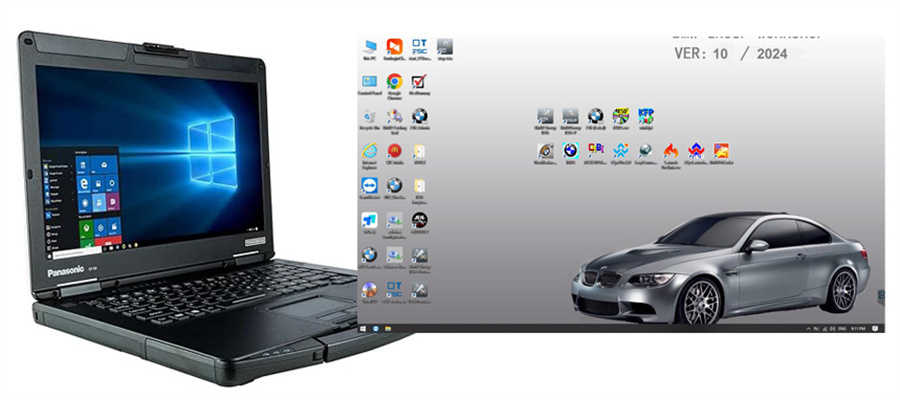
Software Version : V2026.03
ISTA – D: 4.58.23 with SDP Programming Database 4.58.23
ISTA – P: 3.72.0.300 with Engineer Programming,supports the programming of BMW motorcycles and electric vehicles can program F/G/I/K chassis for car (through the ICOM, not other cable )
Vin: V2026.03.25
BMW ETK: 2020.01
BMW KSD: 2019.12 Multilanguage
BMW FSC Navigation Code Generator
BMWAiCoder for BMW Coding
Win10 64 bit operating system
Language:
ISTA-D Support Multi-language: English German Spanish French Italian Polish Portuguese Turkish Czech Swedish Dutch Greek Russian Japaness Korean Thai
ISTA-P Support Multi-language: English, German, Spanish, French, Italian, Polish, Portuguese, Turkish, Czech, Swedish, Dutch, Indian,Greek, Russian,Chinese, Japanese, Korean and Thai.
Notice : The software installed English language in default.
Configuration 4: Panasonic CF54 with Porsche PIWIS 3 Software
This version is suitable for Porsche technicians using PIWIS 3 diagnostic software.
Software version:
- PIWIS 3 V43.300.22
- PIWIS 3 V38.250
The dual software setup allows technicians to work with different Porsche model years. V38.250 is commonly used for older Porsche vehicles, while newer versions support more recent models.
Recommended for:
- Porsche repair specialists
- PIWIS 3 users
- Workshops needing both older and newer Porsche diagnostic coverage
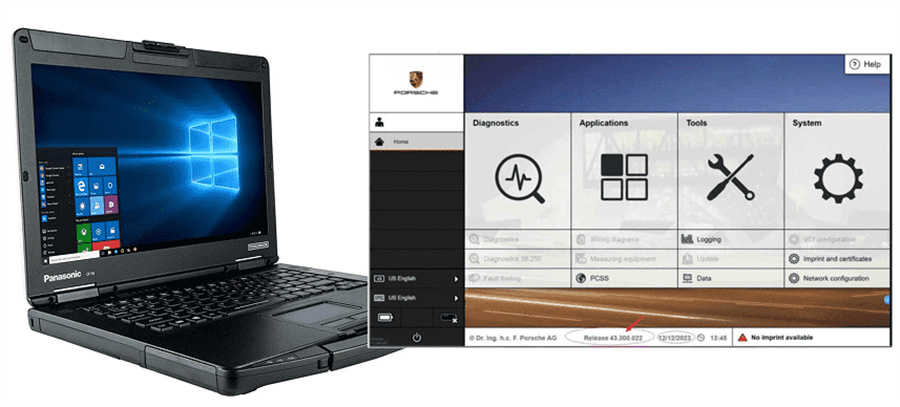
Piwis 3 Software Details:
Dual Software Version :V43.300.22 & V38.250
V38.250 (with Engineering software support offline programming)
V43.300.22 (with Engineering software support online programming,but you should have an online account and certificate)
Configuration 5: Panasonic CF54 with Porsche PIWIS 4 Software
This configuration includes PIWIS 4 V43.700.005, designed for newer Porsche diagnostic requirements.
PIWIS 4 is suitable for workshops that need updated Porsche diagnostic functions, improved compatibility, and newer vehicle coverage.
Recommended for:
- Porsche specialist workshops
- Technicians working on newer Porsche vehicles
- Users needing current PIWIS 4 diagnostic software
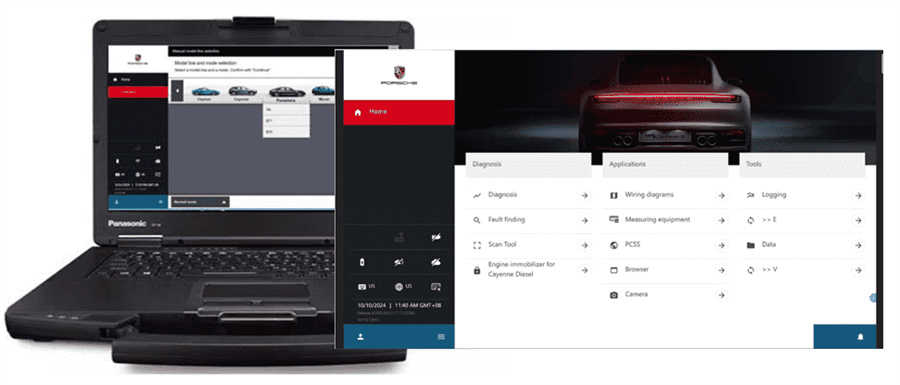
PIWIS 4 Software:
The latest software version
Piwis 4 software offers the latest version, ensuring that users have access to the most up-to-date features, bug fixes, and improvements. Staying current with the latest software version is essential for optimal performance and compatibility with new vehicle models and technologies.
Configuration 6: Panasonic CF54 with GM GDS2 and Tech2Win
This option is designed for GM, Chevrolet, Buick, Opel, and Vauxhall diagnostic work.
Software includes:
- GDS2 V2026.02
- Tech2Win
- Multi-language GDS2 support
- Vehicle coverage from approximately 1990 to 2026
Recommended for:
- GM repair shops
- Chevrolet, Buick, Opel, and Vauxhall technicians
- Users replacing older Tech2 handheld workflows with laptop-based diagnostics
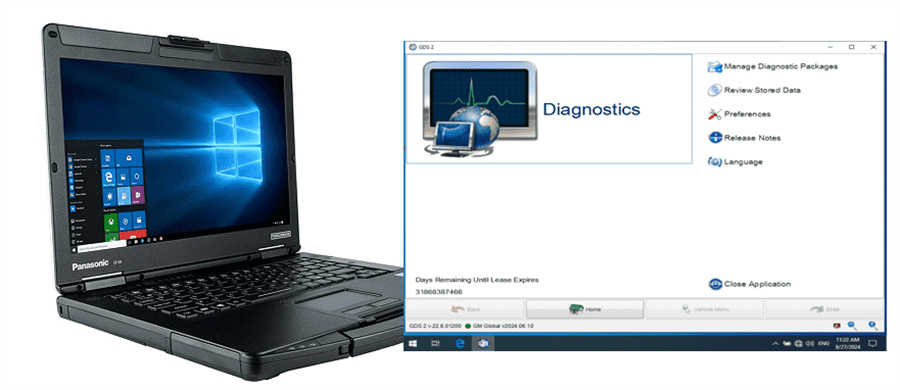
GDS and tech2win software for Vauxhall Opel/Buick and Chevrolet.
1.GDS2 Software version: V2026.02
Multi-Languages available: English, French, German,Italian.etc. Total 30 languages for selection
2.Tech2win Software: English only
3.Can do cars from 1990-2026 Year
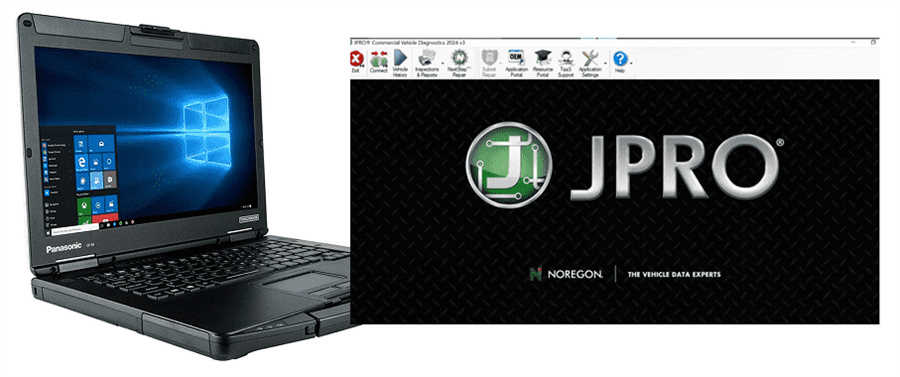
Configuration 7: Panasonic CF54 with Noregon JPRO 2026 V1
This configuration is designed for heavy-duty truck diagnostics.
Recommended for:
- Diesel truck repair shops
- Fleet maintenance teams
- Heavy-duty vehicle technicians
- Users working with commercial truck diagnostic systems
JPRO is commonly used for reading fault codes, live data, vehicle health reports, and troubleshooting heavy-duty truck systems.
Configuration 8: Panasonic CF54 with John Deere Service Advisor 5.4
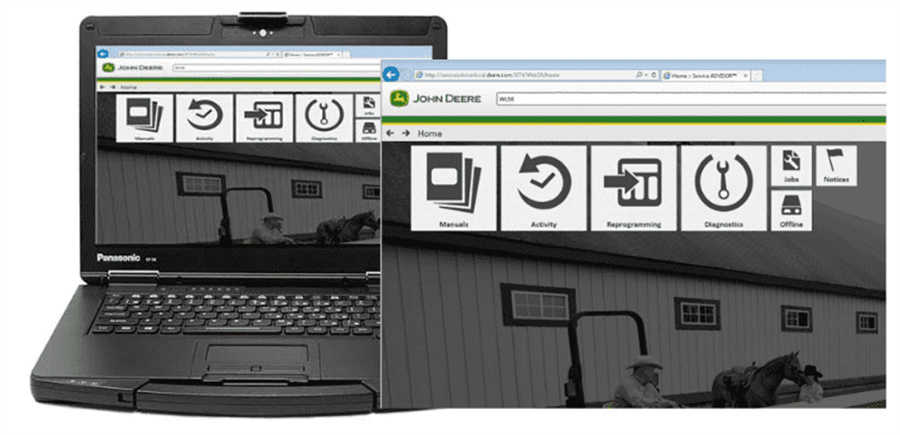
This option includes John Deere Service Advisor 5.4.84 AG + CF, suitable for agricultural, construction, and forestry equipment.
Software coverage includes:
- John Deere agricultural equipment
- Construction and forestry machines
- Tractors
- Harvesters
- Excavators
- Engines
- Skid steer loaders
- Sprayers
- Utility vehicles
- Golf and turf equipment
Available languages:
English, French, Italian, Spanish, and Portuguese.
Recommended for:
- Agricultural machinery repair shops
- John Deere equipment owners
- Farm service technicians
- Construction and forestry equipment repair teams
John Deere Service ADVISOR 5.4.84 AG Agricultural + 5.4.84 CF Construction & Forestry Diagnostic Software
John Deere Service Advisor AG is a workshop repair manual that contains detailed technical service information, operation and maintenance manuals, installation instructions, designed to serve agricultural equipment John Deere, such as: Tractors, Tractor Attachments, Cotton Harvesting, Cutting and Mowing Equipment, Harvester, Hay and Forage, Landscaping, Planting and Seeding, Scraper, Skid Steer Loaders, Snow Products, Sprayers, Sugar Cane Harvesters, Sugar Cane Planter, Tillage, Utility Vehicles, Golf and Turf Products, Motor Inverter, OEM Engines, Commercial Equipment, Excavator, Engine, Riding Lawn Equipment, and others.
Multi-language available: English, French, Italian, Spanish, Portuguese
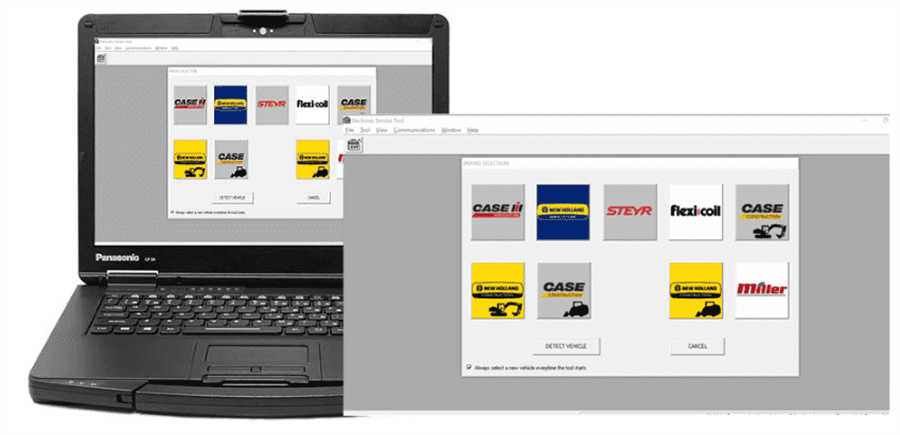
Configuration 9: Panasonic CF54 with CNH EST 9.14 2026
This configuration is suitable for CNH equipment diagnostics.
Recommended for:
- Case IH users
- New Holland technicians
- CNH agricultural and construction equipment repair shops
- Users needing CNH Electronic Service Tool support
Configuration 10: Panasonic CF54 with CNH EST 9.14 and eTimGo V8.20
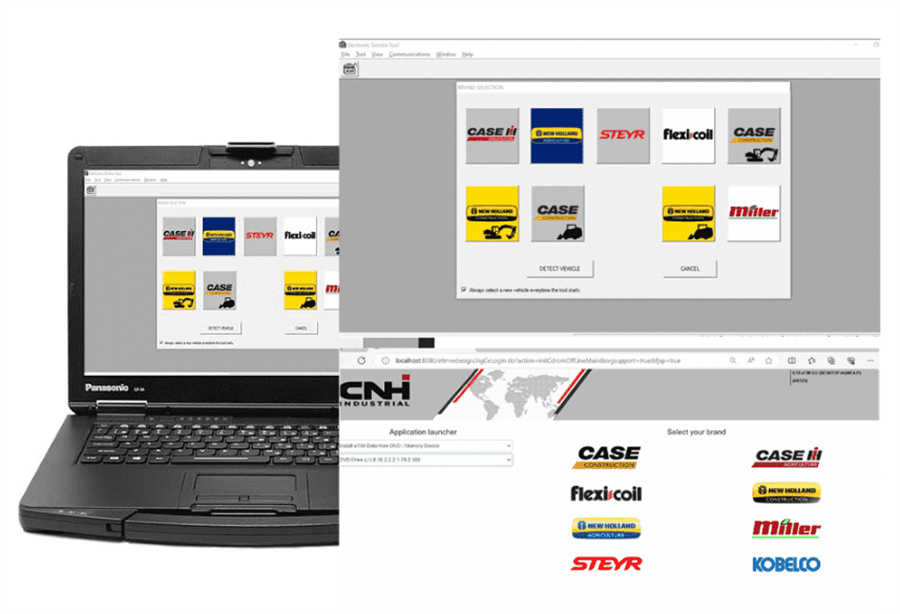
This version includes both diagnostic software and repair manual resources.
Includes:
- CNH EST 9.14 2026 Diagnostic Software
- eTimGo V8.20 2025 Repair Manual
- 512GB SSD
Recommended for:
- Workshops that need both diagnostics and service documentation
- CNH repair technicians
- Agricultural and construction equipment maintenance teams
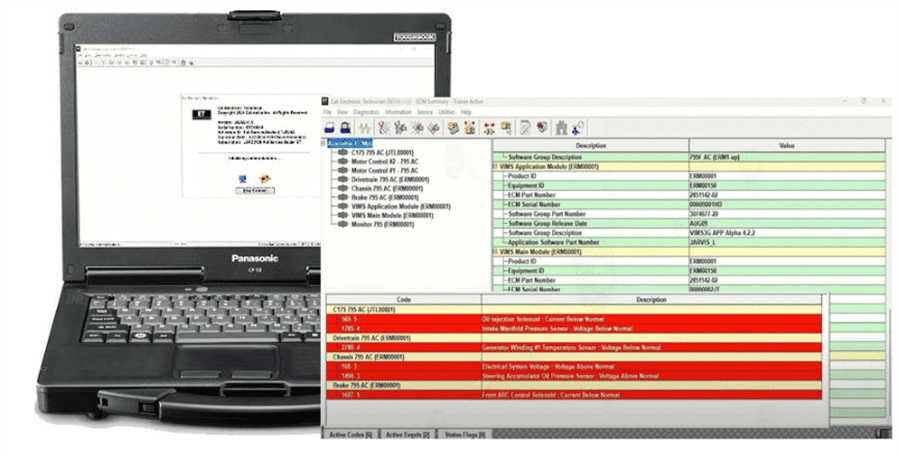
Configuration 11: Panasonic CF54 with CAT Caterpillar ET 2026A
This configuration is designed for Caterpillar diagnostic work.
Includes:
- CAT Caterpillar ET 2026A
- 512GB SSD
Recommended for:
- Caterpillar equipment repair shops
- Diesel engine technicians
- Construction equipment service providers
- Heavy machinery maintenance teams
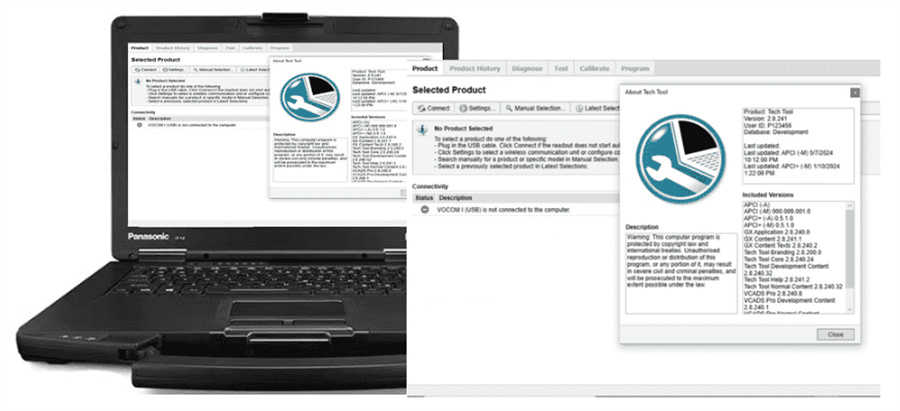
Configuration 12: Panasonic CF54 with Volvo Premium Tech Tool
This option includes 2025 Volvo Premium Tech Tool PTT 2.8.360.
Recommended for:
- Volvo truck repair shops
- Heavy-duty truck technicians
- Fleet service teams
- Users working with Volvo commercial vehicle diagnostics
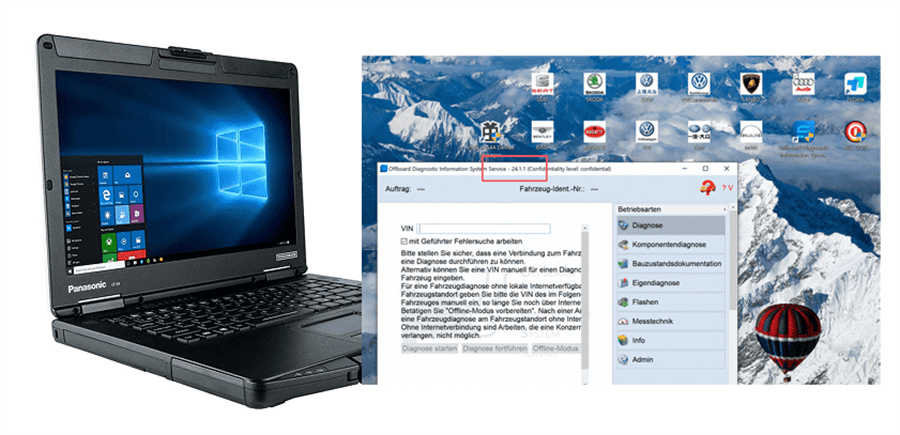
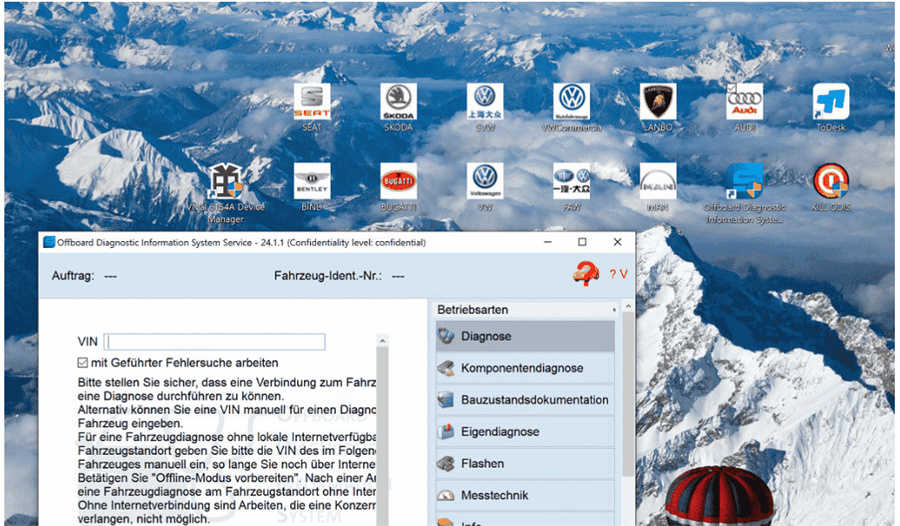
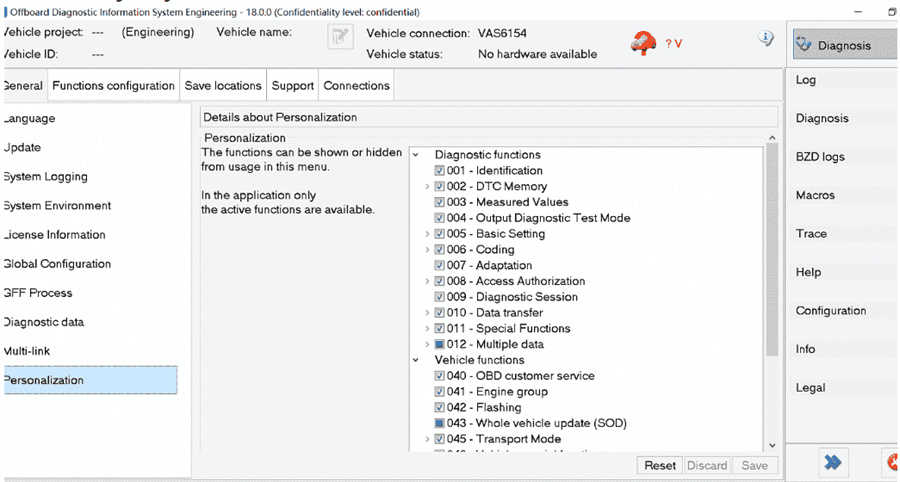
Configuration 13: Panasonic CF54 with ODIS and ODIS Engineering
This configuration is suitable for Volkswagen, Audi, Skoda, and Seat diagnostic work.
Includes:
- ODIS V25.3
- ODIS Engineering V19
Recommended for:
- VW/Audi repair shops
- VAS6154 users
- Technicians performing diagnostics, coding, and engineering-level service work
How to Choose the Right Panasonic CF54 Configuration
Choosing the correct version depends on the vehicles or machines you service most often.
| Your Main Work | Recommended Configuration |
|---|---|
| Mercedes-Benz cars and trucks | MB STAR C4/C5 software package |
| BMW diagnostics and programming | BMW ICOM software package |
| Porsche vehicles | PIWIS 3 or PIWIS 4 package |
| GM, Chevrolet, Buick, Opel, Vauxhall | GM GDS2 + Tech2Win package |
| Heavy-duty trucks | JPRO or Volvo PTT package |
| John Deere equipment | John Deere Service Advisor package |
| CNH equipment | CNH EST or CNH EST + eTimGo package |
| Caterpillar machinery | CAT ET package |
| Volkswagen/Audi vehicles | ODIS + ODIS Engineering package |
Why Choose a Preinstalled Diagnostic Laptop?
A preinstalled diagnostic laptop saves time and reduces setup problems. Many diagnostic programs require specific operating systems, drivers, databases, licenses, and interface settings. For busy workshops, a ready-to-use laptop can help avoid installation errors and improve work efficiency.
Key benefits include:
- Software already installed before delivery
- Better compatibility with diagnostic interfaces
- Reduced installation time
- Suitable for workshop and mobile repair use
- Multiple brand options available
- SSD storage for faster operation
- Rugged Panasonic CF54 hardware
FAQ
1. Is the Panasonic CF54 laptop new or used?
The Panasonic CF54 laptop is a used unit in more than 90% new condition. It is suitable for workshop use and can be configured with different diagnostic software packages.
2. Can I buy the Panasonic CF54 without software?
Yes. Configuration 1 includes the Panasonic CF54 laptop without diagnostic software and without HDD.
3. Which configuration is best for Mercedes-Benz diagnostics?
For Mercedes-Benz diagnostics, choose the CF54 package with MB STAR C4/C5 software. It includes DAS, Xentry, WIS, EPC, Vediamo, DTS, and other Mercedes-Benz service tools.
4. Which configuration should I choose for BMW?
For BMW vehicles, choose the CF54 laptop with BMW ICOM software, including ISTA-D, ISTA-P, SDP programming database, ETK, KSD, FSC tools, and coding software.
5. Does the Porsche version include PIWIS 3 or PIWIS 4?
Both options are available. You can choose the PIWIS 3 version with dual software or the PIWIS 4 version for newer Porsche diagnostic needs.
6. Can this laptop be used for heavy-duty trucks?
Yes. Heavy-duty options include Noregon JPRO, Volvo Premium Tech Tool, CAT ET, John Deere Service Advisor, and CNH EST, depending on the type of trucks or machinery you service.
7. Is this laptop suitable for professional repair shops?
Yes. The Panasonic CF54 is suitable for professional workshops, mobile mechanics, diesel technicians, agricultural machinery service providers, and heavy equipment repair shops.
8. Do I need technical knowledge to use the software?
Basic diagnostic knowledge is recommended. Advanced functions such as programming, coding, and calibration should only be performed by trained technicians.