Prerequisites: Your ICOM Next is connected to your turned ON PC with the ethernet cable https://www.obd2tool.com/goods-10119-BMW-ICOM-Next-Professional-Diagnostic-Tool.html Your PC network card
Continue reading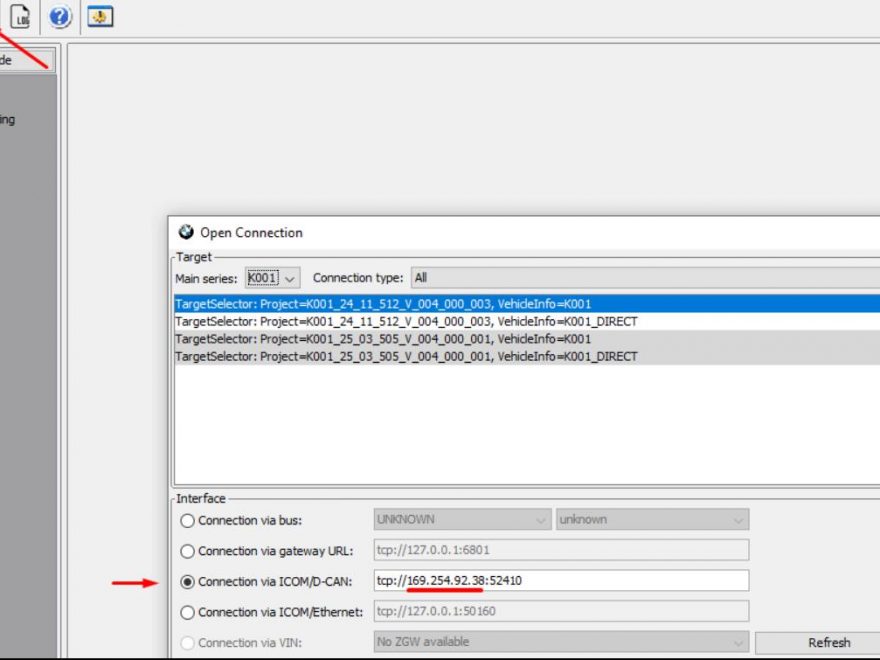
you are welcome,some obd2 tools information will be displayed
Prerequisites: Your ICOM Next is connected to your turned ON PC with the ethernet cable https://www.obd2tool.com/goods-10119-BMW-ICOM-Next-Professional-Diagnostic-Tool.html Your PC network card
Continue reading
If you’re dealing with an Electronic Power Steering (EPS) issue on your BMW F10, here’s a quick guide based on
Continue reading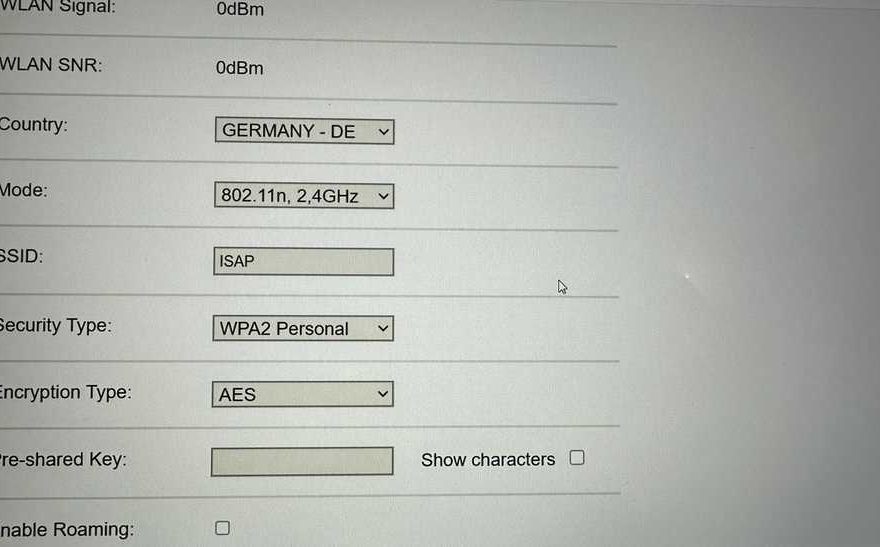
If you’ve recently purchased an ICOM NEXT and are having trouble connecting it via WiFi, you’re not alone. While the
Continue reading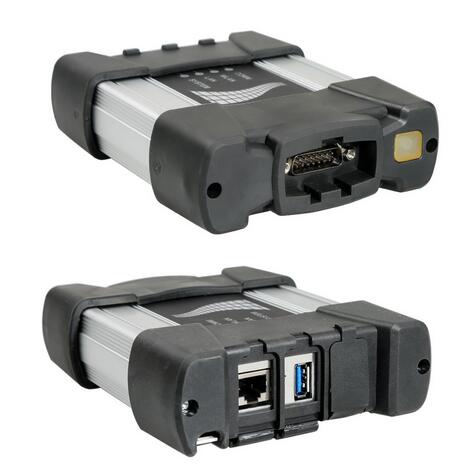
I encountered an issue accessing specific resources that might have provided detailed solutions for the BMW ICOM Next connection issue.
Continue reading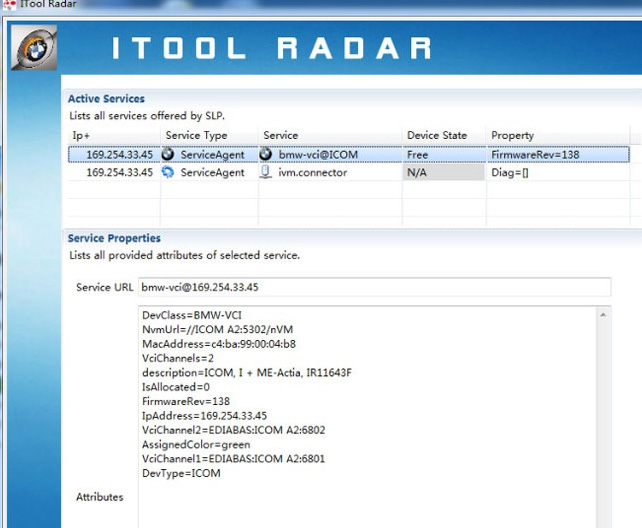
Configuring a stable WIFI connection for your BMW ICOM Next is essential to ensure seamless communication with your vehicle’s advanced
Continue reading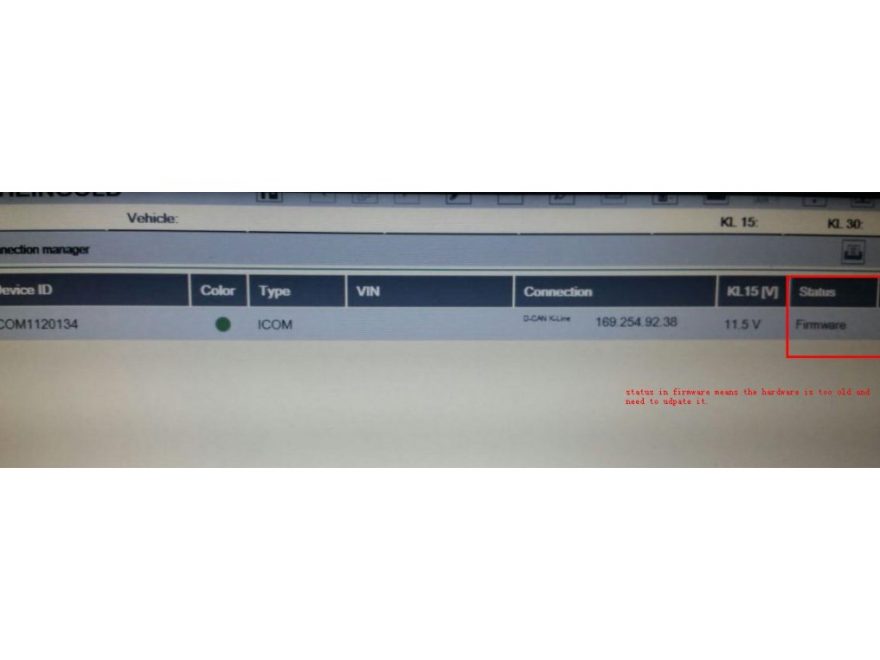
Many people have been having trouble updating ICOM’s firmware via ISTA+ since the last two updates with ICOM FW. When
Continue reading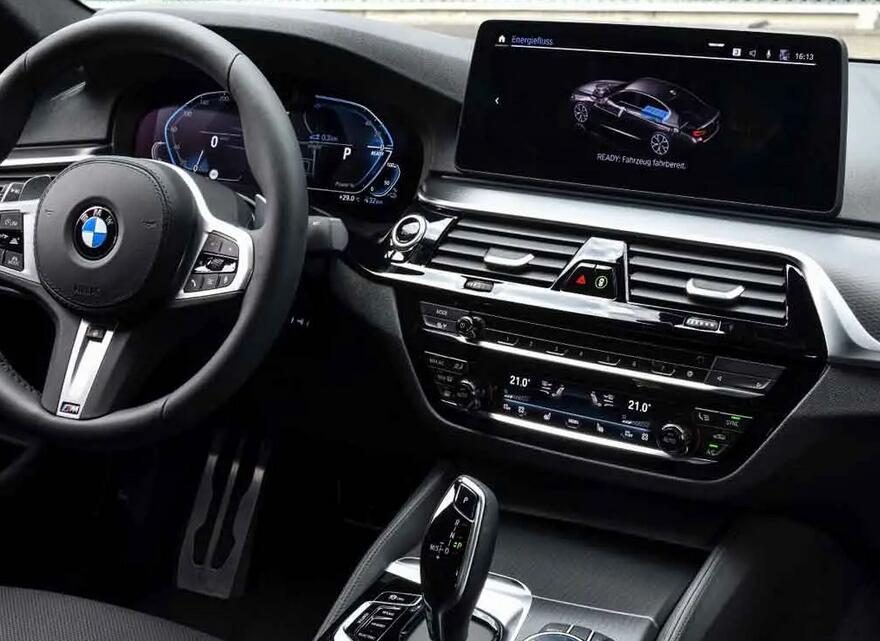
Here’s my personal collection of software and tools for BMW coding. Laptops HP EliteBook (F&G Series) > E-Sys (All versions)
Continue reading
Problem: ISTA/P certified software works with USB K+DCAN interface via the loader emulator but cannot get it to recognize an
Continue reading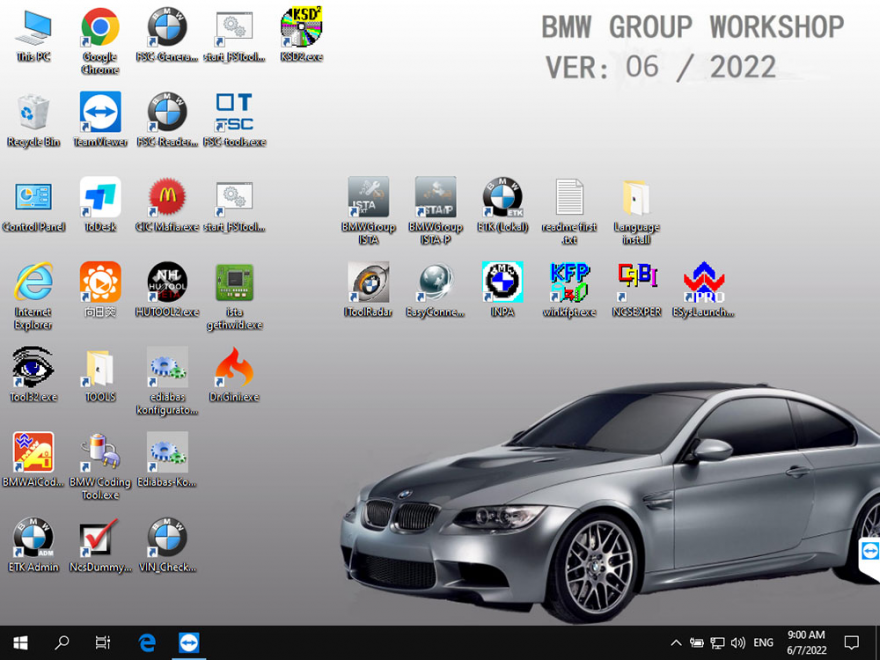
BMW ICOM V2022.06 Newest Vsrsion Software ISTA-D ISTA 4.35.21 ISTA-P 3.70.0.200 with Engineer Programming Software Version : V2022.06 ISTA –
Continue reading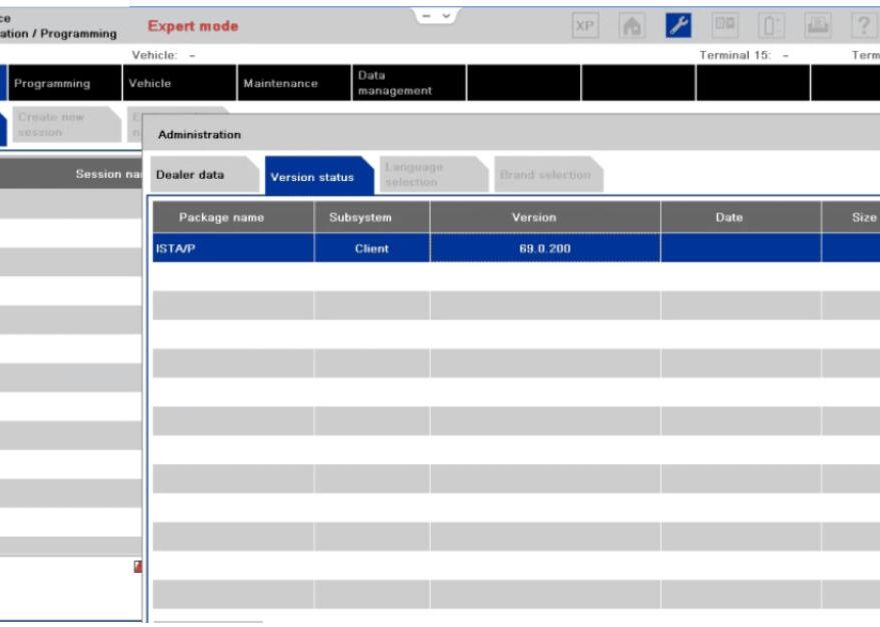
BMW ISTA P stands for Integrated Service Technical Application Programming. It is a dealer-level diagnostic software that replaced the older
Continue reading
How to enter license in BMW ISTA 1. When installing BMW ISTA software for the first time, you need to
Continue reading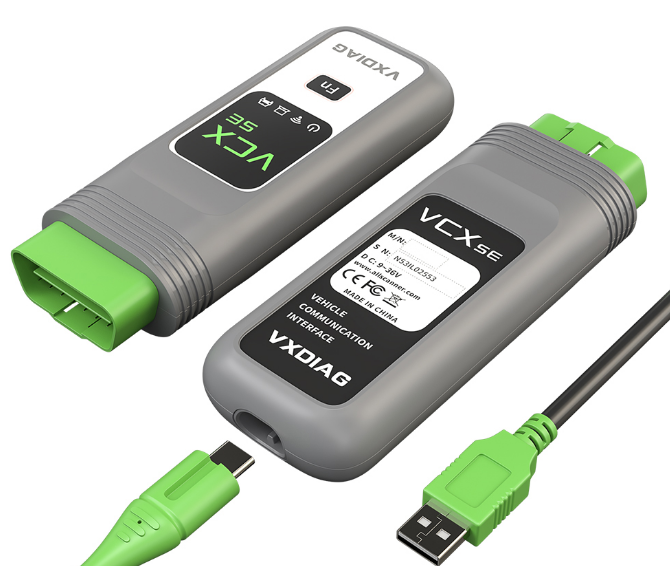
Here comes the unbiased review of vxdiag vcx se bmw on F series. “I drive BMW 6 series Convertible 650I
Continue reading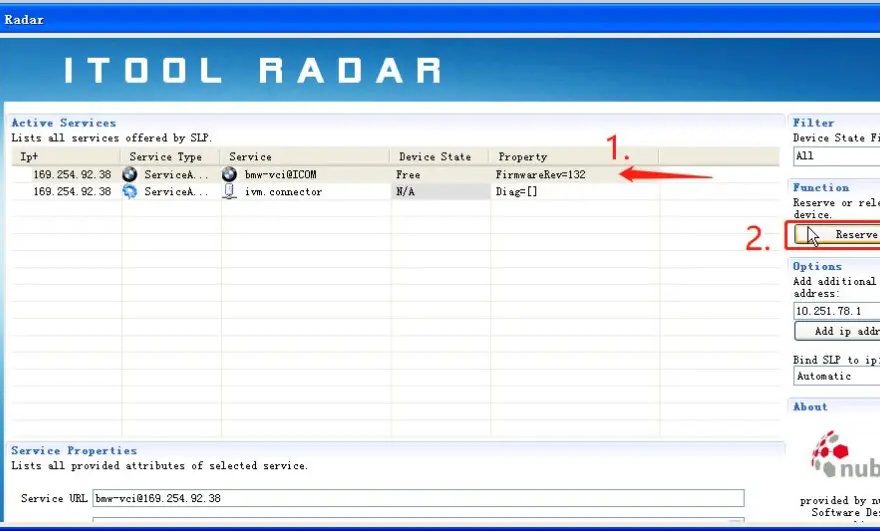
BMW coding, BMW NCSEXPER coding, BMW E66 how to use NCSEXPER coding 1. Connect BMW ICOM Next A,Reserve ip 2.
Continue reading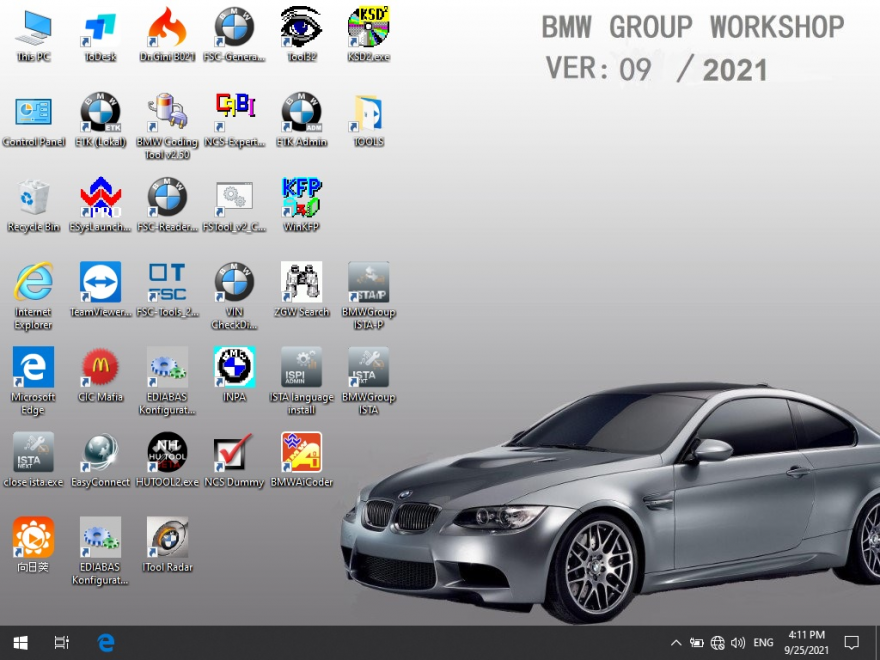
BMW ICOM V2021.09 Newest Vsrsion Software ISTA-D ISTA 4.30.40 ISTA-P 3.68.0.800 with Engineer Programming Software Version : V2021.09 ISTA –
Continue reading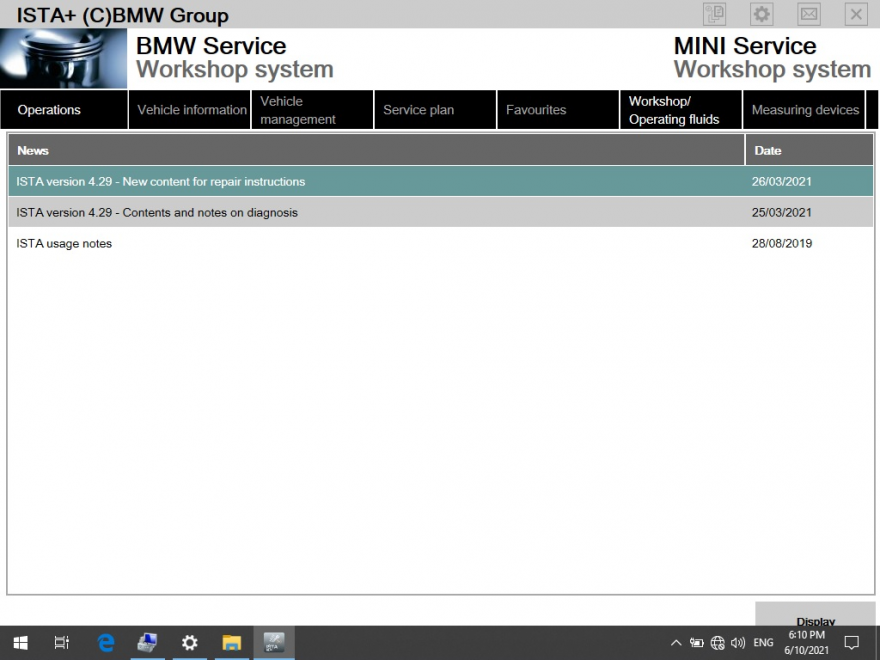
BMW ISTA need BMW ICOM NEXT connect BMW car Repair instructions The new publication has essentially been supplemented by the
Continue reading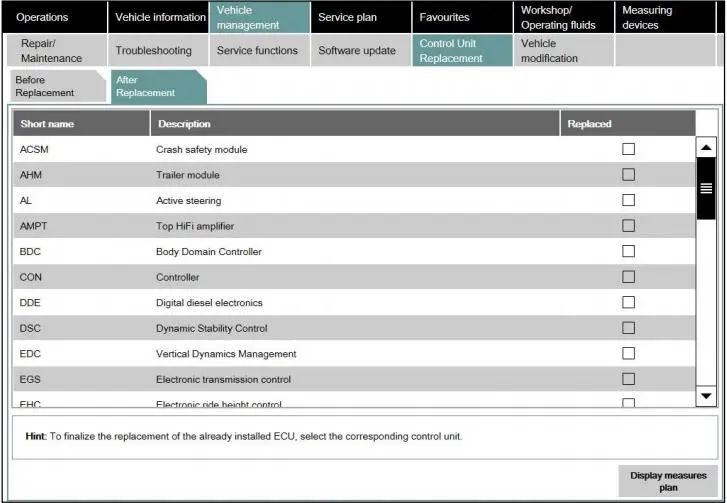
1 General notes(BMW ISTA need BMW ICOM NEXT connect to car) With the launch of ISTA 4, the functionality for
Continue reading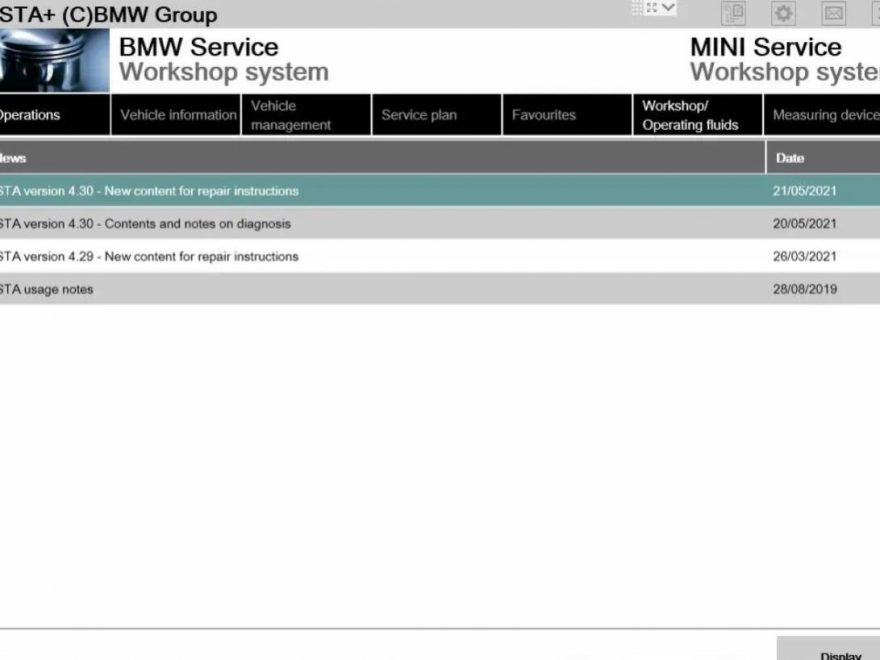
BMW ISTA need BMW ICOM Next connect BMW car Repair instructions The new publication has essentially been supplemented by the
Continue reading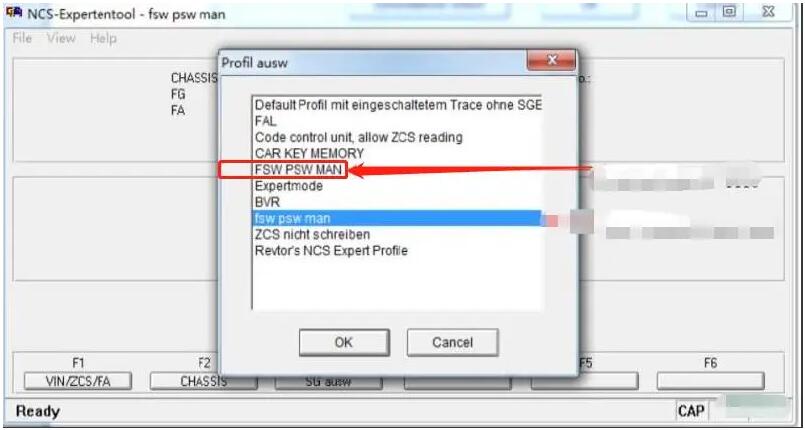
This post will show you How to BMW DVD in Motion activation for CIC of BMW car .For more cases
Continue reading