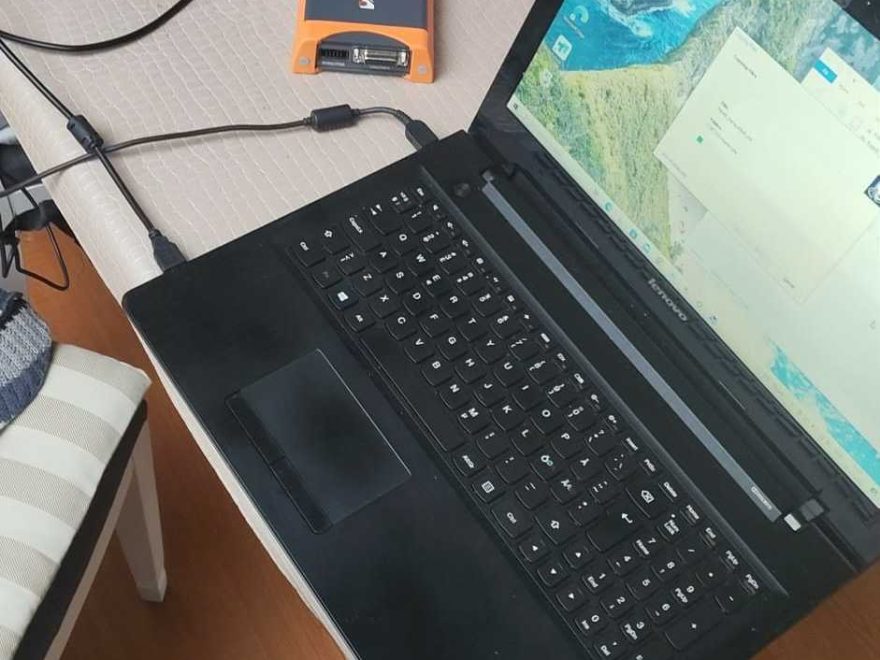
Customer Issue
I installed the KT200 software by following the installation video. Only the KT200 device was connected to the computer, but the software still displayed an error and could not recognize the tool.
Why did this happen?
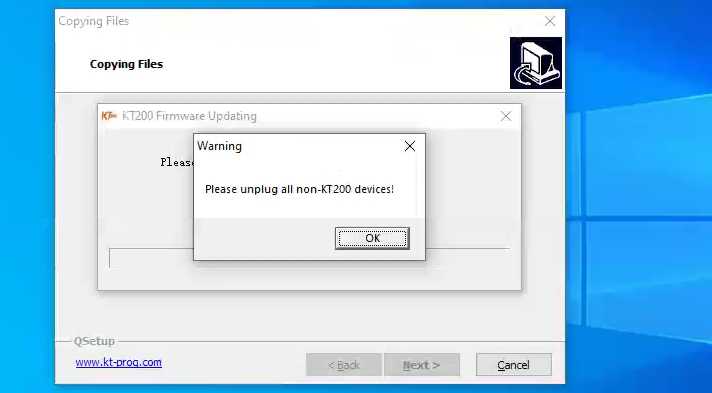
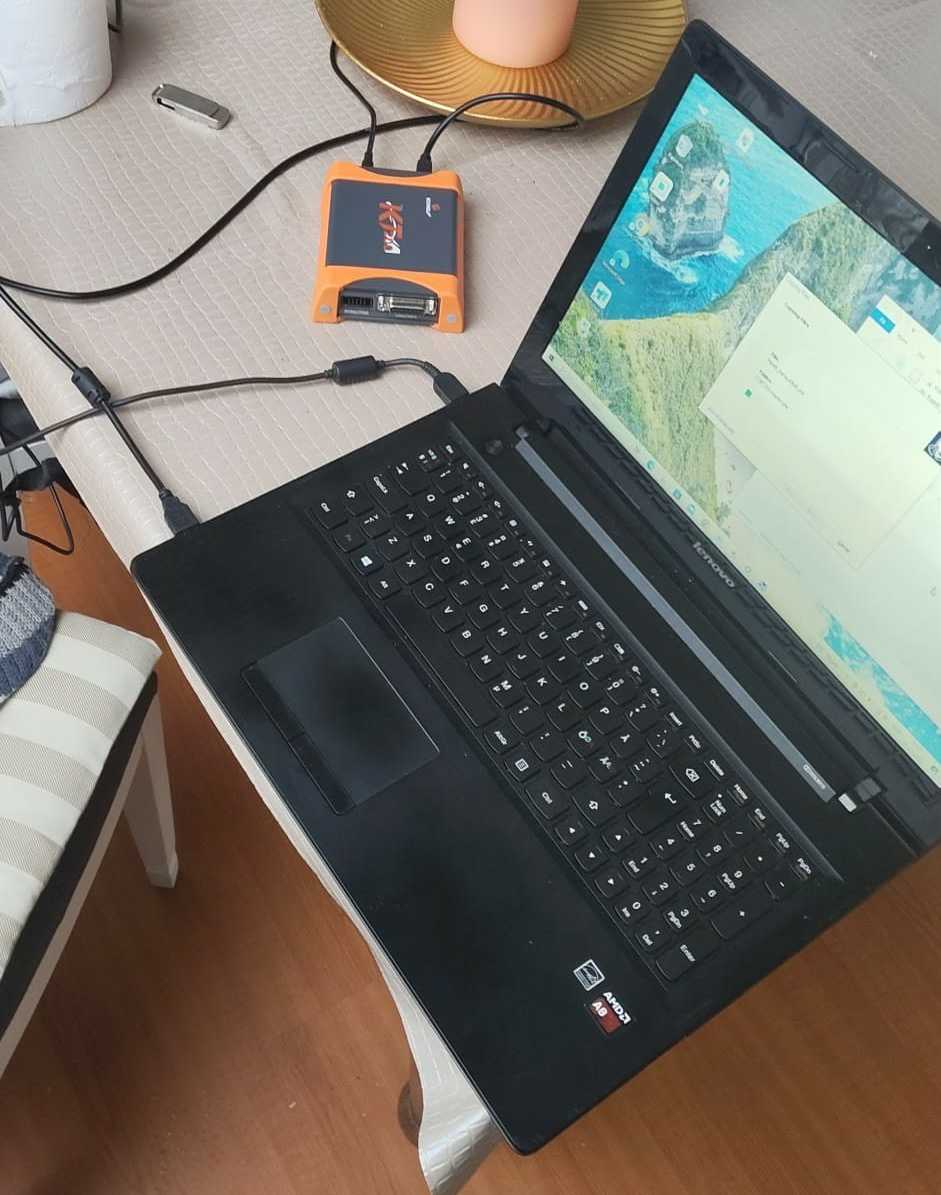
Cause of the Error
After remotely checking the computer, our technical engineer found that the Windows operating system was not set to English.
Because of the system language and regional configuration, several required software components were missing or had not installed correctly. As a result, the KT200 software could not properly detect or communicate with the diagnostic device.
Solution
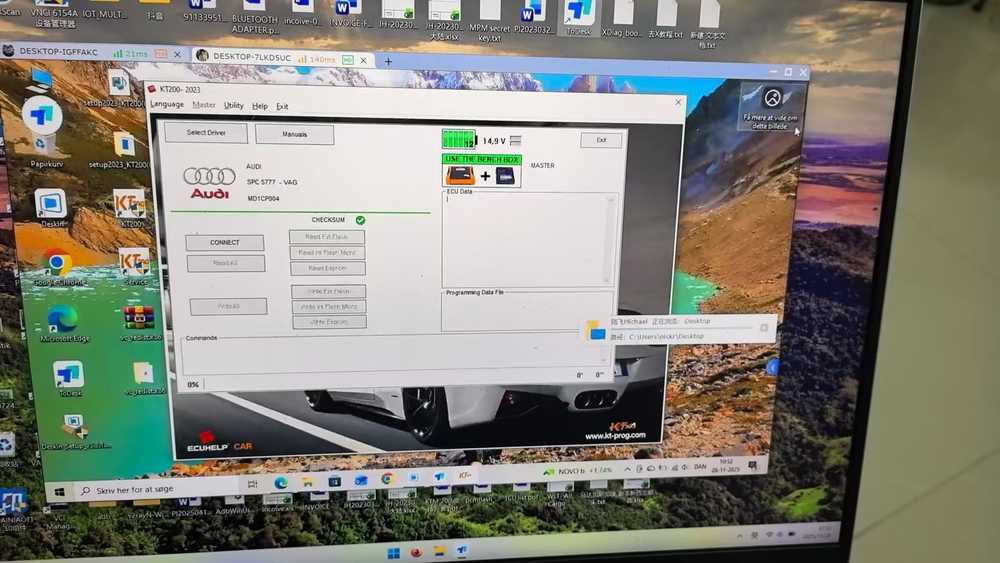
Our engineer remotely installed the missing system components and corrected the software environment.
After the required components were installed, the KT200 software successfully recognized the device and operated normally.
Recommended Checks
When installing KT200 software, make sure that:
-
The computer meets the KT200 system requirements.
-
All required drivers and runtime components are installed.
-
Antivirus software does not block the installation files.
-
The KT200 device is connected correctly.
-
Windows language and regional settings are compatible with the software.
If the KT200 software still cannot recognize the device, remote technical support may be required to check the drivers, Windows components, and software configuration.
Need a KT200 ECU Programmer?
Looking for a KT200 tool for ECU and TCU reading, writing, cloning, or chip-tuning work? Check the available configurations and confirm vehicle or ECU compatibility before ordering.