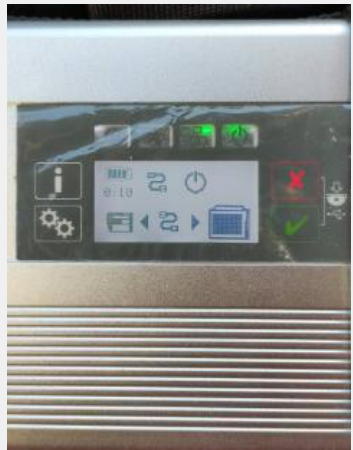
Five icons appear on the MB Star C4 display
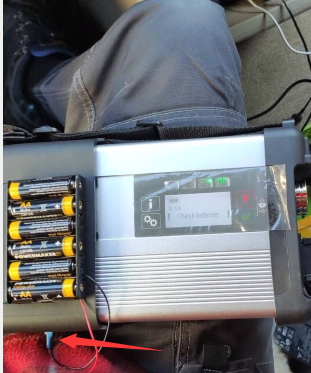
Connect 9V dry battery as shown
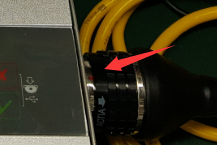
Connect the OBD to the car
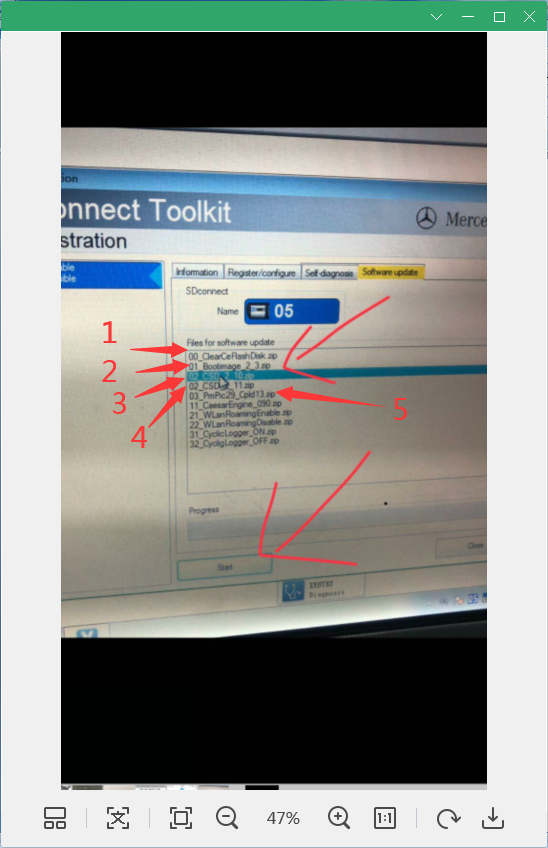
Open the software C4 management tool
Update 00 01 02 02 03 in order
OBD2TOOL Technical Blog – Automotive, Truck & Heavy Equipment Diagnostic Tool Guides, Software Installation, Troubleshooting and Repair Cases
Five icons appear on the MB Star C4 display
Connect 9V dry battery as shown
Connect the OBD to the car
Open the software C4 management tool
Update 00 01 02 02 03 in order