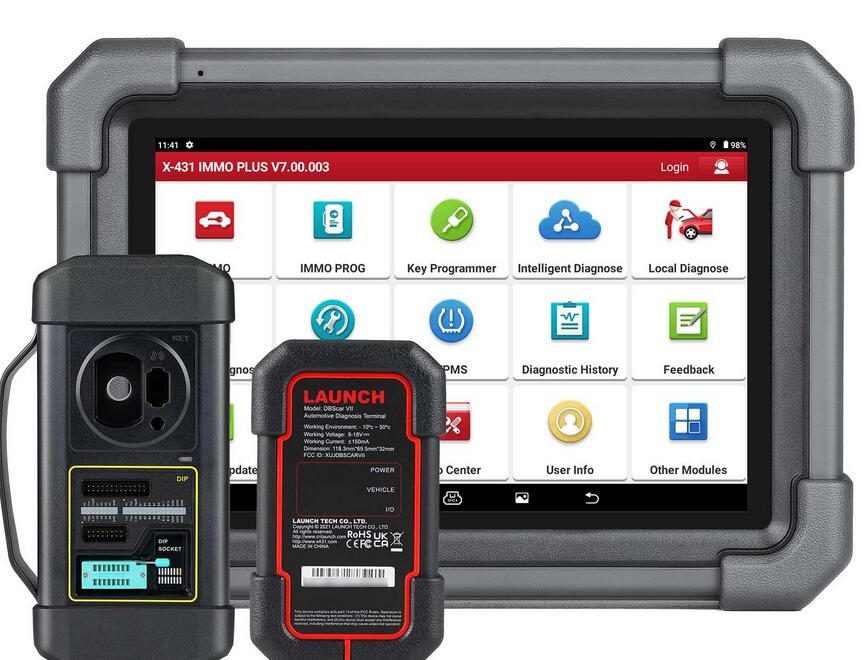
This guide explains how to use the Launch X431 IMMO Plus or IMMO Elite to add a new key to a Volkswagen instrument cluster (for example, a 2013 VW Jetta flip key) using the pogo pin and plug-in connection method. This approach does not require reading directly from the chip.
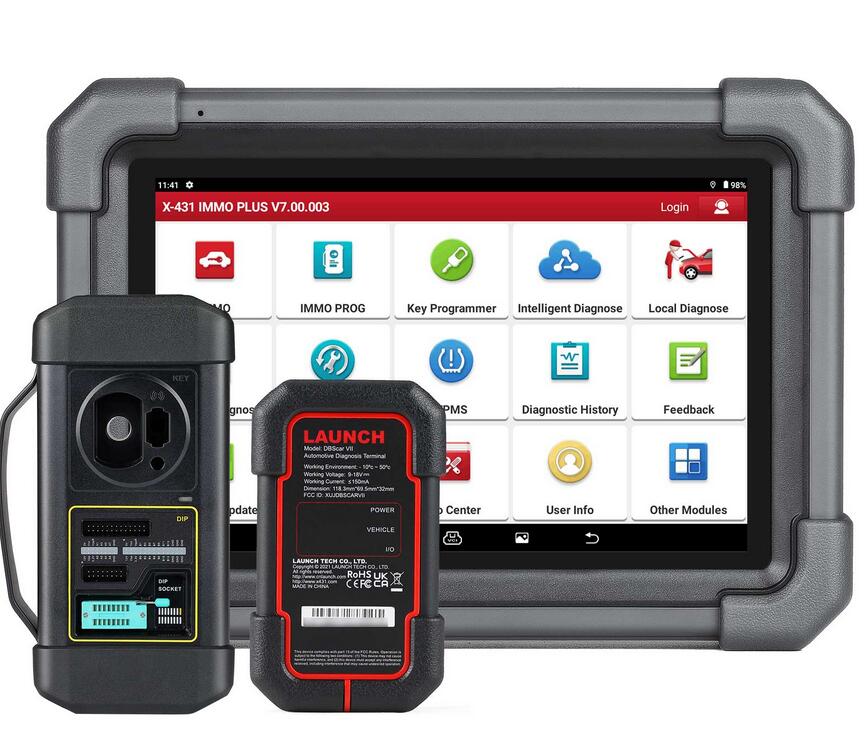
Step 1: Connect the Pogo Cable
Use the pogo cable to connect to the three yellow ports on the X-Prog3 (DB26 connector).
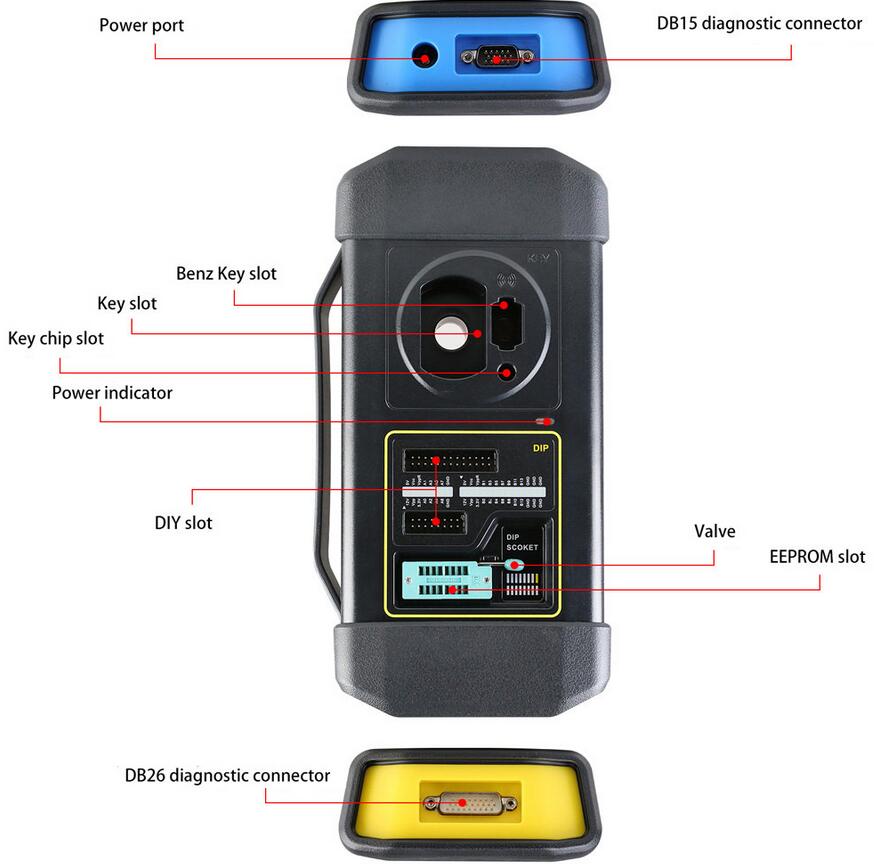
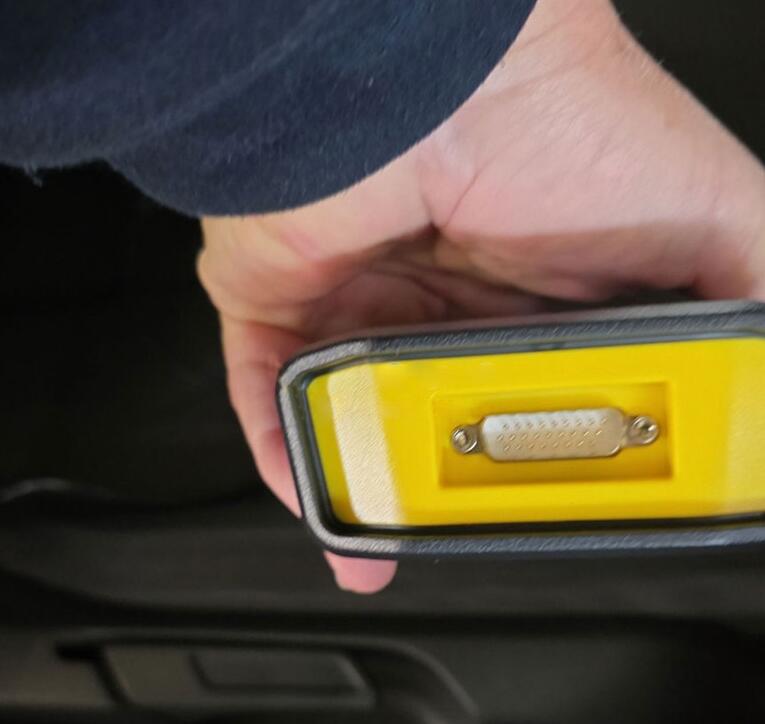
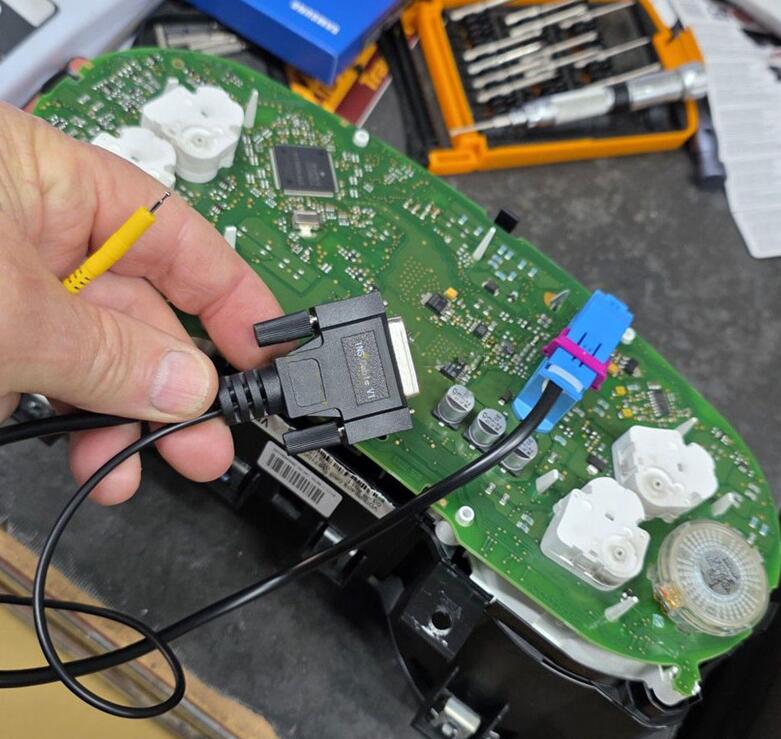
Make sure to follow the connection diagram carefully to ensure proper alignment.
(Refer to the images for detailed cable positioning.)
Step 2: Verify the Connection
Double-check that the pogo cable is securely connected to the Launch X-Prog3 yellow ports. Proper contact is critical for successful data reading.
Step 3: Enter Service Mode
While holding the pogo probe on the boot point and powering the instrument cluster, the system will enter service mode automatically. Once in service mode, the device can access and retrieve immobilizer data.
Step 4: Add the New Key
After reading the immo data, proceed with the Dealer Key function within the Launch X431 IMMO software.
With the ignition switched on, follow on-screen prompts to learn the new key successfully.