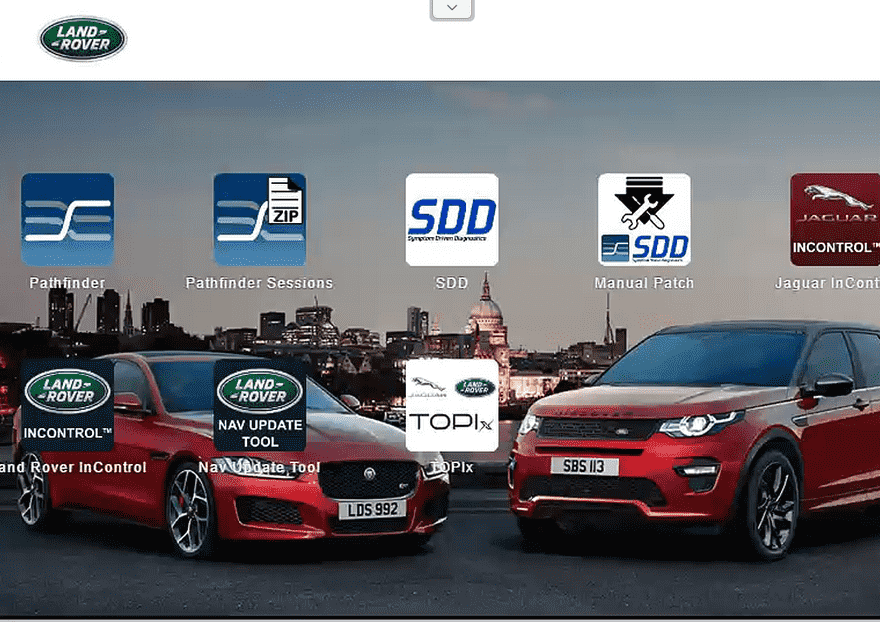
If you work on Jaguar or Land Rover vehicles, having the correct factory-level diagnostic software is essential for advanced diagnostics, ECU programming, and module coding.
JLR SDD and Pathfinder are the official diagnostic platforms used for Jaguar Land Rover vehicles. These systems provide dealer-level capabilities including:
- Full system diagnostics
- ECU programming
- Module replacement
- Service functions
- CCF coding
- Calibration procedures
- Online and offline engineering functions
Many workshops now prefer remote installation services because the software setup process can be complex and time-consuming. (obd2tool.com)
What Is JLR SDD Software?
JLR SDD Diagnostic Platform
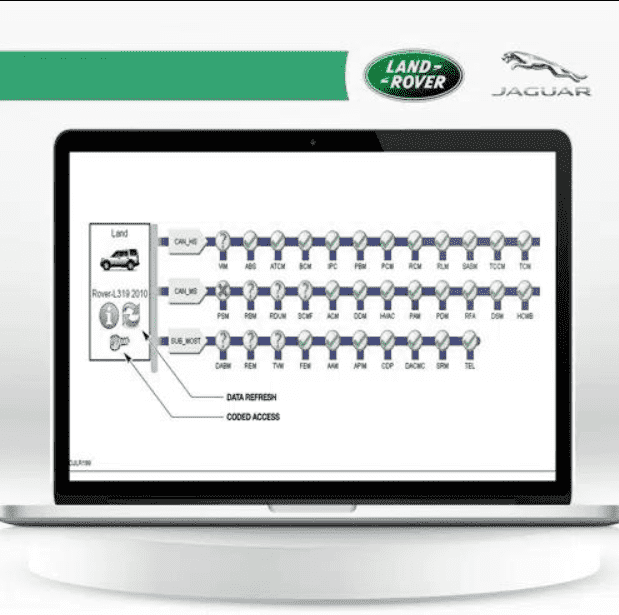
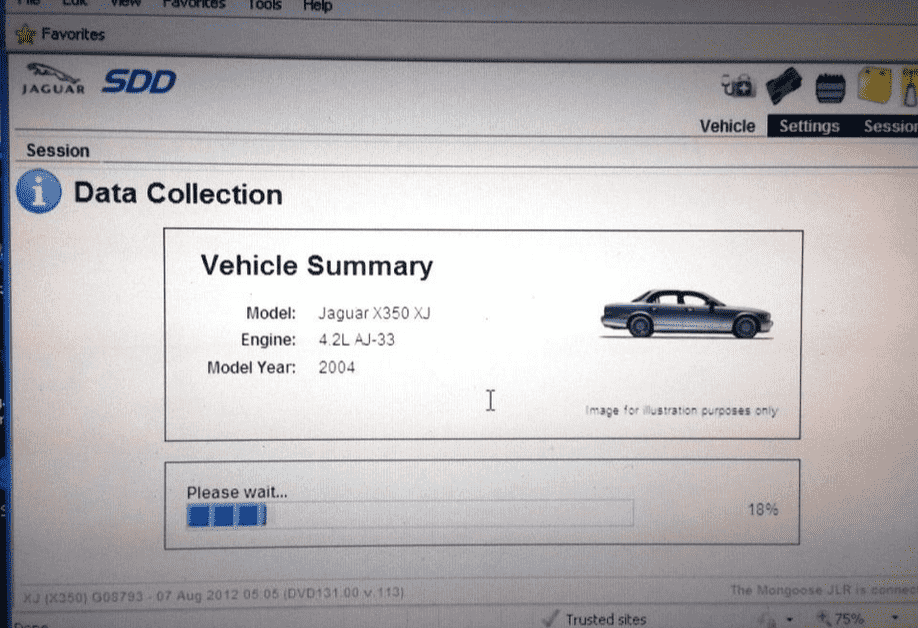
JLR SDD (Symptom Driven Diagnostics) is the older factory diagnostic software designed for Jaguar and Land Rover vehicles mainly from 2005–2016.
SDD supports:
- Fault code reading
- ECU programming
- Service resets
- Air suspension calibration
- Injector coding
- Module replacement
- Key programming
- Guided diagnostics
SDD remains popular because many older Jaguar and Land Rover models still require it for advanced repair procedures. (obd2tool.com)
What Is JLR Pathfinder?
Pathfinder for New Jaguar & Land Rover Models

JLR Pathfinder is the newer diagnostic platform developed for newer Jaguar and Land Rover vehicles using DoIP communication protocols.
Pathfinder supports many 2017+ vehicles including:
- Range Rover L405
- Range Rover Sport L494
- Discovery L462
- Jaguar F-PACE
- Jaguar XE
- Jaguar XF
- Velar
- Evoque
Compared with SDD, Pathfinder offers:
- Faster communication
- Improved ECU programming
- Modern vehicle architecture support
- Enhanced module coding
- Better DoIP compatibility
According to JLR technical documentation, Pathfinder became necessary because newer vehicles no longer fully support traditional SDD communication methods. (obd2tool.com)
Why Remote Installation Is Popular
Professional Remote Setup Service
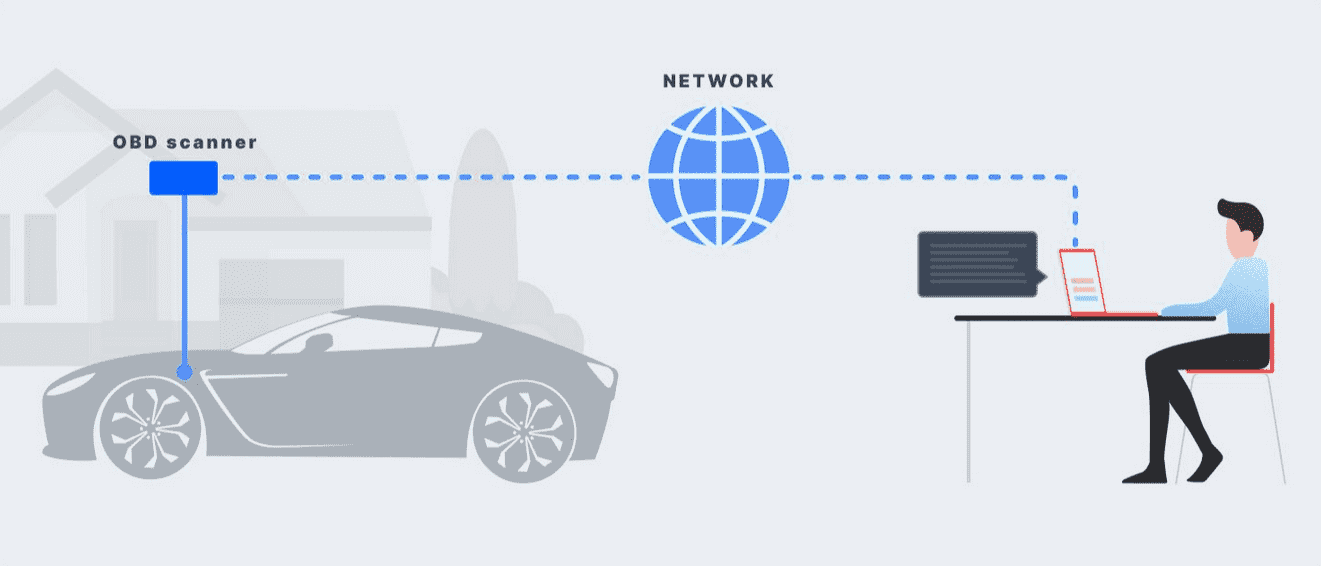
Installing JLR SDD and Pathfinder manually can be difficult because the software requires:
- Special patches
- Driver configuration
- License activation
- Internet Explorer compatibility
- VCI driver setup
- Database configuration
Many users experience installation problems such as:
- Login failures
- Missing runtime components
- Driver conflicts
- Software activation errors
- Windows compatibility problems
Because of this, remote installation services have become increasingly common among workshops and independent technicians. (obd2tool.com)
Supported Diagnostic Interfaces
Compatible JLR VCIs & J2534 Devices
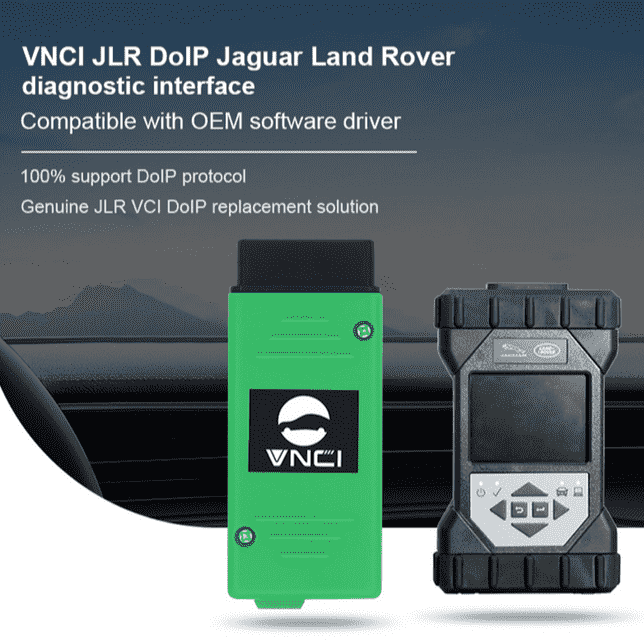
JLR SDD and Pathfinder can work with multiple interfaces including:
- JLR DoIP VCI
- VXDIAG VCX Nano
- Mongoose Pro JLR
- Bosch DoIP VCI
- Some J2534 devices
For newer vehicles, DoIP-compatible interfaces are strongly recommended.
Older or cheaper J2534 interfaces may experience communication instability during ECU programming. (obd2tool.com)
Main Functions of JLR SDD & Pathfinder
With properly installed SDD and Pathfinder software, users can perform:
Diagnostic Functions
- Read and clear fault codes
- Live data monitoring
- ECU identification
- Guided diagnostics
Programming Functions
- ECU flashing
- Module replacement
- Software updates
- Calibration procedures
Coding Functions
- CCF editing
- Feature activation
- Retrofit coding
- Vehicle personalization
Service Functions
- Oil reset
- Steering angle calibration
- Suspension calibration
- DPF regeneration
- Battery registration
SDD vs Pathfinder
| Feature | JLR SDD | JLR Pathfinder |
|---|---|---|
| Vehicle Coverage | 2005–2016 | 2017+ |
| Communication Protocol | Traditional CAN | DoIP |
| ECU Programming | Yes | Yes |
| Coding Functions | Yes | Advanced |
| Speed | Moderate | Faster |
| New Vehicle Support | Limited | Excellent |
| DoIP Support | Limited | Full |
| Recommended Interface | Mongoose / VXDIAG | JLR DoIP VCI |
Common Installation Problems
Frequently Reported Issues
Users commonly report:
- SDD update expiration warnings
- TOPIx login failures
- Driver installation problems
- Internet Explorer compatibility issues
- Patch configuration errors
Many Reddit users also mention that improper installation order or missing patches can prevent SDD from functioning correctly.
Why Workshops Choose Remote Installation
Save Time & Avoid Installation Errors
Remote installation services help users:
- Avoid software conflicts
- Save installation time
- Ensure proper activation
- Configure drivers correctly
- Test communication after setup
For many repair shops, remote installation is faster and more reliable than manual setup.

Final Thoughts
JLR SDD and Pathfinder remain essential diagnostic tools for Jaguar and Land Rover repair specialists.
Whether you work on older Range Rover models requiring SDD or newer DoIP vehicles using Pathfinder, proper installation and configuration are critical for stable operation.
A professional remote installation service can help technicians avoid setup issues while ensuring full dealer-level functionality for diagnostics, coding, and ECU programming.
FAQ
What vehicles does JLR SDD support?
JLR SDD mainly supports Jaguar and Land Rover vehicles from approximately 2005–2016.
What vehicles require Pathfinder?
Most newer Jaguar and Land Rover vehicles from 2017 onward require Pathfinder.
Does Pathfinder support DoIP communication?
Yes. Pathfinder is designed for DoIP vehicle communication systems.
Can SDD perform ECU programming?
Yes. SDD supports module programming, coding, and service functions.
What interface is recommended for Pathfinder?
JLR DoIP VCI is strongly recommended for Pathfinder.
Is remote installation safe?
Yes. Professional remote installation services are commonly used for automotive diagnostic software setup.
Can VXDIAG work with JLR software?
Yes. VXDIAG VCX Nano is commonly used with SDD and Pathfinder.
Why does SDD sometimes stop working?
Improper patches, expired updates, or Windows compatibility problems may cause software failures.