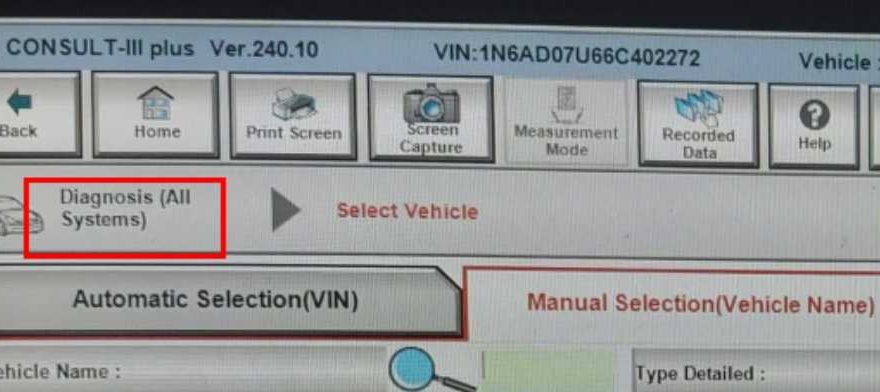
Some users may successfully connect Nissan diagnostic software to a vehicle but still experience another frustrating issue — the software freezes or fails to read data.
In many cases, this happens because too many systems are selected for diagnosis at the same time.
This article explains why the problem occurs and how to solve it correctly.
Problem Description
A customer reported the following issue:
- The device connected to the vehicle successfully
- Communication with the car was established
- However, no vehicle data could be read
- The software became unresponsive during scanning
Cause of the Issue
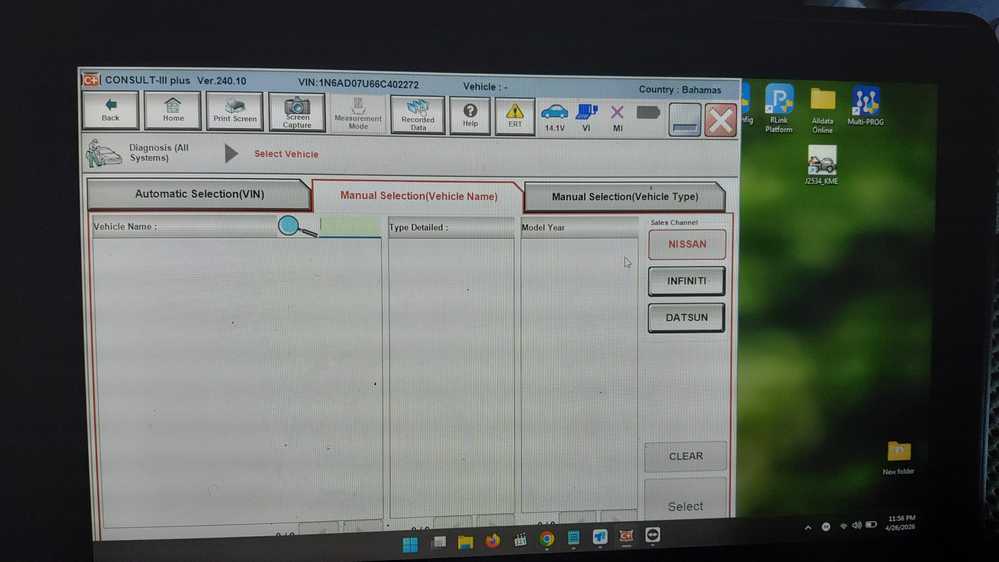
According to the engineer, the problem occurred because the customer attempted to read all vehicle systems simultaneously.
On some Nissan diagnostic software versions, selecting all systems at once may overload the software and cause it to freeze.
Correct Solution
The engineer recommended the following procedure:
Step 1: Exit the Software
Close the Nissan diagnostic software completely.
Step 2: Restart the Program
Launch the software again.
Step 3: Select Only One System
Instead of scanning all systems together, choose one module at a time, such as:
- Engine
- Transmission
- ABS
- Airbag
Reading individual systems improves stability and prevents freezing.
Result
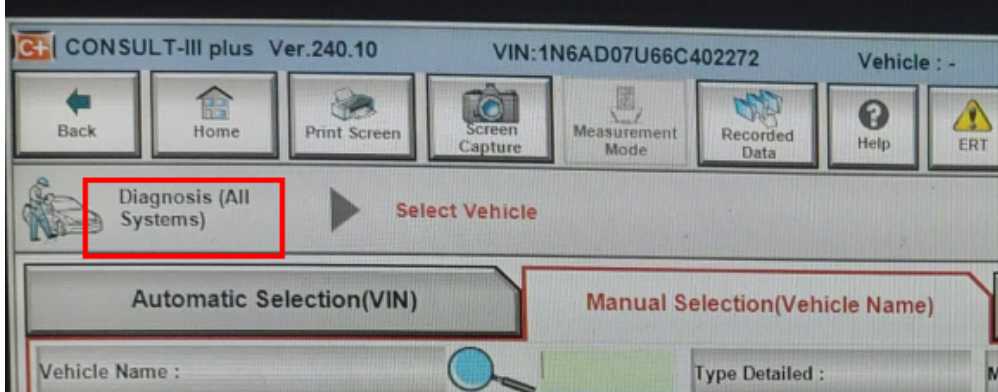
After selecting only one system at a time, the software worked normally and vehicle data could be read successfully.
Customer feedback:
“Ok, thank you.”
How to Avoid This Problem Permanently
If you frequently experience software freezing or unstable communication, the issue may also be related to:
- Poor-quality diagnostic interfaces
- Incorrect drivers
- Unsupported software versions
- Weak USB communication stability
Using a professionally tested Nissan diagnostic tool can significantly reduce these issues.
https://www.obd2tool.com/goods-10857-Nissan-VCI-OBD2-Diagnostic-Tool.html
Conclusion
If your Nissan diagnostic software freezes while reading data, avoid selecting all vehicle systems simultaneously.
Scanning one module at a time is the safest and most stable method for reliable communication and diagnosis.
For professional Nissan diagnostic tools and software support, visit OBD2Tool.