
Corvette F55 Shocks Replacement: Do You Need a GM Tech2 Scanner?
Are you planning to replace the F55 Magnetic Ride Control shocks on your Corvette? If so, you’ll likely encounter warning messages that won’t disappear unless the system is properly reprogrammed. Here’s why a GM Tech2 scanner is considered the correct and permanent fix.
Why Replacing F55 Shocks Causes Errors
Corvette C5 (1997–2004) and C6 (2005–2013) models equipped with the Magnetic Selective Ride Control (RPO F55) use electronically monitored shocks. When these shocks are removed and replaced with standard ones, the car’s computers no longer receive the expected sensor feedback.
This results in messages such as:
- “Service Ride Control”
- “Maximum Speed 80 MPH”
Because the Body Control Module (BCM) and Electronic Suspension Control (ESC) are programmed to look for these shocks, they interpret the absence of signals as component failure.
Why the GM Tech2 Scanner Is Required
A GM Tech2 is the OE-level diagnostic tool originally used by dealerships. It allows access to advanced configuration menus that standard scanners cannot reach.
Using the Tech2, technicians can run an RPO Reprogramming procedure inside the BCM. During this process, the F55 option is removed from the configuration. Once completed:
- The system stops checking for magnetic shock feedback
- Fault codes clear automatically
- Warning messages stay off permanently
This is the preferred, factory-supported method of disabling F55 after shock replacement.
What Tools You Need
To carry out this procedure properly, you need:
✔ A GM Tech2 Scanner
For C6 models, make sure the scanner includes the CANdi interface module, which is necessary for communication on later GM vehicles.
Both original and high-quality replacement versions of the Tech2 can perform this programming task.
Genuine vs. High-Quality Clone Tech2 Units
Original factory-issued Tech2 units are harder to find and usually expensive. High-quality replacement units offer the same access and functions, including:
- BCM programming
- Error clearing
- Vehicle diagnostics
- RPO reconfiguration
Many technicians and Corvette owners prefer these more affordable versions while still achieving full capability.
Steps Involved in Removing F55 Using Tech2

Step-by-Step Guide (C5/C6 Corvettes)
- Connect Tech 2: Plug the GM Tech 2 tool into the OBD-II port.
- Access BCM: Navigate through the Tech 2 menus to the Body Control Module (BCM).
- RPO Reprogram: Find the “RPO Reprogram” or similar function within the BCM menu.
- Disable F45: Locate the F45 option (F55 isn’t listed directly) and turn it OFF (remove the asterisk).
- Save Configuration: Select “Save Options” to apply the BCM changes.
- Locate F55 Module:
- C5: In the rear storage area, behind the velcro lining.
- C6: Under the right front fender liner.
- Unplug Module (Crucial Order):
- Turn Ignition OFF (do not remove Tech 2).
- Unplug the large gray connector from the F55 module.
- With the car still off and Tech 2 connected, unplug the remaining two connectors
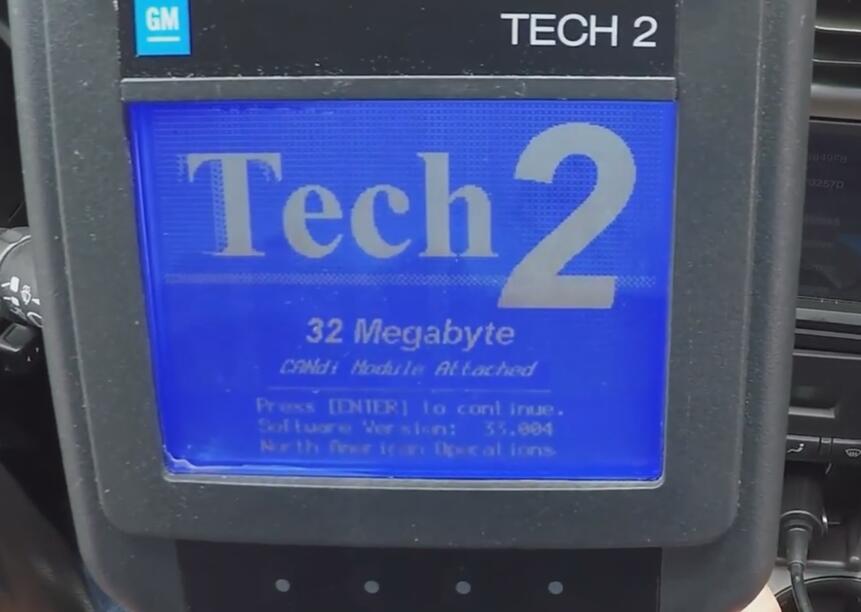

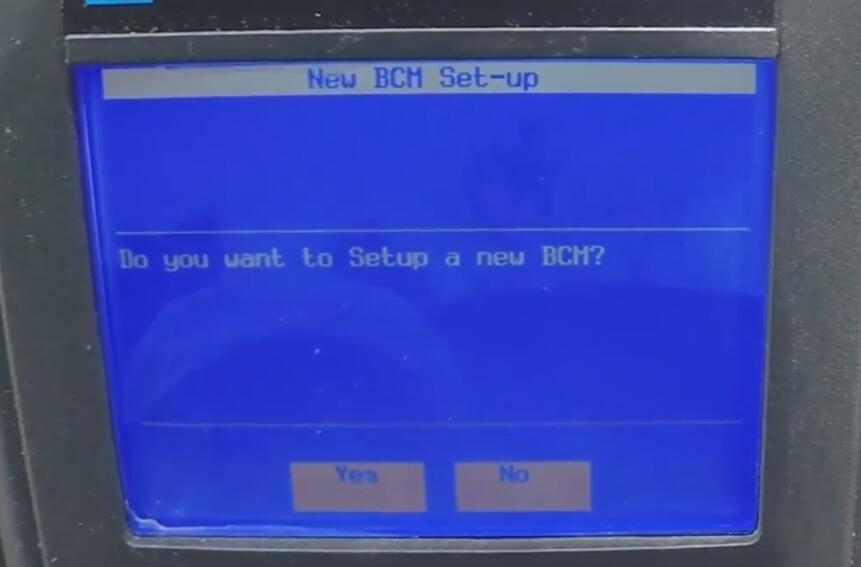
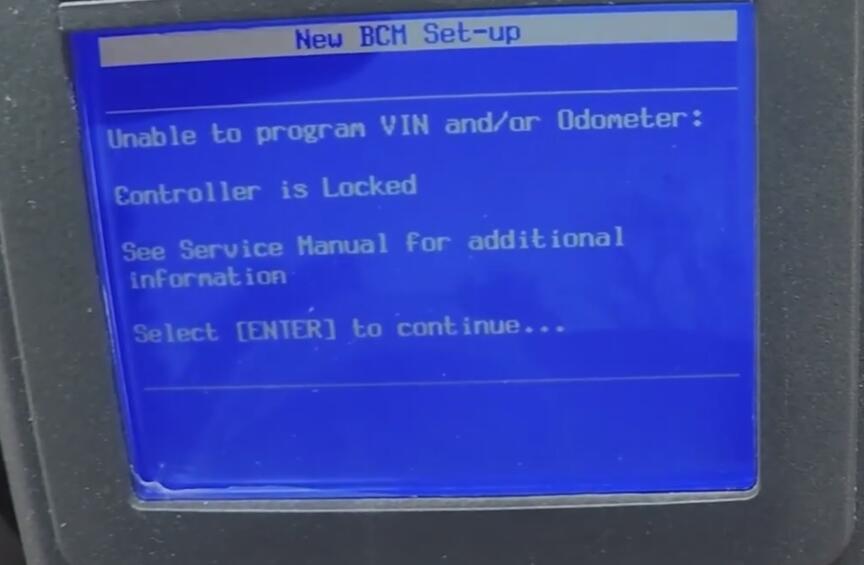
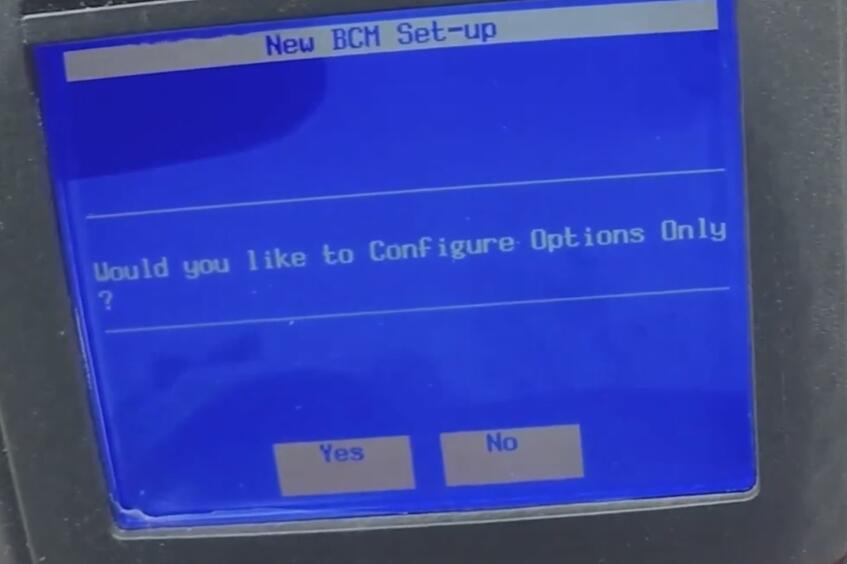
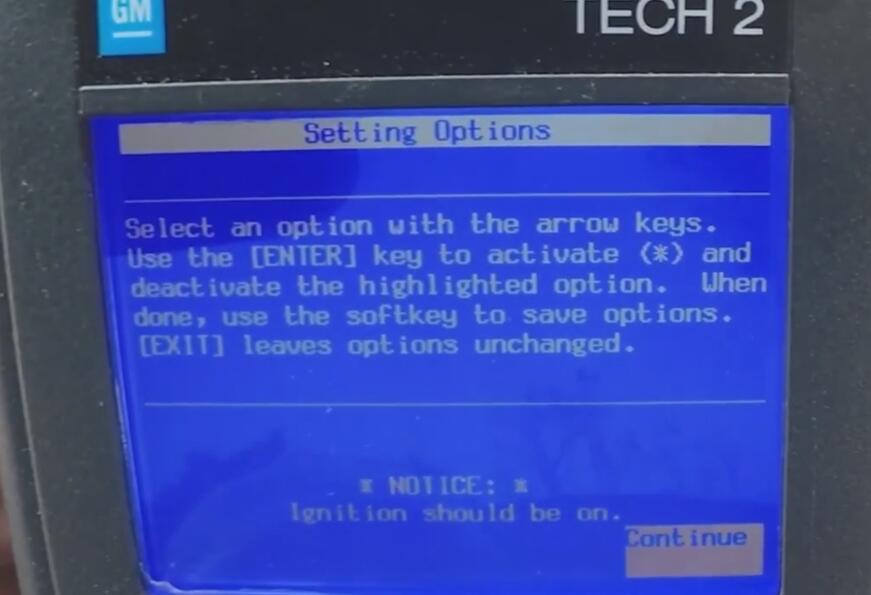
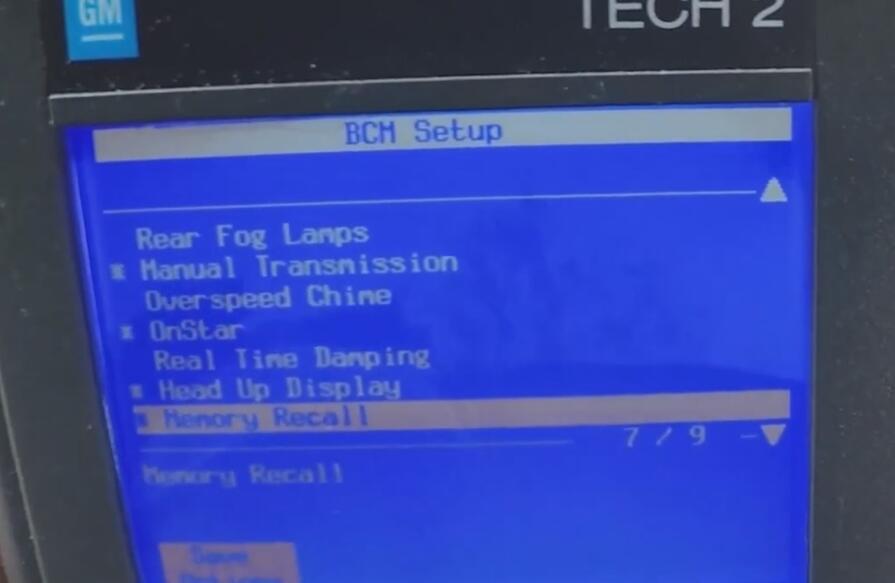
After writing the configuration back to the BCM, the car restarts with updated settings, and suspension warnings will no longer appear.
Why Not Use F55 Simulators?
Although bypass modules exist, they only imitate shock signals.
Limitations of Simulators:
- They may fail with temperature or electrical fluctuation
- They introduce potential wiring points of failure
- They do not correct BCM programming
In contrast, using a Tech2 solves the issue at the software level—once and done.
Final Thoughts
If you remove F55 shocks and install standard replacements, the correct way to prevent persistent warning messages is to reprogram the BCM. The GM Tech2 is the professional tool designed for this process.