Issue
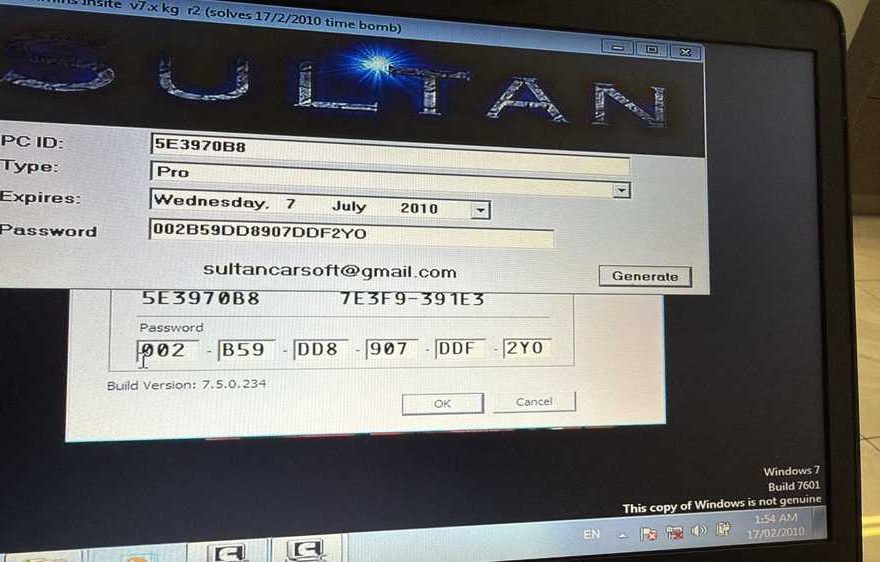
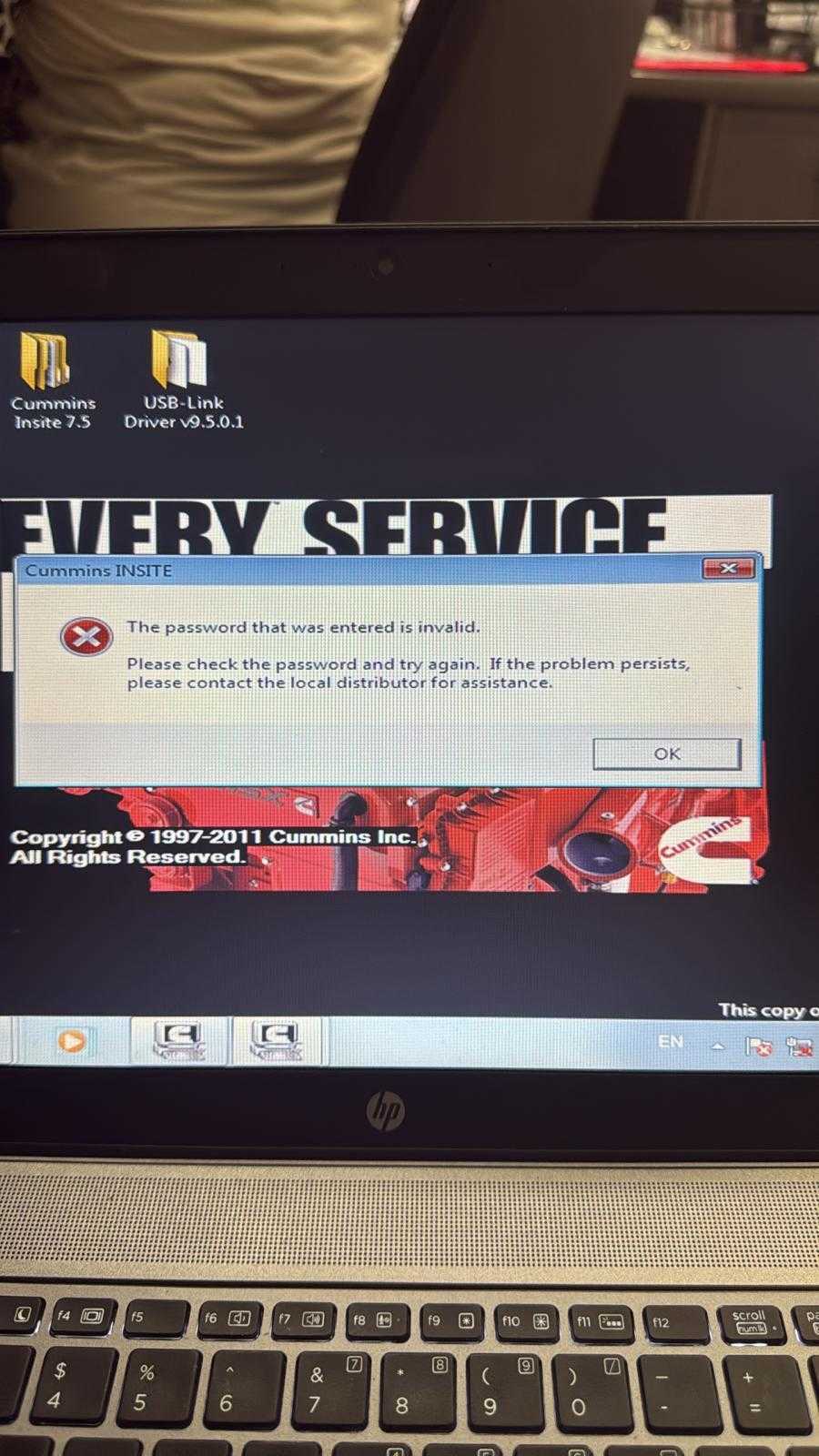
A customer reported receiving repeated error messages when trying to use Cummins diagnostic software with a NEXIQ tool.
Solution
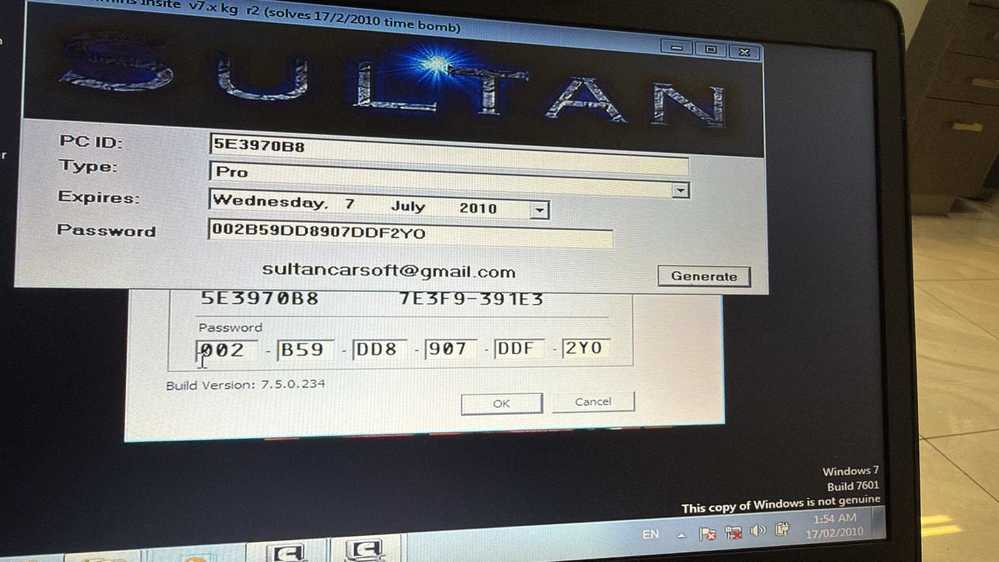
First, check the date and time on your laptop and make sure they are correct. An incorrect system date may cause the Cummins software license or activation to fail.
After correcting the date, reinstall the Cummins software and restart the computer.
During activation, several prompt messages may appear. Follow the on-screen instructions and click OK as prompted until the activation process is complete.
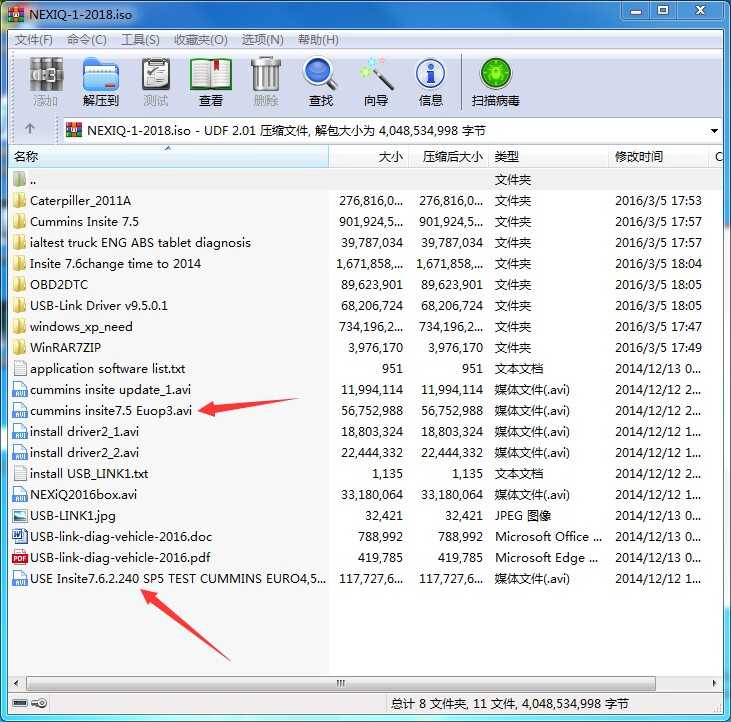
The software CD also includes activation videos for two Cummins software versions. Please watch the video that matches your installed version and follow the steps carefully.
Need a Reliable Cummins Diagnostic Solution?
If your current software installation is outdated, damaged, or difficult to activate, choosing a complete Cummins diagnostic package can make setup easier.
A professional Cummins diagnostic kit can help technicians:
- Read and clear Cummins engine fault codes
- View live engine data and operating parameters
- Perform troubleshooting and maintenance procedures
- Connect through a compatible NEXIQ communication interface
- Reduce downtime caused by diagnostic software problems
Recommended for:
- Heavy-duty truck repair workshops
- Diesel engine technicians
- Fleet maintenance teams
- Cummins engine owners
- Mobile diagnostic professionals
View Cummins Diagnostic Tools
Product link:
https://www.obd2tool.com/goods-10481-Cummins-INLINE-7-Data-Link-Adapter-Cummins-Truck-Diagnostic-Tool.html
Before purchasing, confirm the required Cummins software version, Windows system compatibility, NEXIQ model, and supported engine applications.
Need Technical Support?
If the error continues, take a clear screenshot of the message and contact the obd2tool support team.
Please include:
- Your order number
- Cummins software version
- NEXIQ tool model
- Windows version
- Screenshot of the error message
Email: sales@obd2tool.com
Website: https://www.obd2tool.com/