Programming a key for a 2024 Dacia Logan when all keys are lost (AKL) can be challenging—especially since recent updates to Autel tools have removed Renault/Dacia AKL functions.
In this guide, we’ll walk you through a proven working solution using Autel IM508 + OBDSTAR X300 Classic G3, including how to retrieve the required 28-digit PIN code and complete key programming successfully.
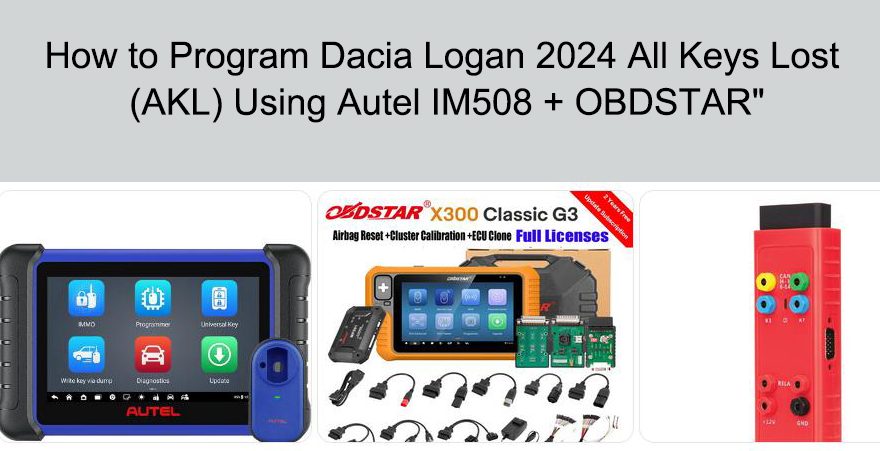
A technician successfully programmed a new key for a Dacia Logan 2024 (blade key type) using:
- Autel IM508
- OBDSTAR X300 Classic G3
To complete this procedure, you will need:
- Autel IM508 (for reading HFM data)
- OBDSTAR X300 Classic G3 (for key programming)
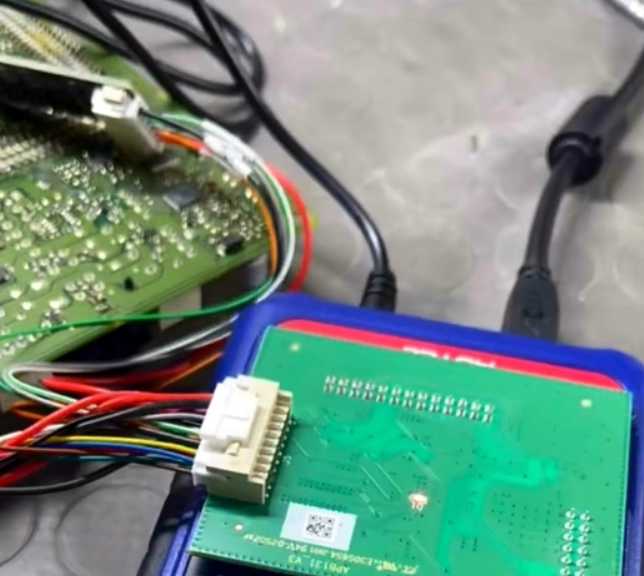
- APB131 Adapter (for EEPROM/HFM reading)
- Working laptop/device (if required)
- New blade key
Important Note
Due to updates from Autel:
- Renault/Dacia All Keys Lost (AKL) function has been removed
- You cannot complete the full process using IM508 alone
Solution: Use OBDSTAR for the final key programming step.
Step-by-Step Procedure
Step 1: Remove Hands-Free Module (HFM)
- Disassemble the vehicle interior to access the Hands-Free Module (HFM)
- Carefully remove the module for data reading
Step 2: Read HFM Dump & Extract PIN Code
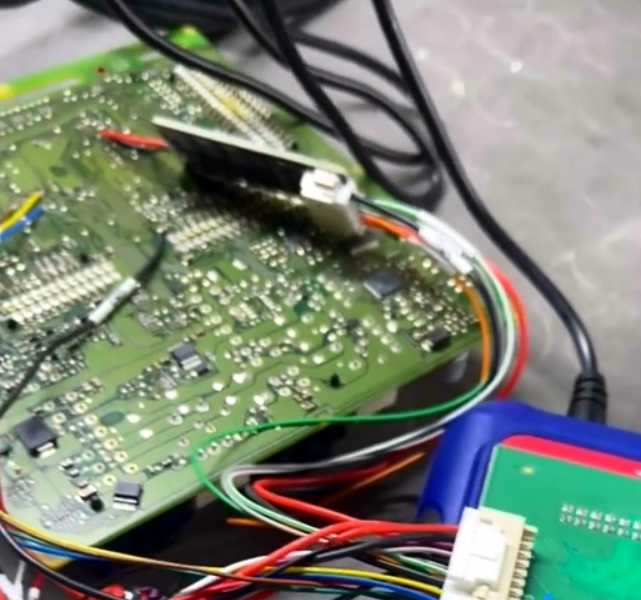
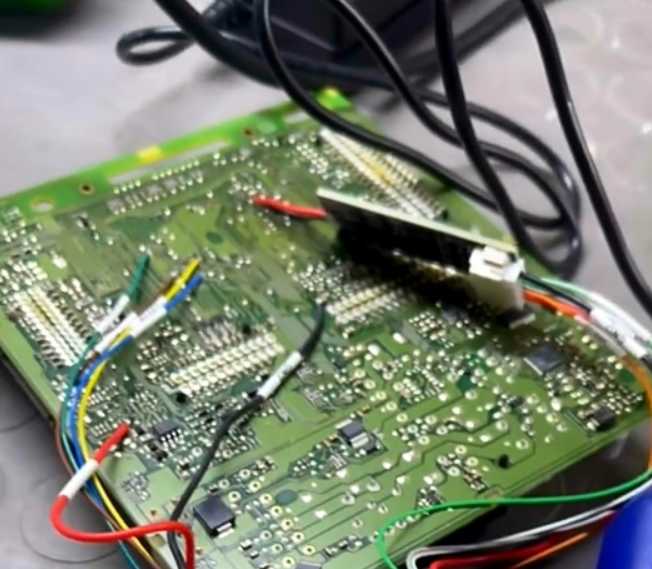
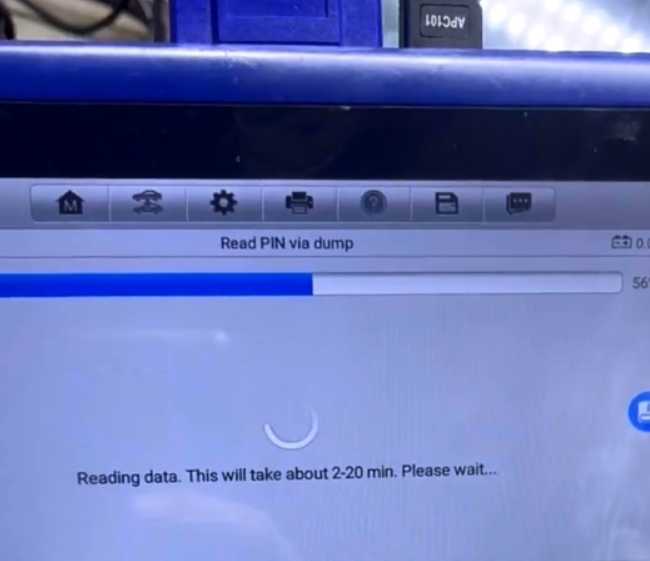
- Connect HFM to Autel IM508 using APB131 adapter
- Read the EEPROM/flash data (dump)
- Extract the 28-digit PIN code
This PIN is essential for key programming
Step 3: Program Key with OBDSTAR
- Switch to OBDSTAR X300 Classic G3
- Select Dacia/Renault key programming function
- Choose All Keys Lost (AKL)
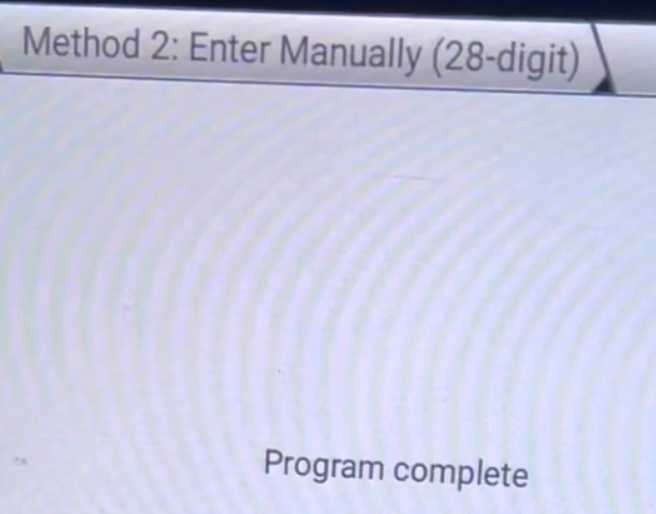
- Manually input the 28-digit PIN code obtained earlier
Follow on-screen instructions to complete programming
Final Result
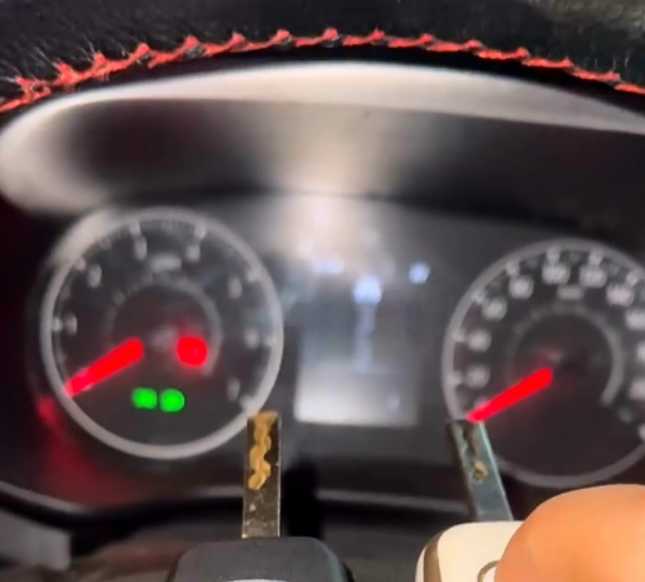
- New blade key successfully programmed
- Vehicle starts normally
- Remote/key functions restored
Key Takeaways
- Autel IM508 can read data but cannot complete AKL for Dacia/Renault anymore
- OBDSTAR X300 Classic G3 is required for final programming step
- The 28-digit PIN code is critical—without it, programming will fail