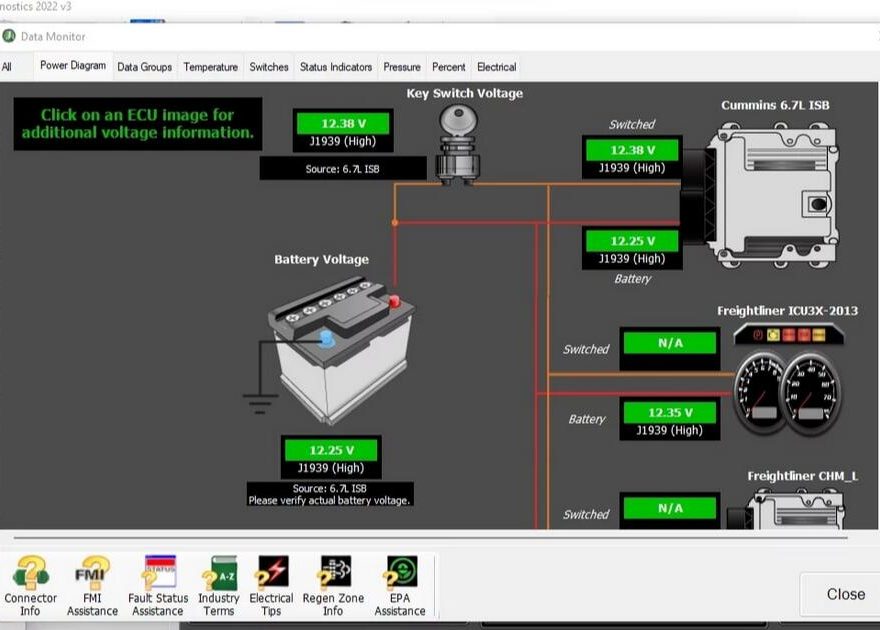
The JPRO 2025 V3 Diagnostic Software provides powerful test and diagnostic functions for commercial vehicles. One of its most valuable features is the CTIS (Central Tire Inflation System) Pressure Test, which allows technicians to accurately measure and control tire pressure across selected axle groups.
This guide explains what the CTIS Pressure Test is, which vehicles are supported, and how to perform the test step by step using JPRO 2025 V3.
What Is the CTIS Pressure Test in JPRO?
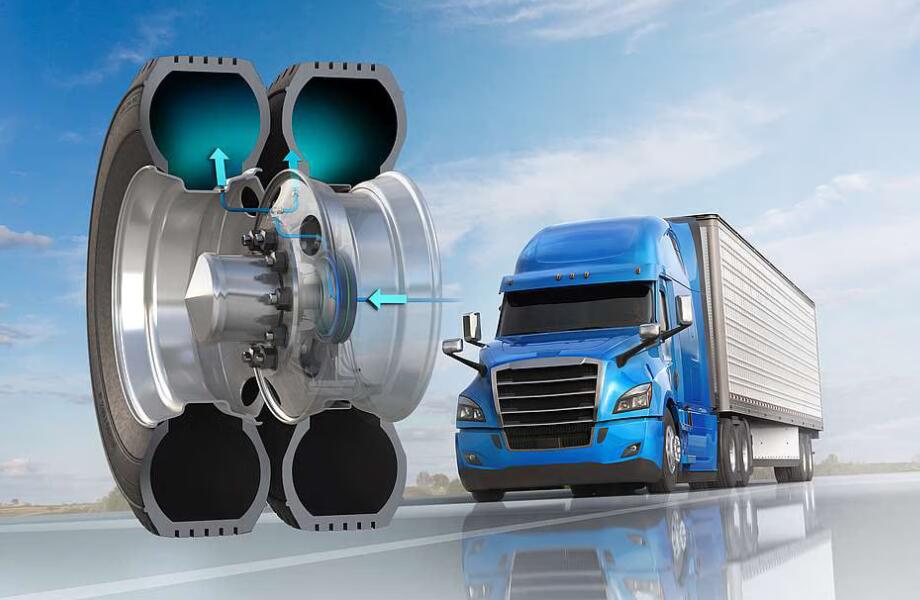
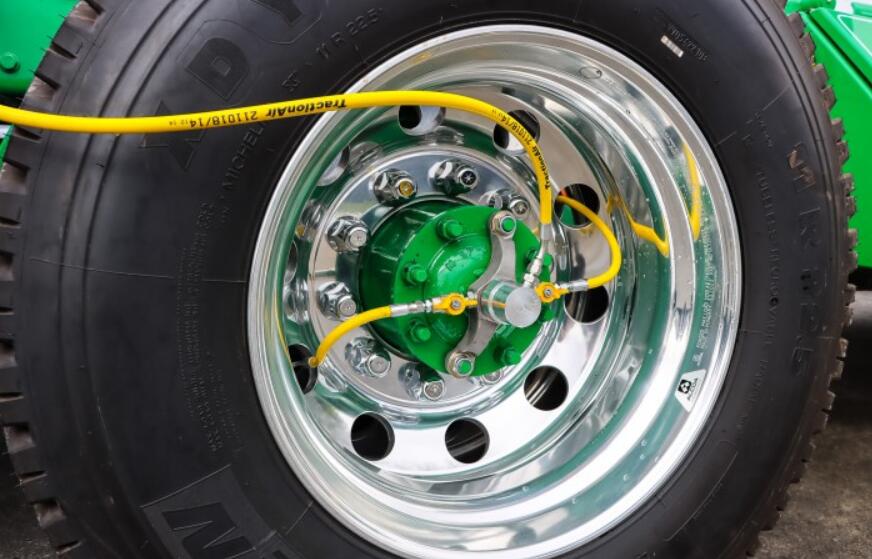
The CTIS Pressure Test enables technicians to evaluate tire pressure by pressurizing or deflating the control lines and reading real-time pressure values directly from the Pneumatic Control Unit (PCU).
Using this test, you can:
- Measure pressure in a selected axle group
- Inflate or deflate tires electronically
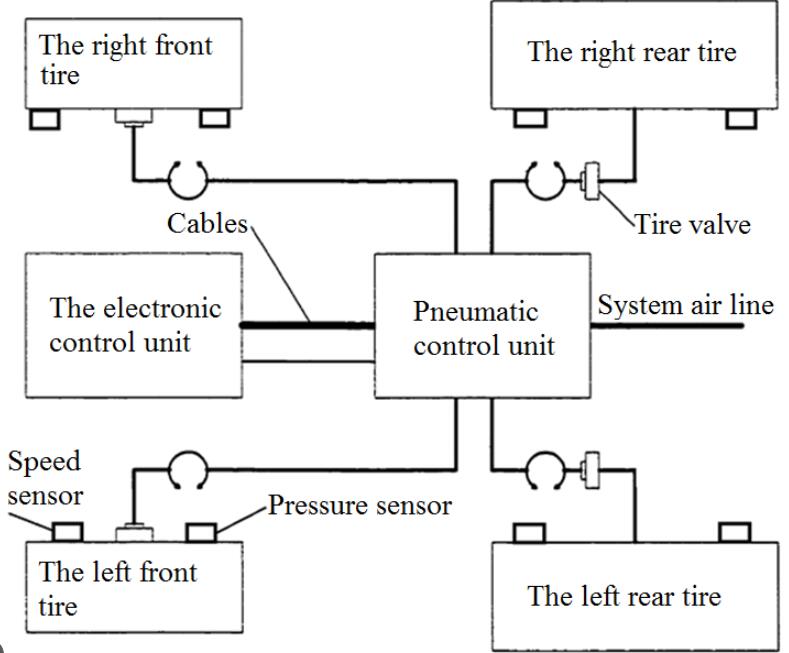

- Monitor live pressure data from the CTIS system
- Verify correct CTIS operation and identify pneumatic faults
This test is especially useful for diagnosing pressure regulation issues on heavy-duty trucks and off-road vehicles.
CTIS Pressure Test System Compatibility
The CTIS Pressure Test in JPRO 2025 V3 is supported on:
- Dana CTIS systems
- Vehicles with J1939 communication available
⚠️ Note: CTIS functionality depends on vehicle configuration and ECU support. Not all CTIS-equipped vehicles support active pressure testing.
Required Tools and Software
Before starting the test, make sure you have:
- JPRO 2025 V3 Diagnostic Software installed
- A compatible Noregon DLA+ 2.0 diagnostic adapter
- A PC or laptop connected to the vehicle’s diagnostic port
- Vehicle ignition switched ON
Step-by-Step: How to Perform a CTIS Pressure Test
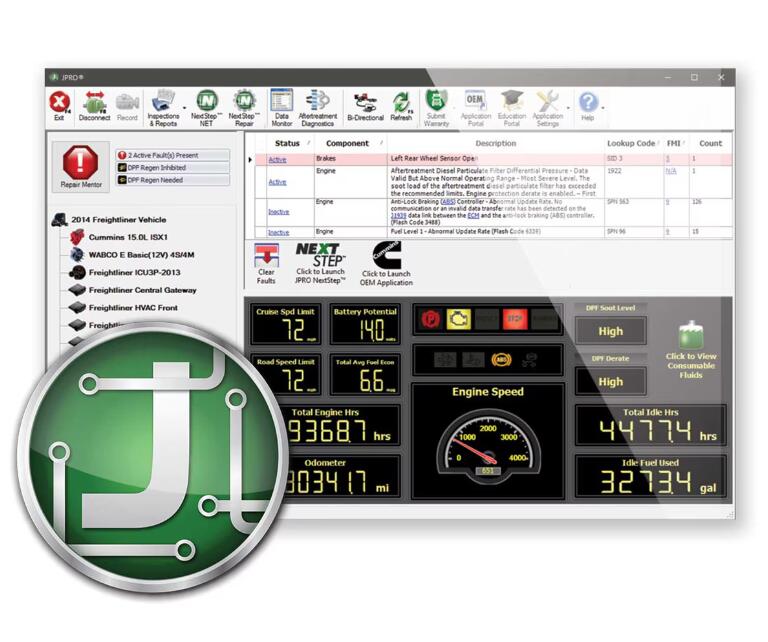
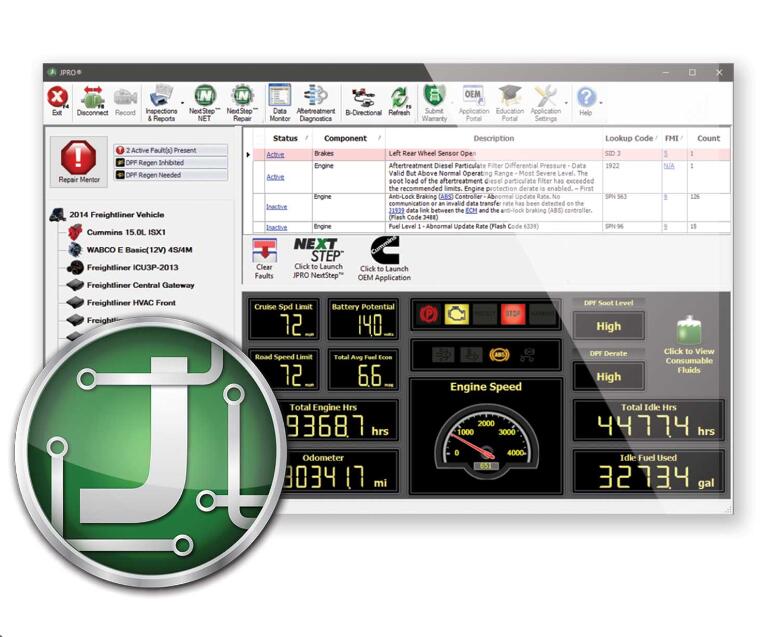
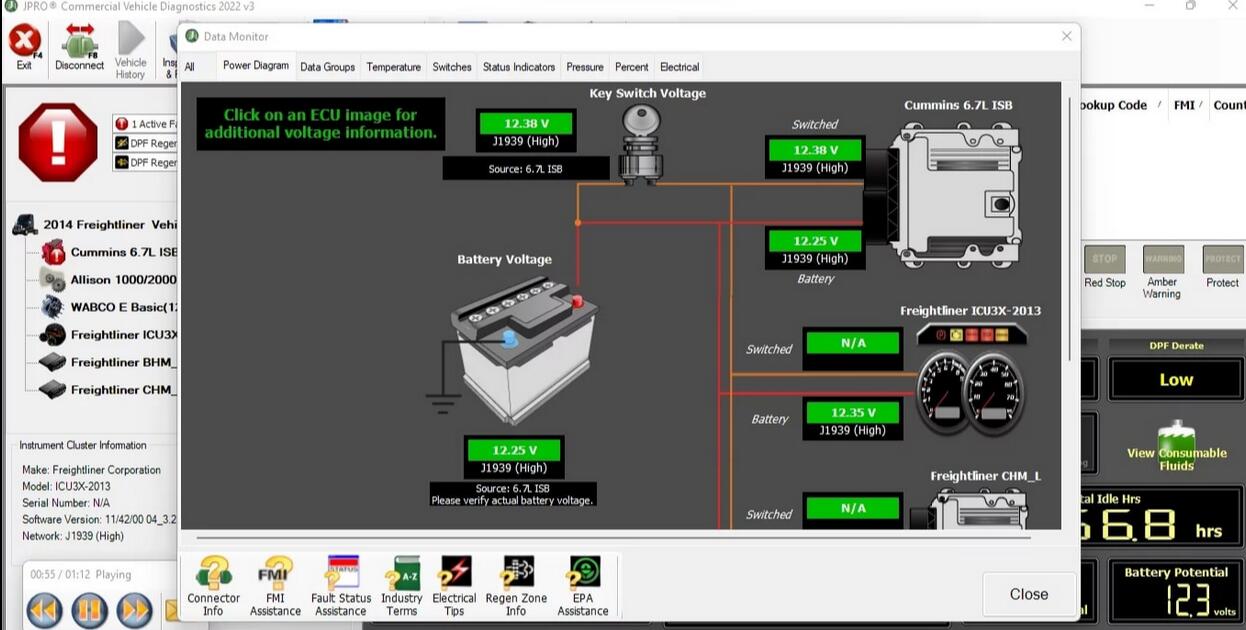
Step 1: Start the CTIS Pressure Test
- Open JPRO 2025 V3 and connect to the vehicle.
- Navigate to CTIS Pressure Tests.
- Press Enter or click the Start button.
The CTIS test dialog screen will appear.
Step 2: Check Current Tire Pressure
- Click the Check Pressure button.
- JPRO will refresh and display the current pressure values.
- Review the data from the Pneumatic Control Unit (PCU).
This step helps establish a baseline before inflating or deflating.
Step 3: Deflate the Tires
- Click the Deflate button to begin tire deflation.
- The Hold and Stop buttons will become active.
- System status will alternate between:
- Tires Deflating
- Checking Pressure in Tires
- Monitor the live pressure data on the screen.
Optional Controls:
- Click Hold to pause deflation and recheck pressure.
- Click Stop to immediately stop the deflation process.
Step 4: Inflate the Tires
- Click the Inflate button to begin tire inflation.
- The Hold and Stop buttons will become active.
- System status will alternate between:
- Tires Inflating
- Checking Pressure in Tires
- Monitor the displayed pressure values closely.
Optional Controls:
- Click Hold to pause inflation and check pressure.
- Click Stop to end inflation at any time.
⚠️ Important: The CTIS system allows tire pressure to exceed preset limits. The test must be stopped manually to avoid over-inflation.
Step 5: Exit the Test
- Once the test is complete, click the Exit button.
- You will return to the CTIS test selection menu.
Common Tips and Safety Notes
- Always monitor tire pressure in real time during inflation or deflation
- Do not rely solely on preset limits
- Stop the test immediately if abnormal pressure behavior is observed
- Ensure all pneumatic connections are secure before testing
Related Resources
- JPRO 2025 Diagnostic Software Download Guide
- JPRO DLA+ 2.0 Diagnostic Adapter with laptop
- Troubleshooting Common CTIS Faults
Frequently Asked Questions (FAQ)
What vehicles support the CTIS Pressure Test in JPRO 2025 V3?
The CTIS Pressure Test is supported on vehicles equipped with Dana CTIS systems that communicate via the J1939 protocol. Availability depends on vehicle ECU configuration.
Can JPRO automatically control tire inflation and deflation?
Yes. JPRO 2025 V3 allows technicians to electronically inflate and deflate tires during the CTIS Pressure Test while monitoring real-time pressure data from the Pneumatic Control Unit (PCU).
Is it safe to perform a CTIS Pressure Test with JPRO?
The test is safe when performed correctly. However, tire pressure can exceed preset limits, so technicians must manually monitor and stop the test to avoid over-inflation or under-inflation.
Do I need special hardware to run the CTIS Pressure Test?
Yes. You need JPRO 2025 V3 Diagnostic Software and a compatible diagnostic interface such as the Noregon JPRO DLA+ 2.0 adapter.
Why can’t I see CTIS Pressure Test options in JPRO?
If the option is missing, the vehicle may not support CTIS testing, J1939 communication may be unavailable, or the CTIS ECU may not be detected.
Recommended Diagnostic Tools
To perform CTIS diagnostics smoothly and reliably, we strongly recommend the following professional tools:
🔹 JPRO 2025 V3 Diagnostic Software
- Full commercial vehicle diagnostics
- Advanced tests including CTIS, ABS, braking, and pneumatic systems
- Supports Dana CTIS and J1939-based vehicles
👉 Best choice for truck and fleet maintenance professionals
🔹 Noregon JPRO DLA+ 2.0 Diagnostic Adapter
- High-speed, stable communication
- Designed specifically for JPRO software
- Supports heavy-duty trucks and commercial vehicles
👉 Ensures accurate data transmission during CTIS pressure testing
Need Help with JPRO CTIS Diagnostics?
If you are unsure whether your vehicle supports CTIS Pressure Testing or need assistance with JPRO installation, configuration, or hardware selection, our technical team is ready to help.
Final Thoughts
The CTIS Pressure Test in JPRO 2025 V3 is a powerful diagnostic feature for maintaining and troubleshooting central tire inflation systems. When combined with the right hardware and proper monitoring, it allows technicians to accurately control tire pressure, identify CTIS faults, and improve vehicle safety and reliability.
For workshops and fleet operators working with Dana CTIS-equipped vehicles, JPRO 2025 V3 is an essential diagnostic solution.
Need Professional Tools for JPRO CTIS Diagnostics?
To perform the CTIS Pressure Test in JPRO 2025 V3 smoothly and safely,
using the correct diagnostic software and interface is critical.
- ✔ Full support for Dana CTIS & J1939 vehicles
- ✔ Stable pressure control & real-time PCU data
- ✔ Suitable for workshops, fleets, and professional technicians