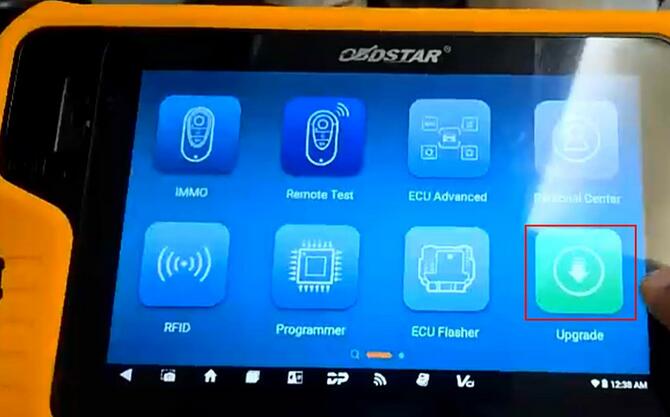
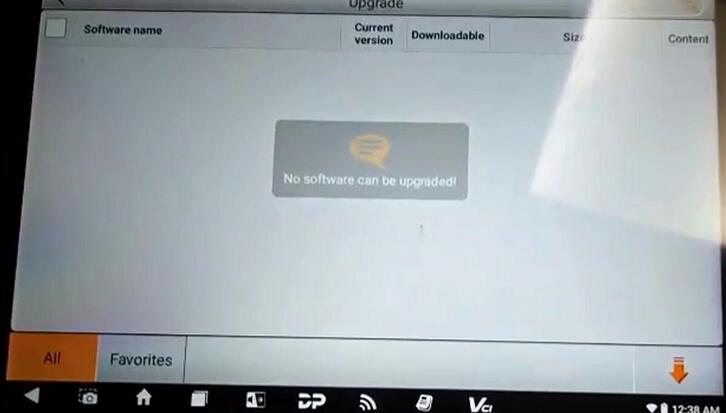
Some users of the OBDSTAR X300 Classic G3 equipped with an ECU license have reported a program execution issue. After downloading all available software, the device fails to launch the Immobilizer or ECU programming functions. When attempting to start the process, the following error message appears:
Error: Diagnostic program loading failure, please return to exit.
Code: -016 [security is not ELF file]
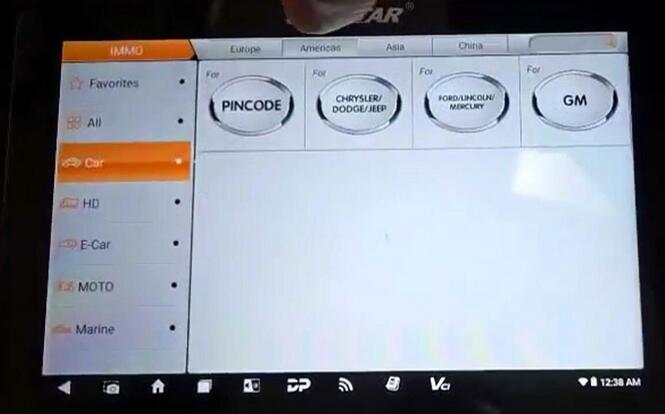
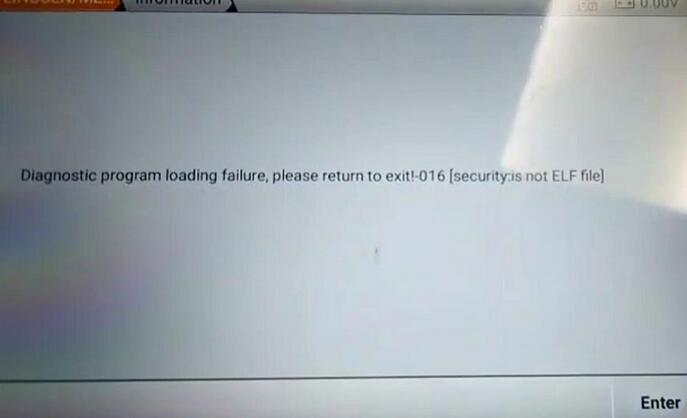
This issue prevents the diagnostic or ECU-related functions from running properly.
Root Cause
The error typically occurs due to conflicting or outdated secret key files stored in the device’s internal directory. These key files manage software security verification. If an old or invalid key remains in the system, it can block proper program loading.
Step-by-Step Solution
To resolve the issue, follow the instructions below:
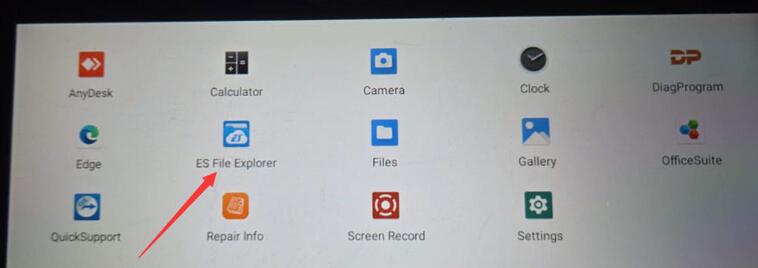
- Open the ES File Browser on your OBDSTAR G3 device.
- Navigate to the following directory:
Local → Home → DP → [Your Device Serial Number Folder]
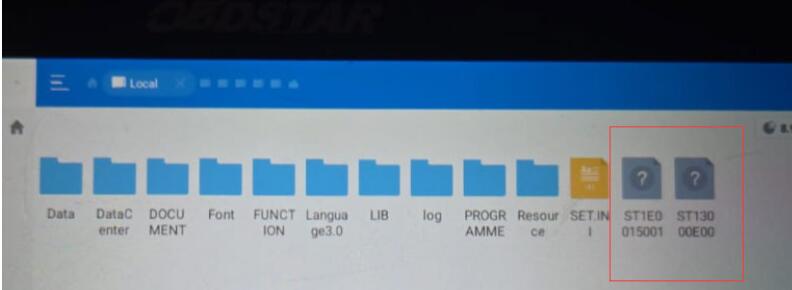
Example: DP-961400063990 - Inside this folder, look for files that begin with the prefix “ST”. These are your secret key files.
- If you find two or more files starting with “ST”, delete the older one (the one with the earlier modification date).
- After deletion, restart the G3 device and re-enter the diagnostic software.
- Try executing the Immobilizer or ECU function again.
This should eliminate the “Diagnostic program loading failure -016” error and allow the software to load normally.