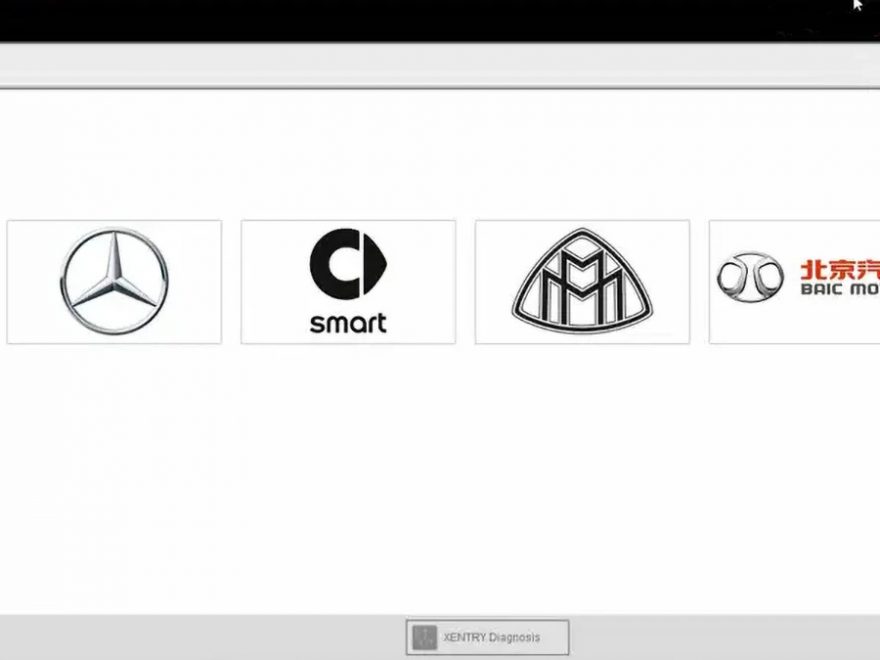
Xentry Diagnostic Version 12/2025 enhances your ability to thoroughly and swiftly diagnose vehicle systems. It provides comprehensive support for car models until the close of 2025. A Certificate is only necessary for car models 2025 (and a few from 2020). You can download the software from the link below:
Table of Contents
- What is Mercedes Xentry Diagnostic Software?
- Xentry Diagnostic Software Installing Steps
- Reasons for a failed installation:
What is Mercedes Xentry Diagnostic Software?
Mercedes Xentry is a diagnostic software used for Mercedes vehicles up to the year 2025. It offers extensive capabilities such as reading and removing errors, changing actuators, diagnosing all vehicle systems, and providing repair plans.
Mercedes-Benz developed XENTRY software as a specialized diagnostic tool for diagnosing all Mercedes vehicles, including trucks, construction machinery, and group vehicles such as Smart, Maybach, and Fuso.
It is divided into two diagnostic support protocols: Xentry OpenShell and Xentry Passthru.
Xentry Openshell connects J2534 or C4 or C5 or C6 or VCX SE or M6
Xentry Diagnostic OpenShell support all of the functions from the most basic installation, repair instructions, pointing out the damage position in the car.
Remote installation using Teamviewer or Anydesk
Check also: Introducing the latest 2025 NEW VERSION of Mercedes Benz Star Diagnostic including XENTRY Program, DAS, DTS Monaco, Vediamo, And STAR Finder + SUPER MB PRO M6 + FULL REMOTE INSTALLATION. This diagnostic service tool is designed for Mercedes Benz, providing the ultimate solution for troubleshooting car problems.
Get Xentry Software – Latest Update
This package is for Xentry Openshell software which is the best version of Xentry and work for all model.
V2025.09 Car MB Star C4/C5 BENZ Diagnostic Software: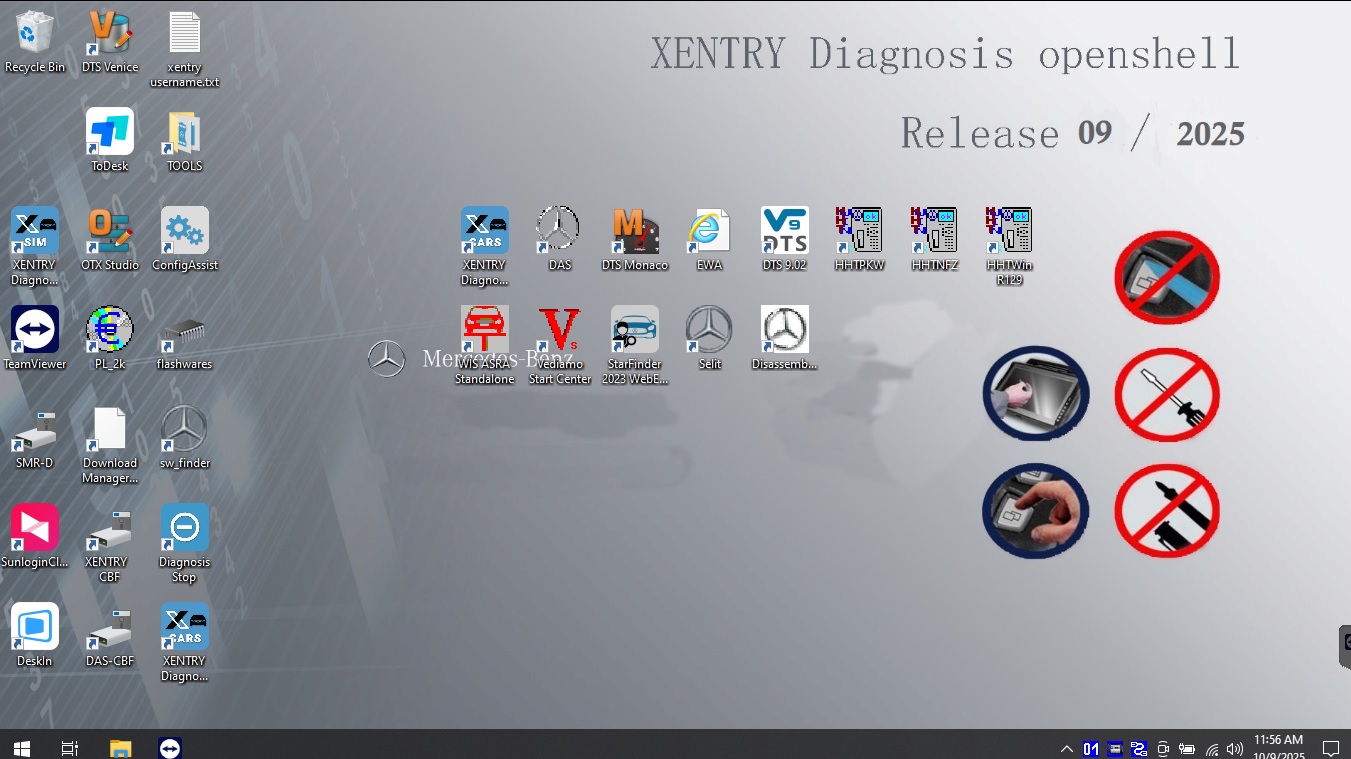
V2023.09 Truck MB Star C4/C5 BENZ Diagnostic Software:
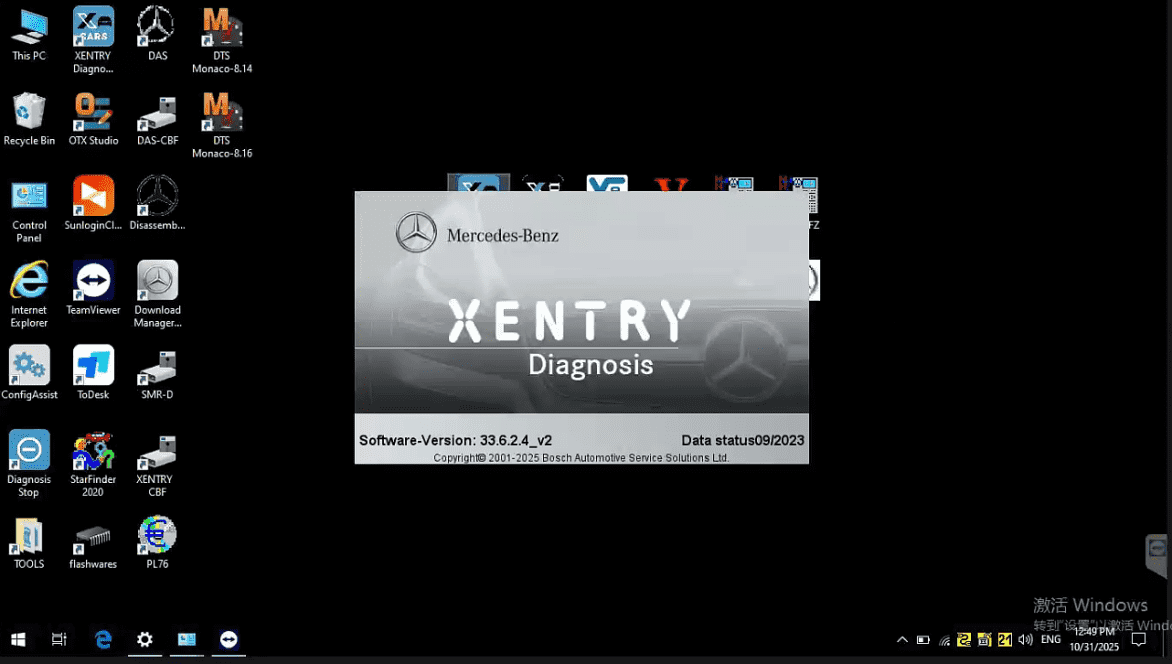
Software listing:
1.DAS Truck V2025.12 /car v2023.09:the automatically Diagnosis Assistance System.Support 257 and so on new cars to register free to diagnosis
2. Xentry Truck V2025.12 /car v2023.09:New software released by Benz Company after 04/2009 by diagnosis new cars.
3. WIS net 2021.10:Workshop Information System
Supply the whole view of the wiring diagram in a car, component location diagram and maintenance method. What you do is to enter the chassis number, and then you will get the manufacture data, engine configuration and the car model -all in detail.
4. EPC.net 2018.11:Electronic Parts Catalog
5. ST Finder:Part Location Finder options: 2016 and 2020 and 2023
6. STARUTILITIES :the movement management system and self-test
7. SD MEDIA 2014
8. PL76 2022.01
9.HHT Software for old cars
10.DisassembyAssistant
11.Selit Service Literature V1.4
12.Engineer version Vediamo updated to V5.01.01 ,Engineer version DTS updated to V9.02,Upgrade to the latest version of 2022 data
1) Fix the error that Mercedes-Benz DAS cannot directly call WIS
2) Join the DAS sedan smart offline programming
3) Join the 204 DAS stand-alone version, which can be mutated (German), which is more powerful than Vediamo
4) Join DAS special function password-free access PKW and SMART
5) Repair SMART 450, 451, 452, 454 No longer need TAN Calculator, all offline
6) Increase offline EOL and VMAX all LKW, modify truck maximum speed limit
7) Lift the truck NOx TORGUE restriction, do not need FDOK XT calculation code, directly enter, directly cancel the legal speed limit, you can modify without special function
8) Clear the truck SCR/ADBLUE fault code (MR), do not need FDOK XN calculation code, enter directly
9)Add DAS 212,207 prototyp model
10)Add Xentry special features and the VeDoc calculator ($53 for activation)
The reason why we don’t include the latest 2025.09 truck software:
Because versions of the truck software after 2023.09 have issues testing some trucks.
Therefore, we still use the 2023.09 truck software version.
If you still require the 2025.09 truck software version, please leave a message and we will send you the 2025.09 truck software.
However, installing the latest version of the software can be challenging due to the variety of unofficial devices available in the market. Here are some important points to consider when using the Mercedes-Benz software package:
1. The latest versions of Mercedes-Benz software are Mercedes Xentry Openshell 12 /2025 and Mercedes Xentry Passthru 09/2023.
2. Xentry Openshell 12 /2025 is compatible with connectors like SD Connect C4 DOIP, SD Connect C5, and VCI C6. For optimal performance, it is recommended to use the SD Connect C4 DOIP device.
3. J2534 multifunctional diagnostic equipment is supported by PassThru, and some devices like VAS5054, Autel, and Open Port are also compatible.
4. To diagnose the newest Mercedes models from 2021 onwards, an Xentry certificate is required. You can obtain the Xentry certificate by contacting Dealers Software. With the certificate, you gain the ability to thoroughly diagnose vehicle systems for models up to 2025.
Xentry Diagnostic Software Installing Steps
To ensure a smooth installation process and prevent any errors, please ensure that your computer meets the following configuration:
– Operating System: Windows 10 64-bit
– Storage: 23GB available for files and 110GB for installation
– Processor: Intel Core i5 3rd generation with a frequency of approximately 2.3 GHz or higher
– RAM: 8GB or more
– Required Feature: .NET Framework 4.8
Here are the steps for Installing the Xentry Diagnostic software:
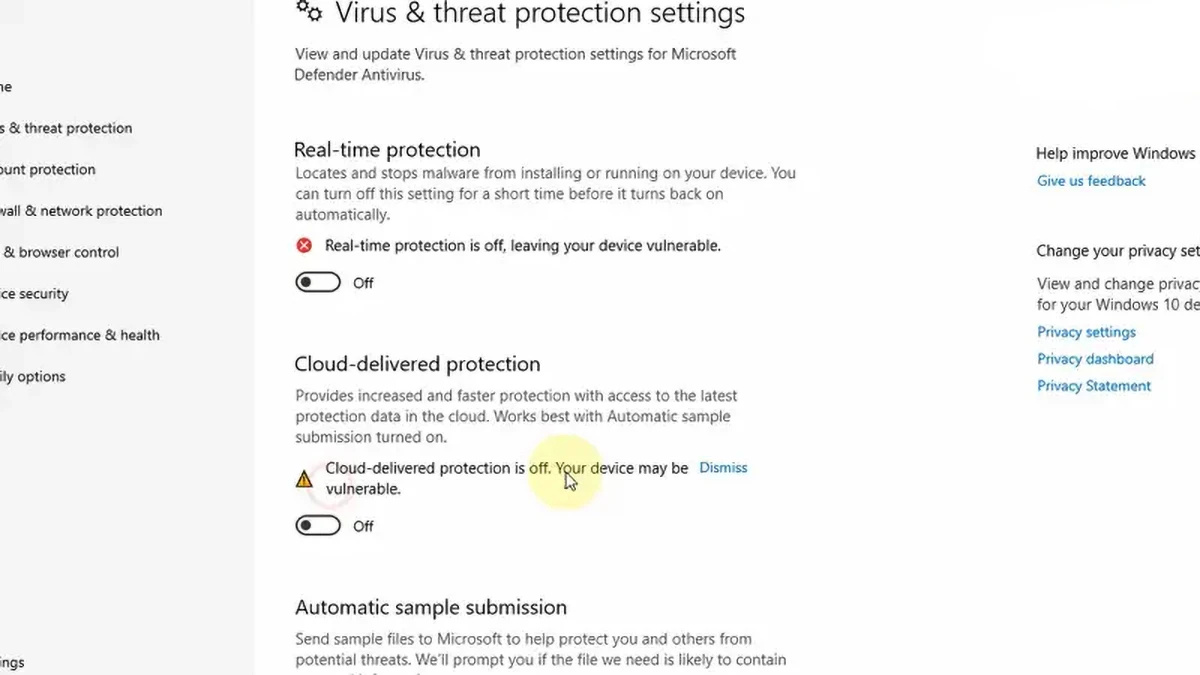
1- Disable your antivirus and firewall.
– Click on the search bar and type “Windows Security”.
– Select “Virus & threat protection”.
– Click on “Manage settings”.
– Toggle the switch under “Real-time protection” to turn it off.
– Confirm any prompts that may appear.
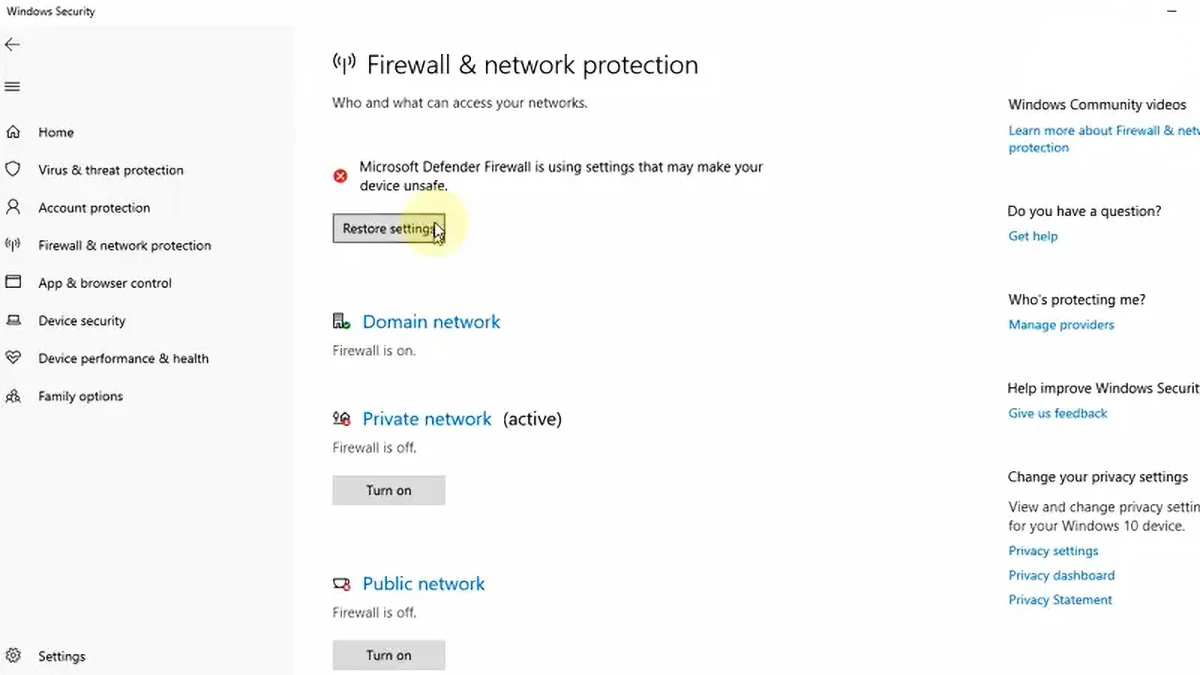
disable your antivirus and firewall
2- Run the software from the designated folder.
– Before installing Xentry OpenShell software, ensure VCRedist x86 x64 is enabled.
– Navigate to the folder containing the software.
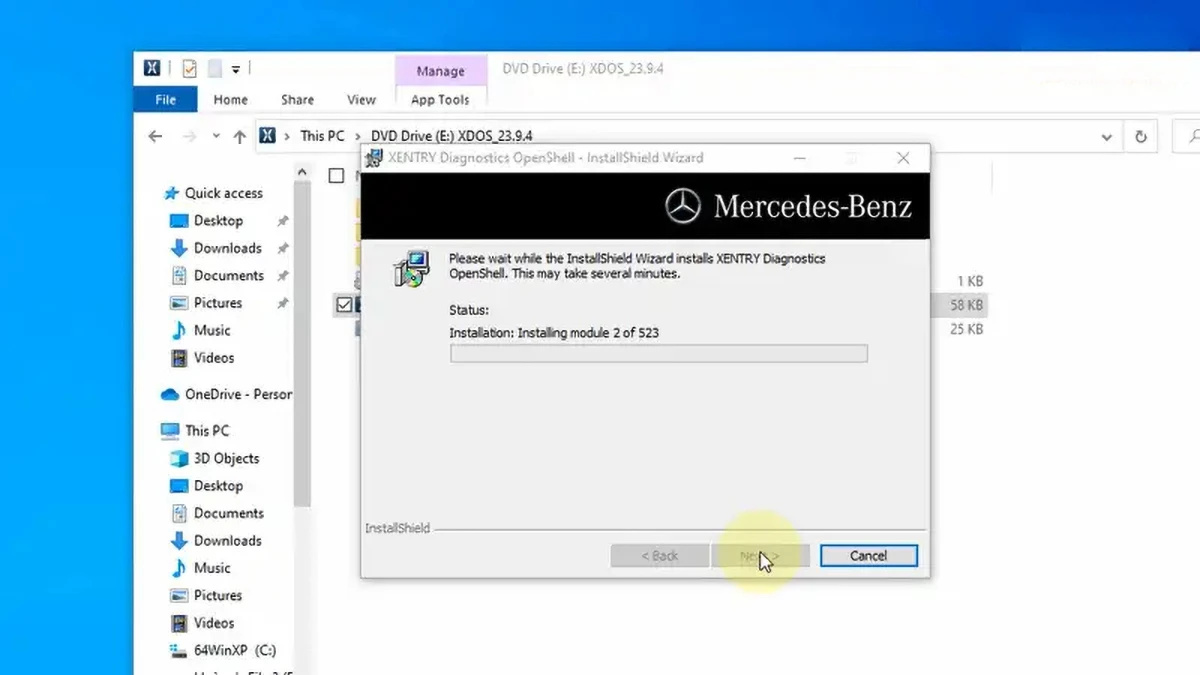
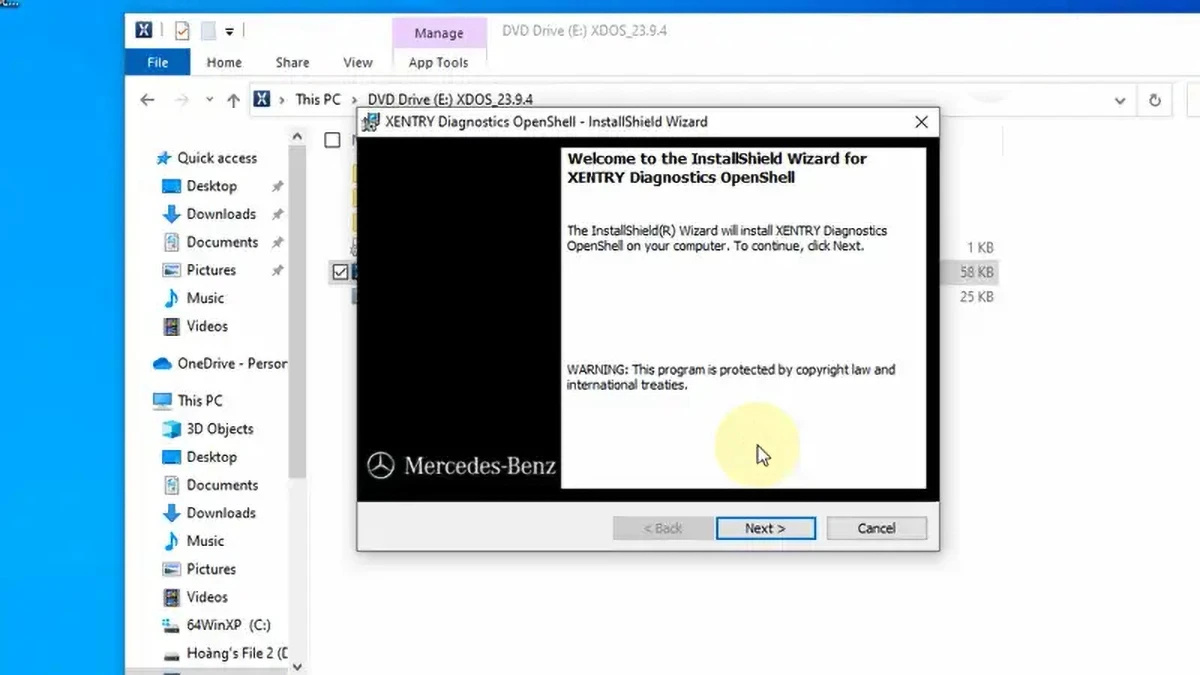
– Click on “XDOS” and select “Mount” to initiate the installation process.
– Allow the installation to proceed uninterrupted, as it may take several hours to complete.
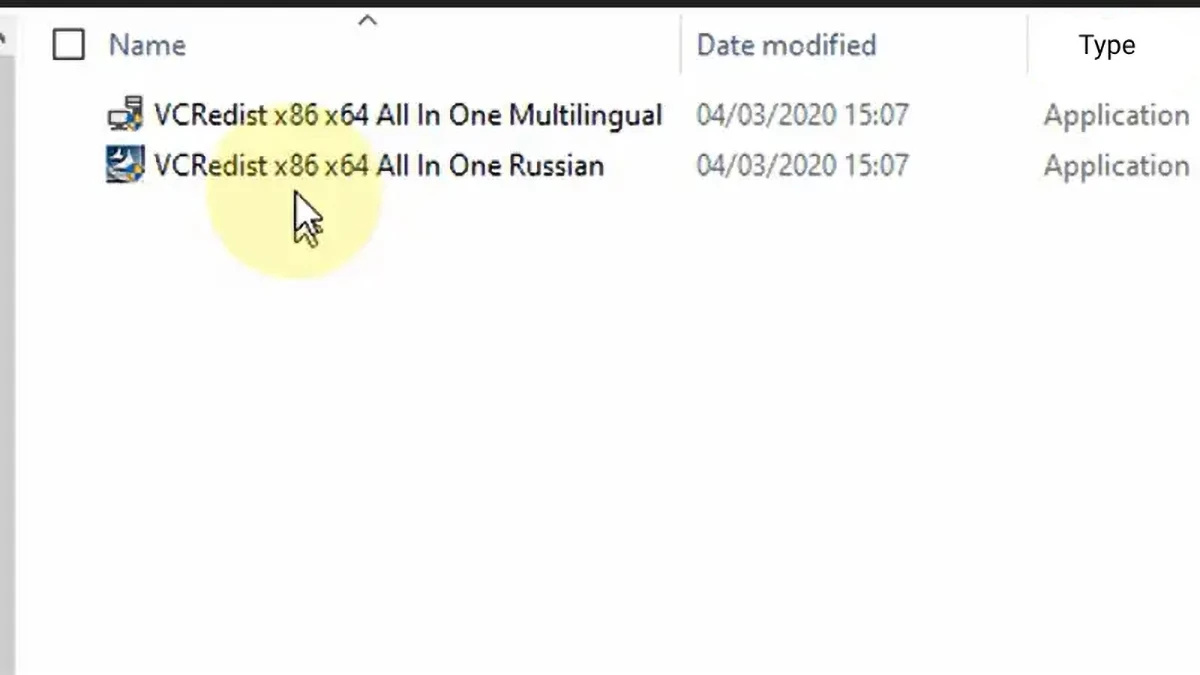
– Run all applications as administrator and select your preferred language.
– – Ensure that there is sufficient free space available before initiating the installation.
– – Verify that .NET Framework 4.8 is installed, and consider enabling the Microsoft Message Queuing Server (MSMQ) feature if required by your Windows version.
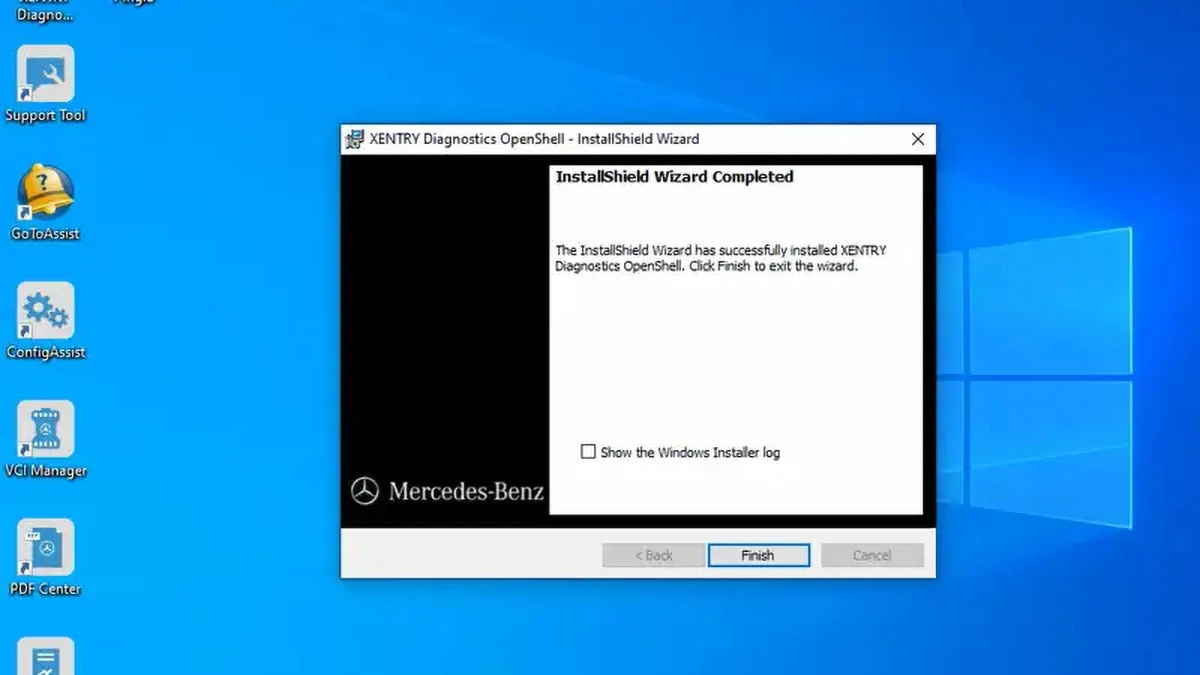
– – Monitor the installation process closely until it reaches completion.
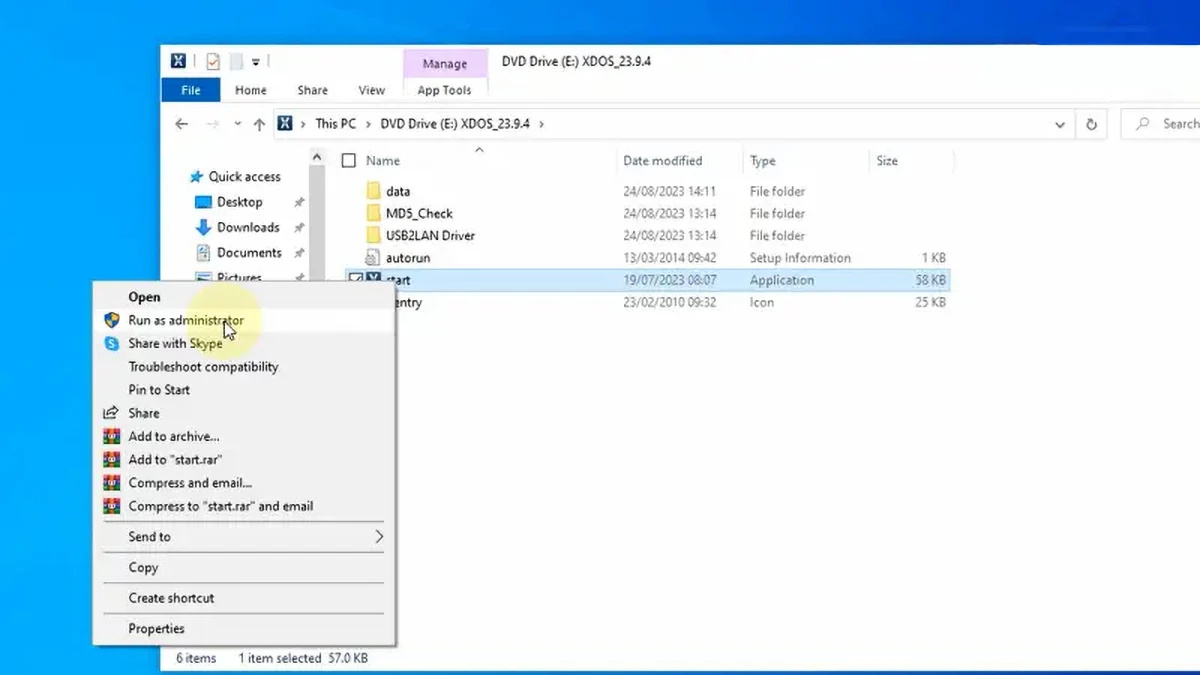
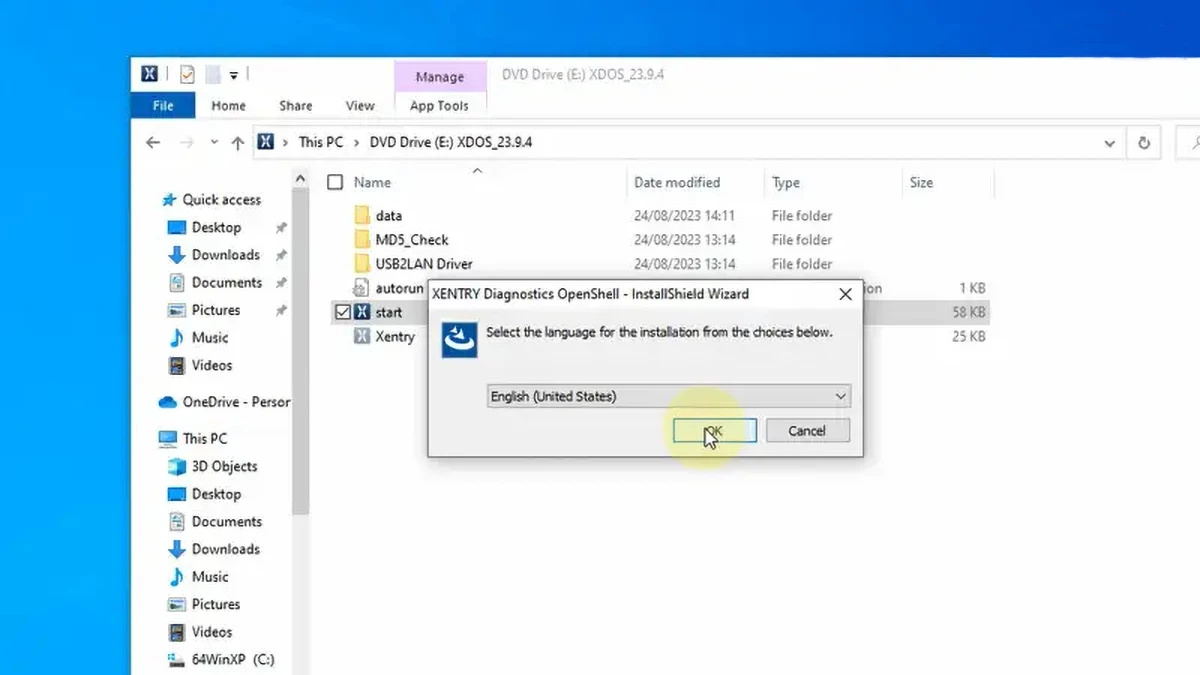
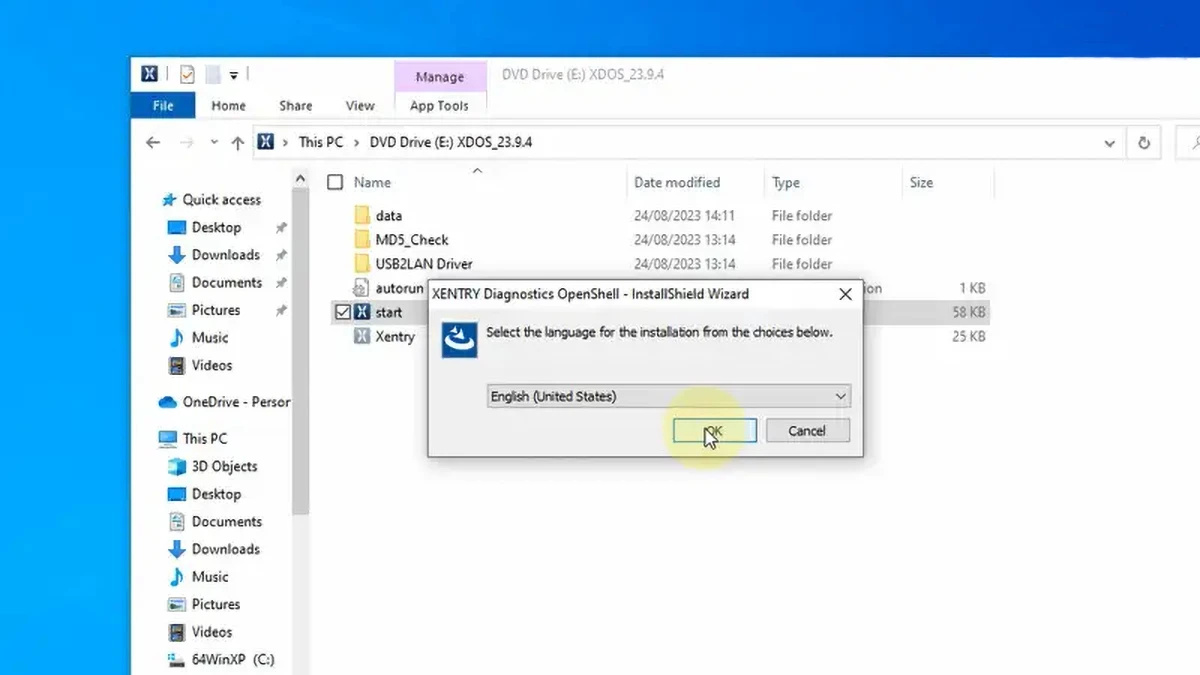
3- After running XENTRY, your computer will require a reboot.
4- After restarting the computer, make sure to confirm whether the antivirus software has been re-enabled, and if it has, disable it again.
5- Disable Xentry’s PDFs from running in the background by accessing Task Manager. Right-click on the Windows toolbar to open it.
6- To crack the OpenShell software and insert the missing file, navigate to the CLO drive.
7- Activate the software by using the provided ID to obtain the Activation Key.
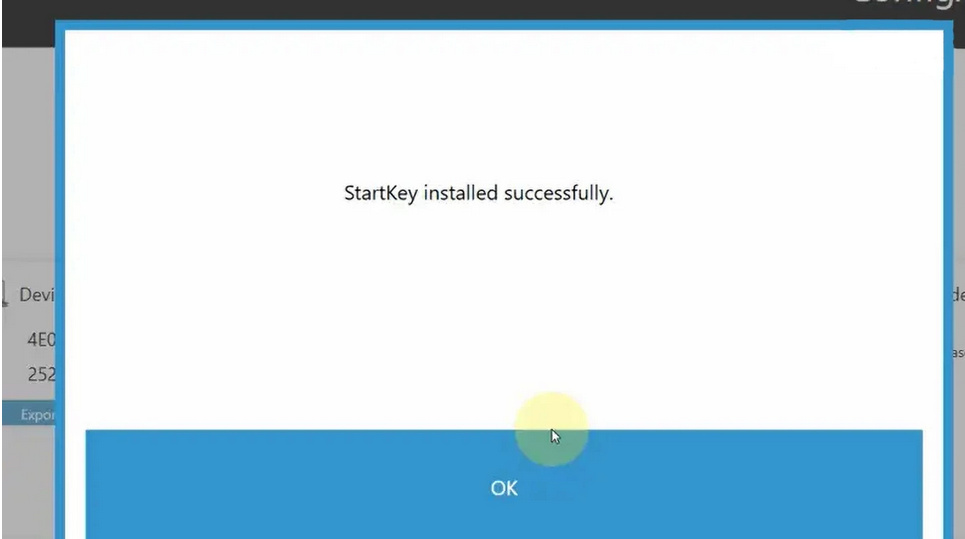
8- Save the Activation Key securely.
9- Modify the LAN ID as required.
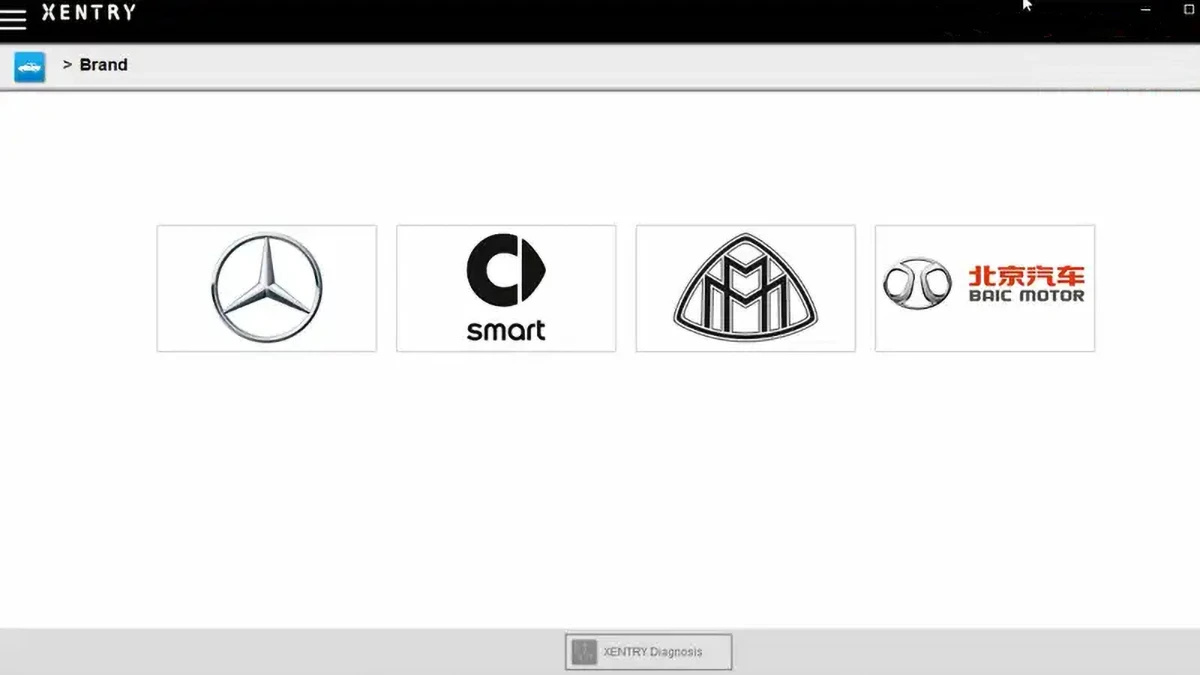
10- Verify and utilize the software.
Common Reasons for Installation Failure
❌ Incorrect activation key
❌ Antivirus or firewall not disabled
❌ Insufficient disk space
❌ Old Xentry version not fully uninstalled
Need Help? Get Professional Remote Installation
If you encounter issues during installation, Dealers Software provides:
-
✅ Remote installation via TeamViewer / AnyDesk
-
✅ Certificate activation
-
✅ Error troubleshooting
-
✅ Time-saving professional setup
Learn More About Mercedes Diagnostic Tools
For more Mercedes-Benz diagnostic tools, software, and professional solutions, visit:
👉 https://www.obd2tool.com
Need compatibility confirmation, certificate guidance, or remote installation?
Send an inquiry and our team will help you choose the correct setup.